Open
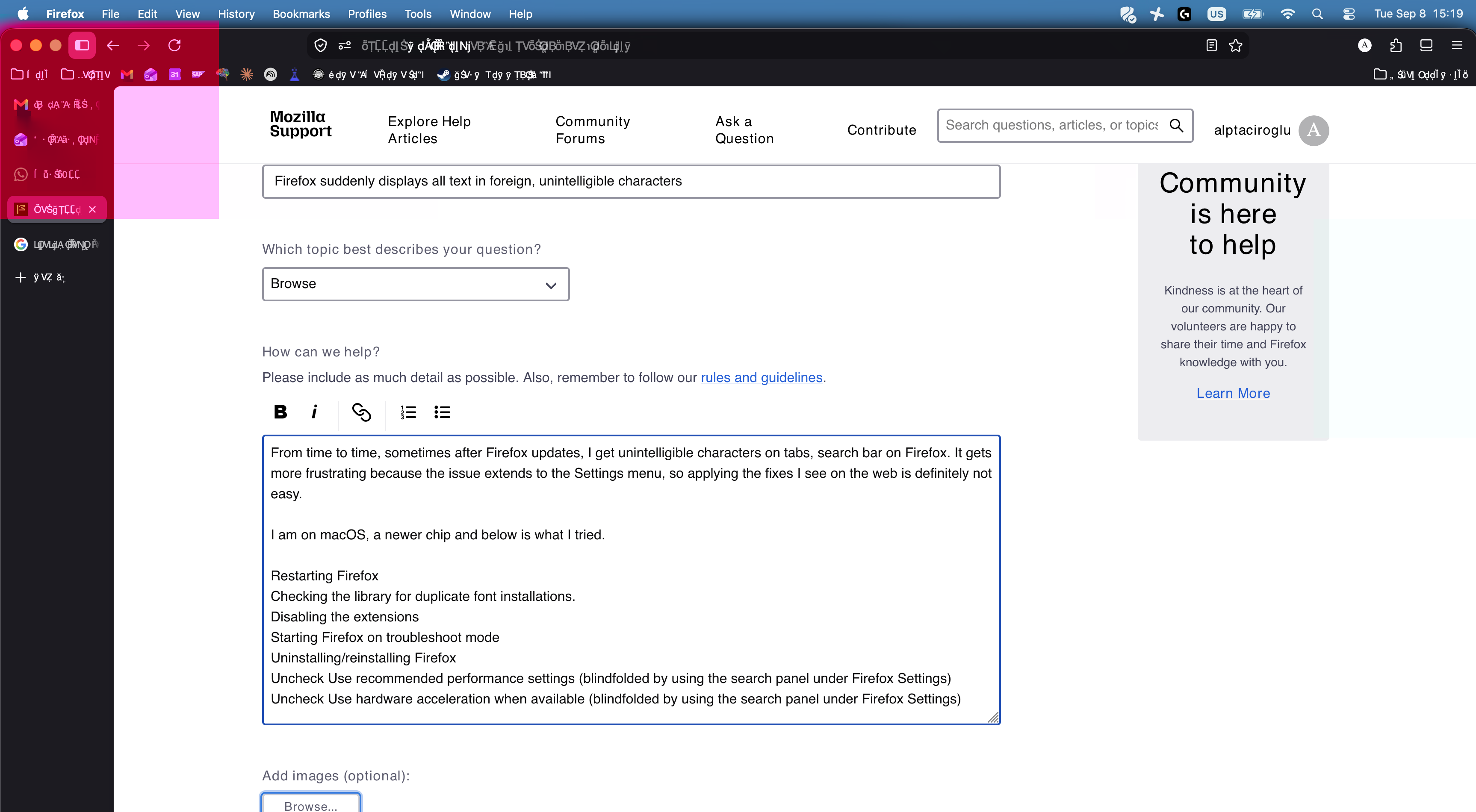
Firefox suddenly displays all text in foreign, unintelligible characters

From time to time, sometimes after Firefox updates, I get unintelligible characters on tabs, search bar on Firefox. It gets more frustrating because the issue extends to the Settings menu, so applying the fixes I see on the web is definitely not easy.
I am on macOS, a newer chip and below is what I tried.
Restarting Firefox Checking the library for duplicate font installations. Disabling the extensions Starting Firefox on troubleshoot mode Uninstalling/reinstalling Firefox Uncheck Use recommended performance settings (blindfolded by using the search panel under Firefox Settings) Uncheck Use hardware acceleration when available (blindfolded by using the search panel under Firefox Settings)
From time to time, sometimes after Firefox updates, I get unintelligible characters on tabs, search bar on Firefox. It gets more frustrating because the issue extends to the Settings menu, so applying the fixes I see on the web is definitely not easy.
I am on macOS, a newer chip and below is what I tried.
Restarting Firefox
Checking the library for duplicate font installations.
Disabling the extensions
Starting Firefox on troubleshoot mode
Uninstalling/reinstalling Firefox
Uncheck Use recommended performance settings (blindfolded by using the search panel under Firefox Settings)
Uncheck Use hardware acceleration when available (blindfolded by using the search panel under Firefox Settings)