


when i go to my website on firefox it says "Secure Connection Failed" but it loads fine on safari

when i go to my website on firefox it says "Secure Connection Failed" but it loads fine on safari. i've never seen it do this before. Is this a firefox issue?
full error message: Secure Connection Failed
The page you are trying to view cannot be shown because the authenticity of the received data could not be verified. What can you do about it?
The issue is most likely with the website, and there is nothing you can do to resolve it. You can notify the website’s administrator about the problem.
Error Code: PR_CONNECT_RESET_ERROR
how do i fix this?
All Replies (18)
Hi
This support article should help:
https://support.mozilla.org/en-US/kb/secure-connection-failed-firefox-did-not-connect
but the screenshots from your link show the option to click advanced. i dont have any of those options.
Does the issue still occur if you clear your browsing history?
i pressed "clear recent history", then hit refresh and went to my homepage and im still getting the same error message with no buttons to click
What is the address of the website that you are trying to view?
its my own personal website, i asked someone else who lives an hour away to try it on firefox and it loaded just fine for this person. which tells me its an issue with my firefox, just dont know why this happened. and how to fix it.
Modified by rachelcenter
I've tried to clear every single thing from my browser from history to cache to cookies and the issue persists
Are you able to share a full page screenshot of the page with the error message when you try to view that site?
no i cant show a full page. only this. see attached screenshot
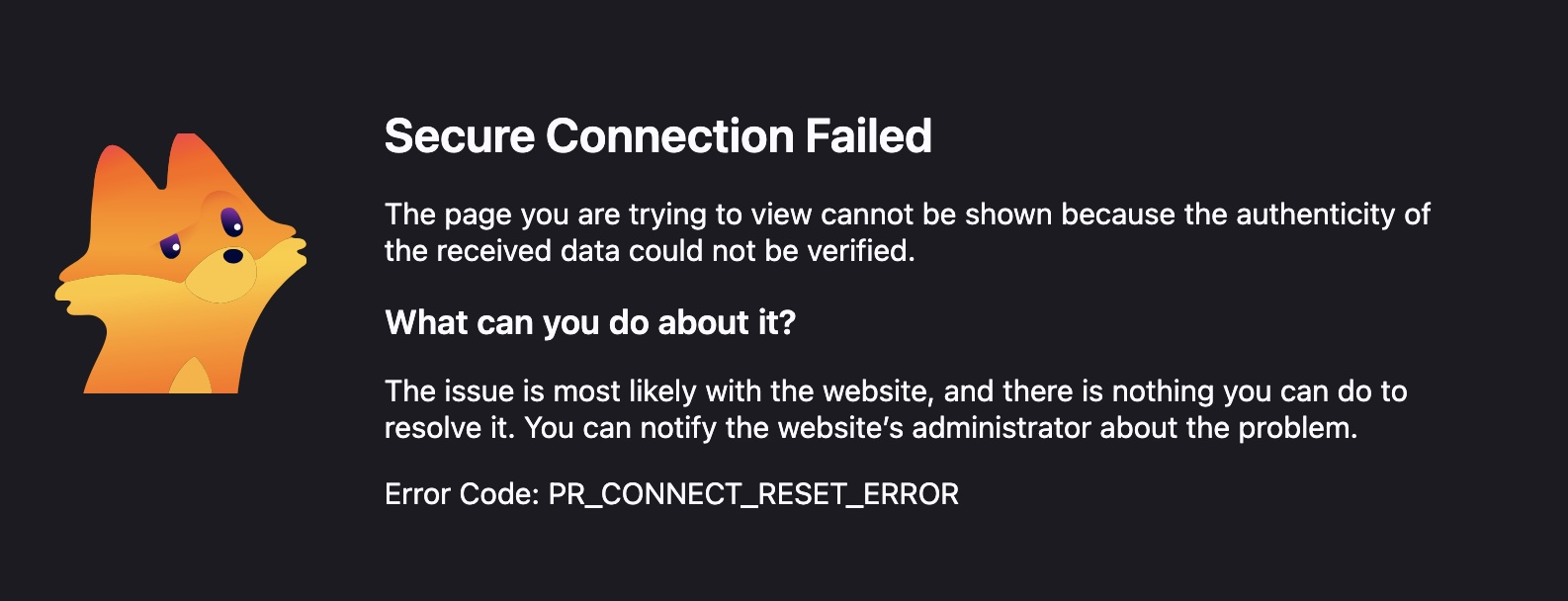
This means the server hung up without responding. It might be something local to you (your internet provider, router/modem, DNS–over–HTTPS setting or provider used) — basically try restarting your networking hardware, and if you can connect via another network like tethering via a hotspot if you have cellular data plan, to see if there's any difference.
when you say restart my network hardware, you mean the modem/router? I didnt restart it yet but i turned the wifi on (on this desktop computer and then chose my phones mobile hotspot as the internet) and then attempted to go to my website and security warning persisted. this has never happened before. how does this happen out of the blue? and why do all the steps sound so complicated when websites should just work when they havent been changed and theyve been working for years. this doesnt make sense
I turned off the modem/router. turned it back on. went to my website and its still giving me this Error Code: PR_CONNECT_RESET_ERROR
Yeah restarting the modem for example, to get the provider rotate your external addresses etc. — just to rule out additional things.
The connection reset basically comes from the server. You're saying it's your site? Does this happen on every page? Or just, say, on admin login, or some gallery post/management internal page etc.?
I did a modem/router reboot, meaning I went to the webpage that runs this modem/router and entered the access code and hit restart. but the issue persisted.
yes i believe every page of my website is giving me the Error Code PR_CONNECT_RESET_ERROR
I tried using https:// at the top of my url and that didnt fix the issue.
flushed the dns cache, that didnt work
i went to System Settings → Privacy & Security → Local Network and firefox was already enabled in that menu. so that didnt fix it.
tried "private browsing" on firefox, issue persisted.
tried to fix firefox's ECH/TLS behavior. went into firefox's "about:config", went to network.dns.echconfig.enabled" and changed it from true to false. quit out of firefox. reopened firefox. went to website and issue persisted.
Mac Os Tahoe 26.6.1
Firefox up to date, 153.0.4 (aarch64)
Modified by rachelcenter
I don't really have anything else (changing the routing like via the mobile hotspot earlier is usually the "ultimate" differential diagnosis for the line, and also: it never tends to persist for days…) — besides just trying to download a separate Firefox Nightly nightly.mozilla.org that will come with its own isolated profile — that you can either a) use to verify if that one also gets the same error; b) tweak its profile internals to extremes as it's basically sacrificial so there's no harm doing things to it;)…
I downloaded firefox nightly. went to my website url and got the same Error Code: PR_CONNECT_RESET_ERROR
Do you have VPN available to you, e.g. the built–in VPN in Firefox? Can you enable it to tunnel the connection using different network operators?
I dont have a vpn. I ended up registering a different URL today for unrelated business purposes so I'm giving up on trying to find a solution to this error related to my website.