


sorting order of names in address book

how to sort order of names in address book entries - in a preferential order (not alphabetical)
بخشها
To Lin at Mozilla support. Pardon the delay but want to say thanks for replying. Allan
پاسخها (8)
Thunderbird provides several options from its menu on the addressbook pane: first/last, last/first, email address, ascending/descending.

The work around is to put a number in front of the Display name and then sort it by Name
Michel, thanks for your suggestion - that should have worked. Unfortunately, the display ignores the number sequence in sorting "Names". Allan

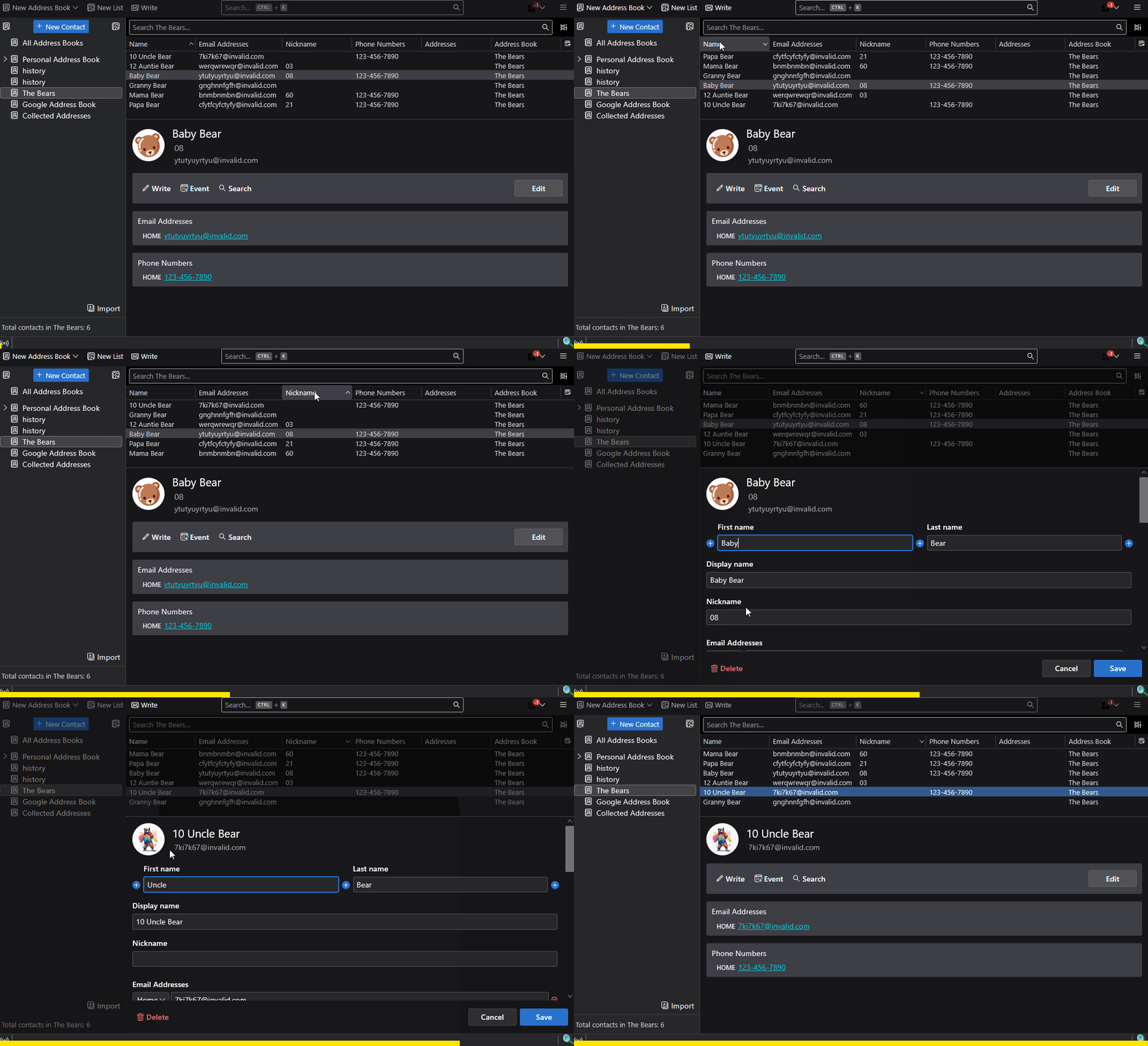
Put the number in front of the Display Name or in the Nickname field, and use Table Layout.
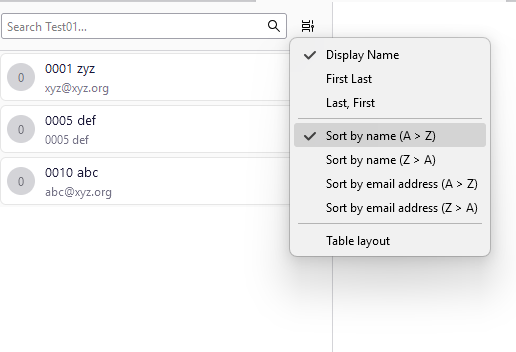
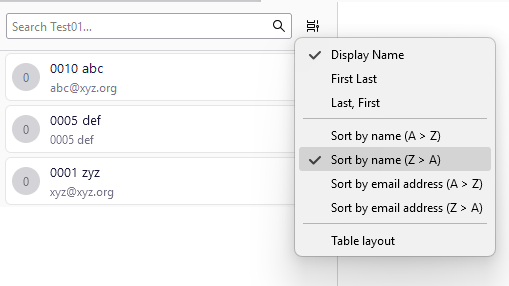
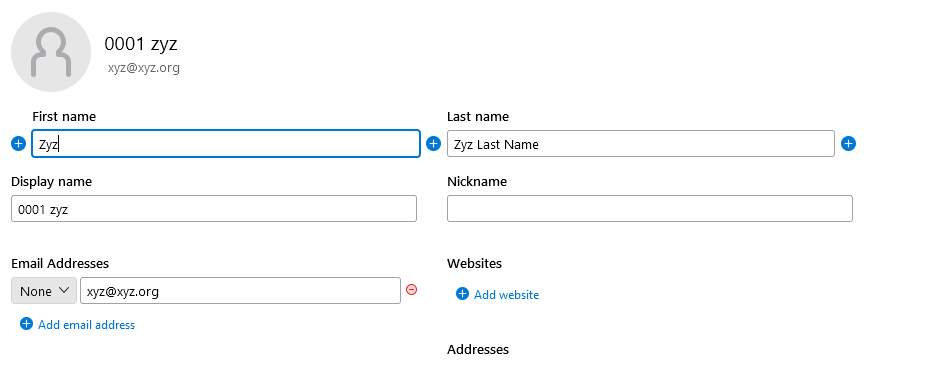
Here are screen shots of what I did as test.
1) sorted by Name A > Z 2) sorted by Name Z > A 3) sample of definition of 1 member of the list of the book address
ویرایش شده توسط Michel T
You aren't using Table Layout where you can choose the Display Name or Nickname columns to sort by. See the attached animation.
ویرایش شده توسط Lin
بخشها
To Lin at Mozilla support. Pardon the delay but want to say thanks for replying. Allan
Michel at Mozilla support; thanks for your suggestion. Allan