


On iOS 15.8.7, I cannot have my CapitalOne.com account page show full detail after authorization

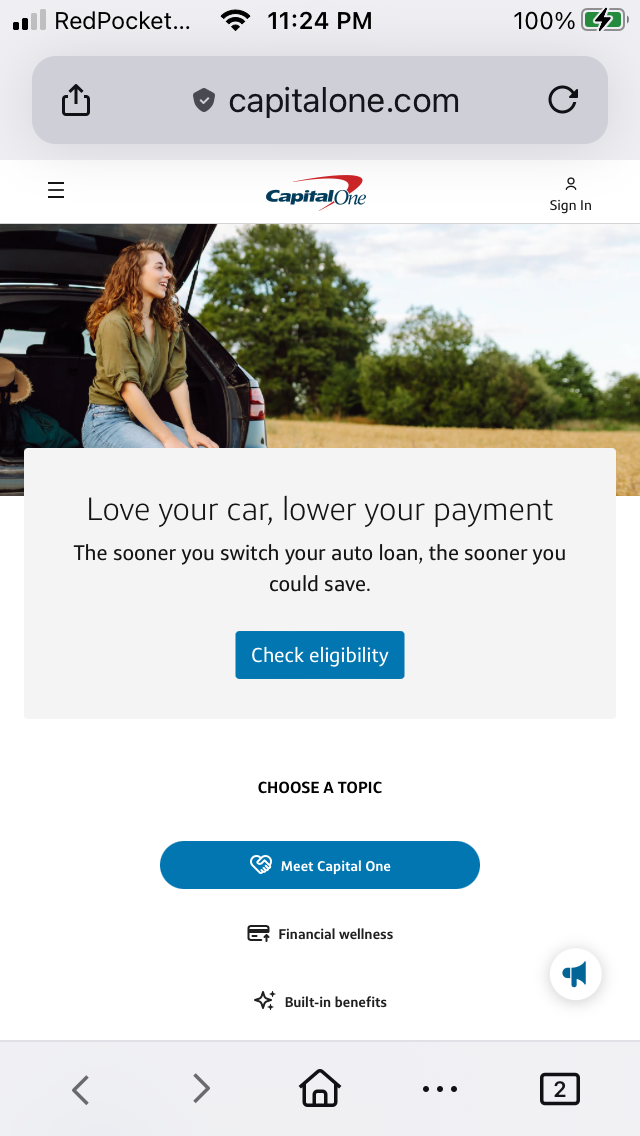
I was using my iPhone SE 1st gen iOS 15.8.7 with the latest Firefox and tried disabling Enhanced Tracking Protection and reloaded the website.
I was using my iPhone SE 1st gen iOS 15.8.7 with the latest Firefox and tried disabling Enhanced Tracking Protection and reloaded the website.
All Replies (2)
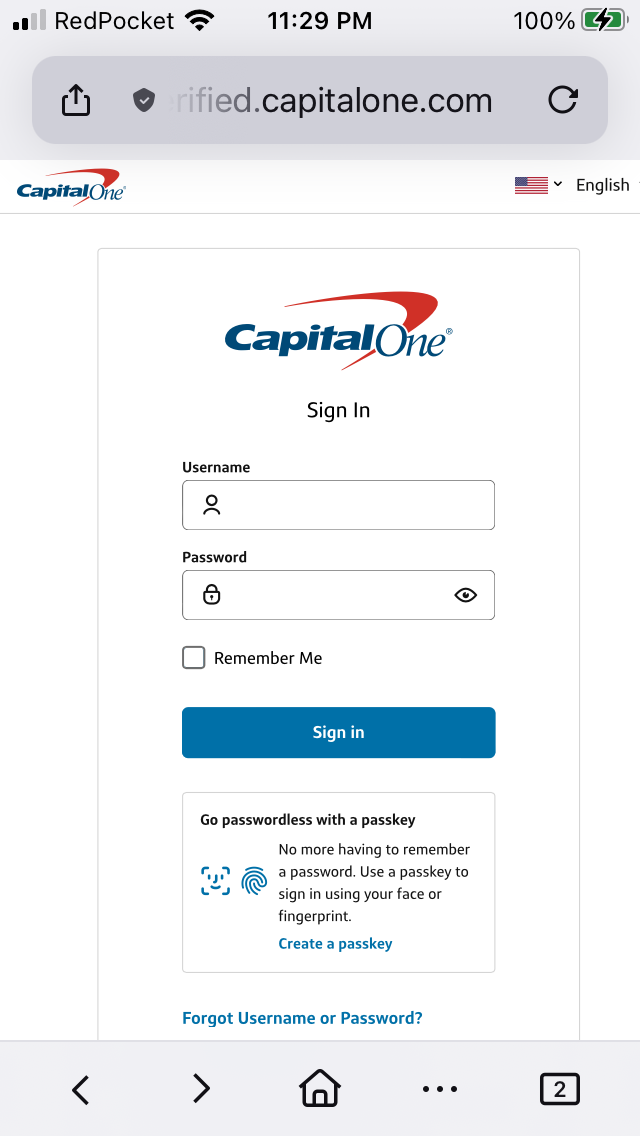
After successfully logging into my account at www.capitalone.com and https://verified.capitalone.com/auth/signin I get a blank page instead on https://myaccounts.capitalone.com/#/welcome

So refreshing the page after signing in, the one that's blank, does not change anything?
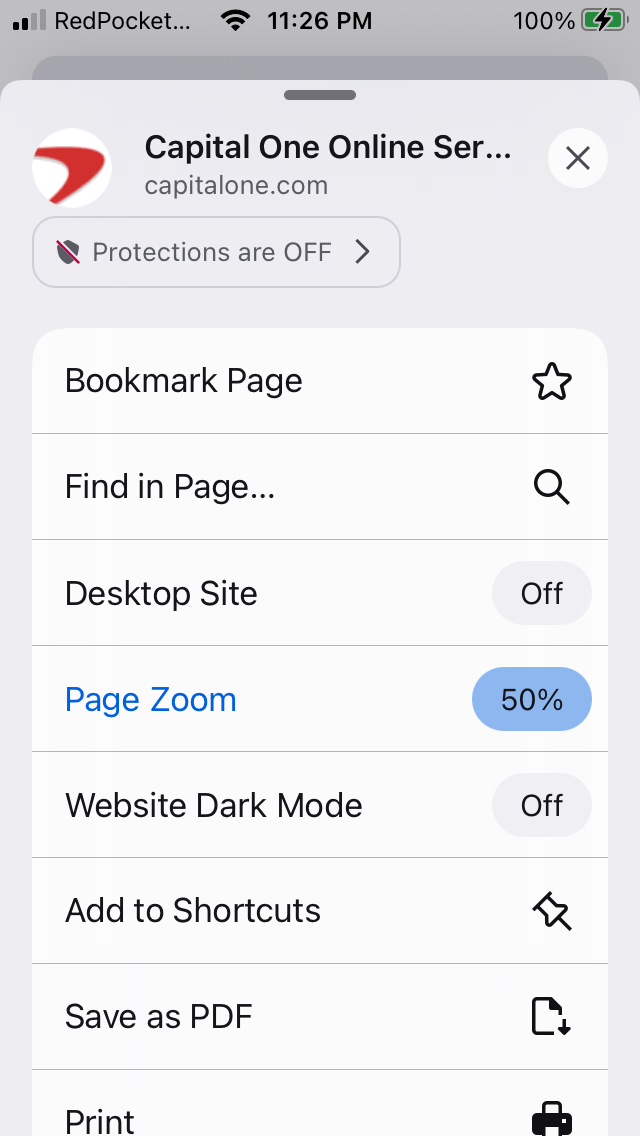
Would e.g. enabling "Desktop Site" in the menu help going through a different funnel perhaps?
It might be just the iOS 15 system web components are too old today, and the site relies on something that's not supported on such legacy iOS. Logging in via Safari for comparison yields the same, or that one succeeds?