


Install failing on Windows 11 Pro with ARM CPU

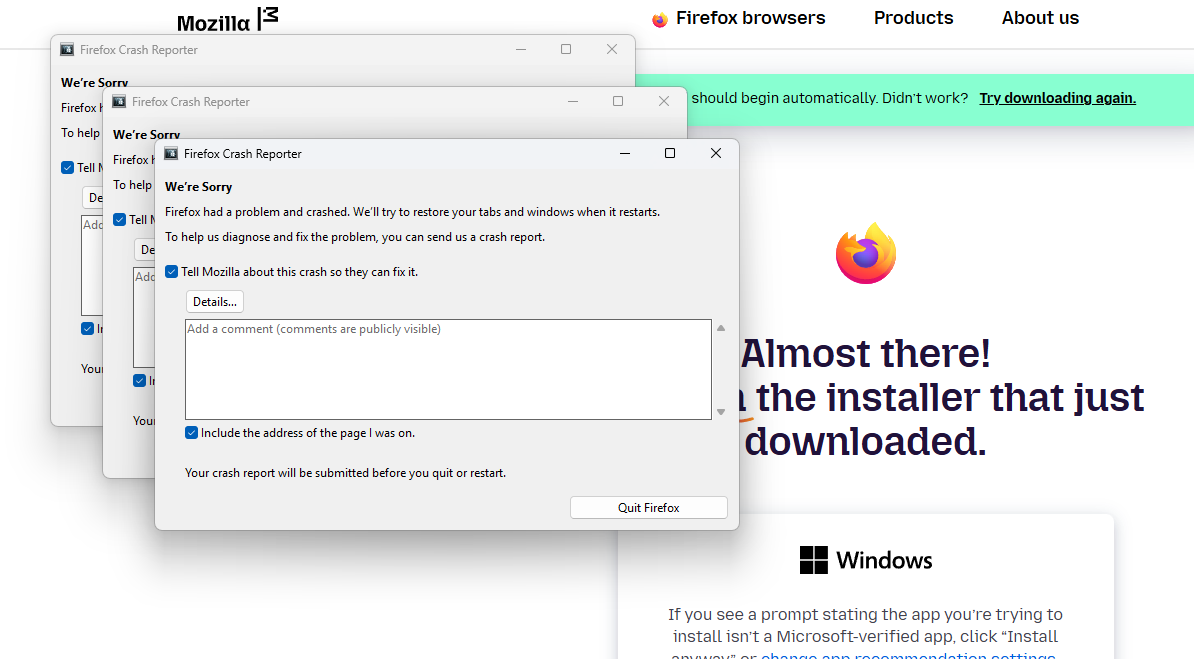
I am trying to install firefox on my new work laptop. The OS is Windows 11 Pro. It came with an ARM CPU. Specifically: Snapdragon(R) X Elite - X1E80100 - Qualcomm(R) Oryon(TM) CPU. Everytime I try and install Firefox, which is probably over 10 tries by now, it fails with generic errors. I have tried cleaning everything Firefox related off the PC before subsequent attempts and still get the same errors. I am including a screenshot of what I see shortly after starting the install process.
پاسخها (4)

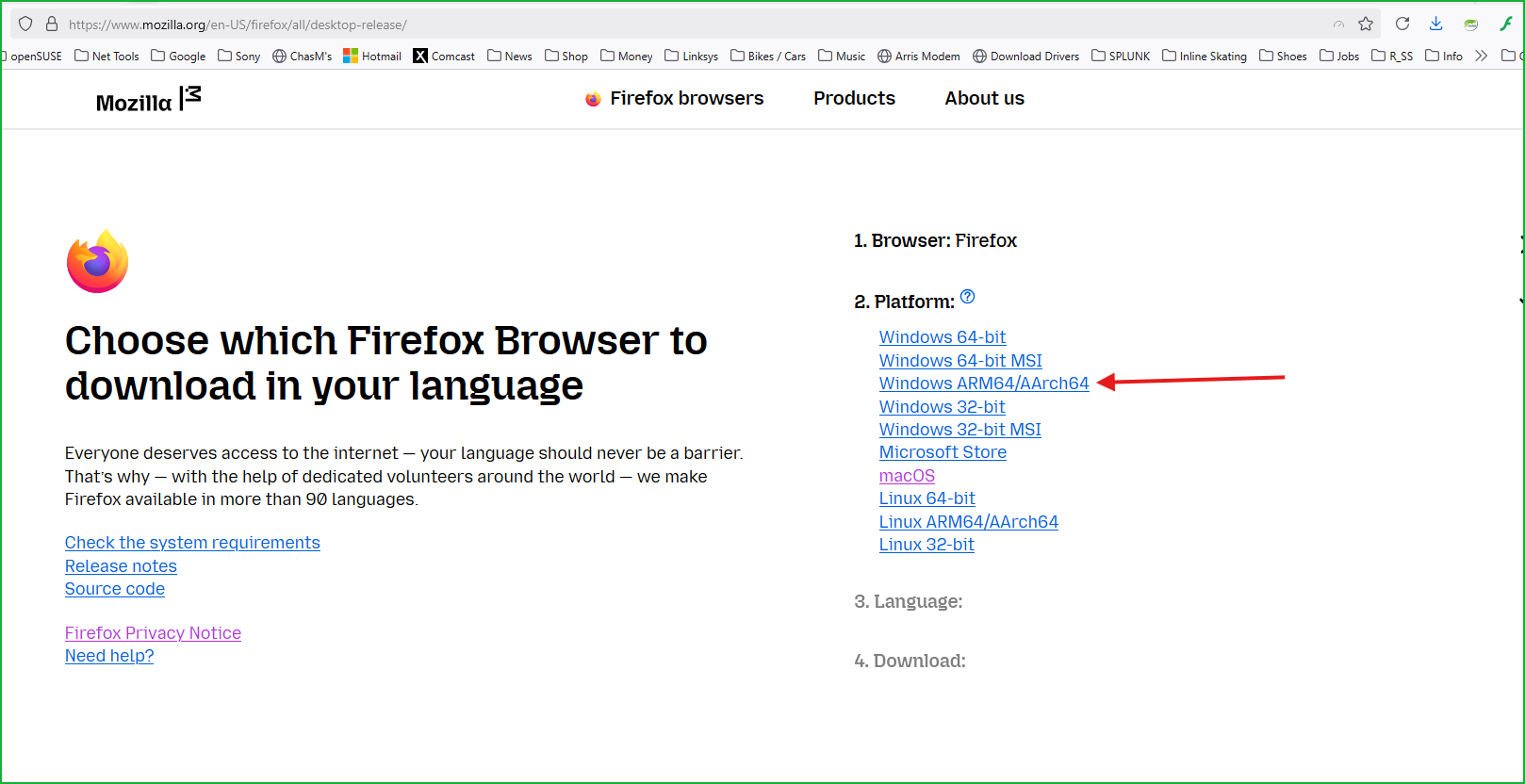
I assume you have this version? see screenshot https://www.mozilla.org/en-US/firefox/all/desktop-release/
ویرایش شده توسط jonzn4SUSE
I don't think I was using that version actually, just the default. But now I did try the ARM64 version and still getting the Firefox crash reporter. Although it appears like the installer is actually finishing now and when it goes to launch is when the crash happens. Looks like it happens right at the end of the installation before I click on the "Finish" button.
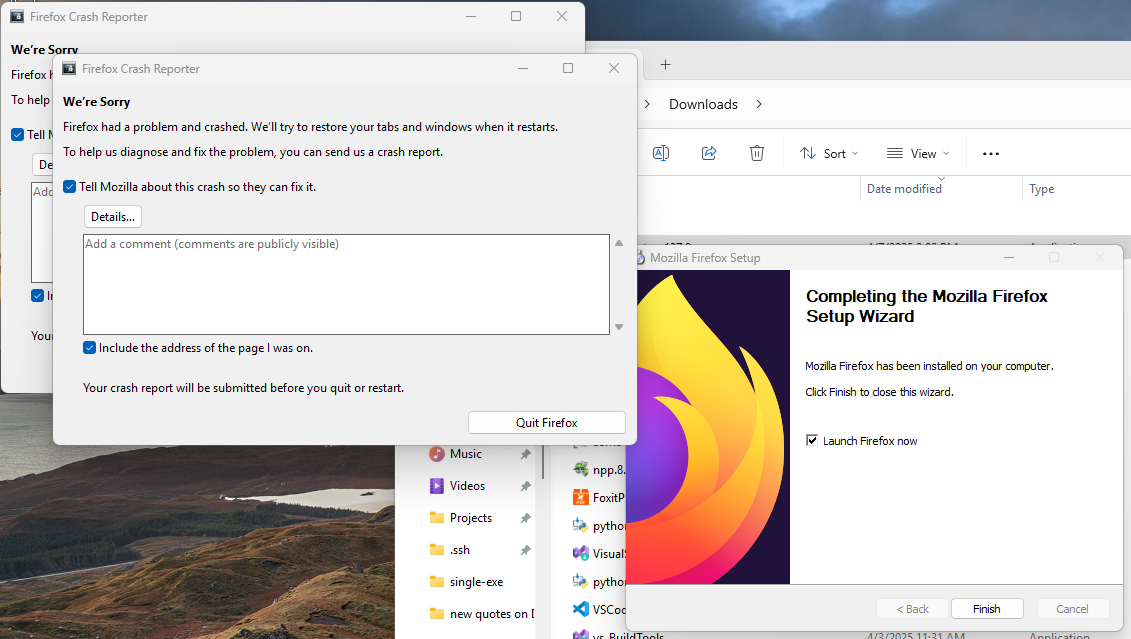
Also tried the Nightly version with the same results.
The regular 64-bit and 32-bit versions are for Intel/AMD CPU as the version for ARM is Windows ARM64/AArch64
Not sure if you indeed need 7zip to do this however the full setup is compressed with 7zip so you could extract it and then run the Firefox .exe much like the .zip versions long ago in the early days.