


Passwords not synchronizing (02/2025)
I'm experiencing an issue with Firefox where my saved passwords from my desktop aren't syncing to my Android phone. Pressing the "Sync Now" button doesn't trigger any action. I've tried several troubleshooting steps, including removing and readding the device, force stopping the app, clearing cache and data, and manually syncing again, but nothing has worked. It seems like a bug. Any suggestions?
All Replies (8)

When you go here, what do you see? See screenshot I see my passwords on my Sony phone.
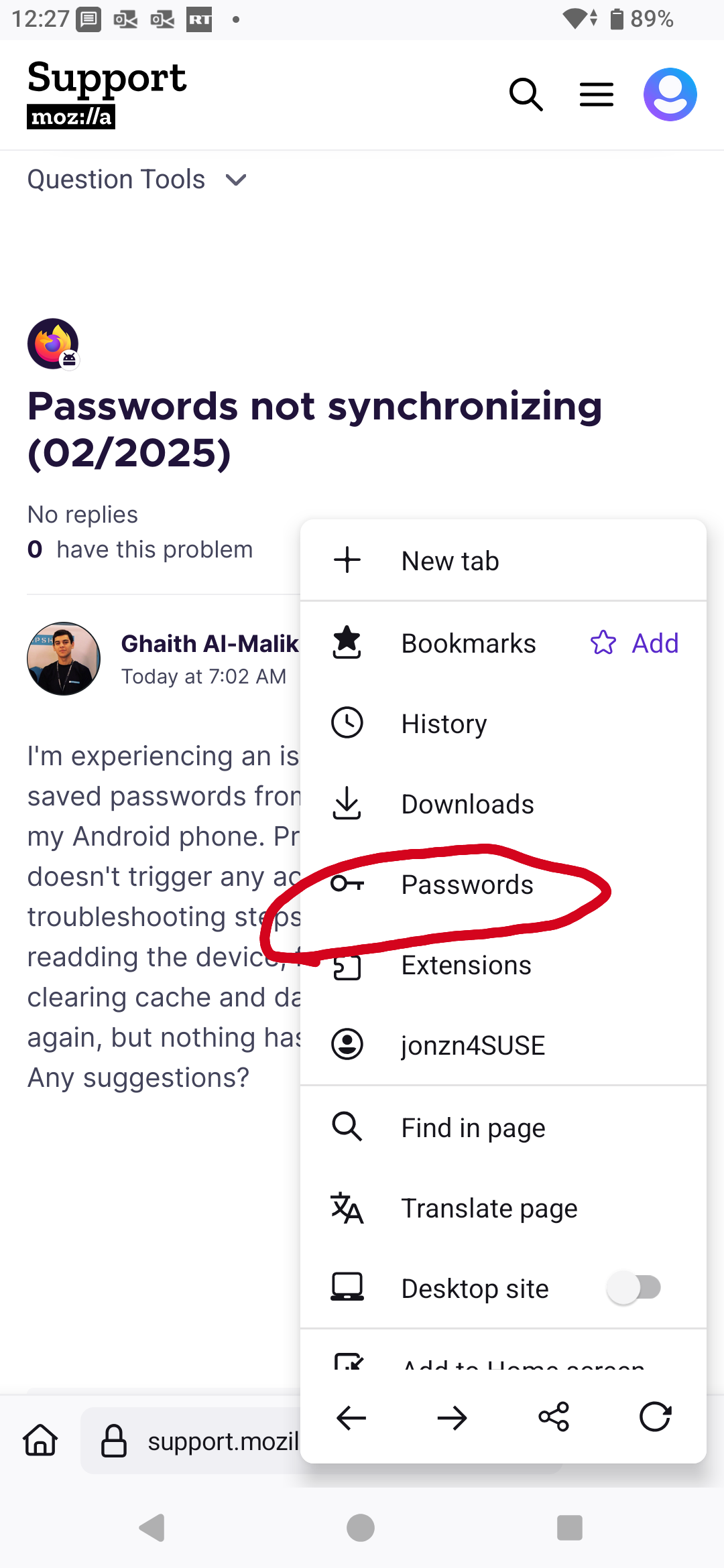
I see the same as you, I got all my passwords, but it's many hours old and the manual sync button doesn't do anything. That's the bug. Manually syncing on my desktop machine doesn't sync on my mobile device either.
jonzn4SUSE said
When you go here, what do you see? See screenshot I see my passwords on my Sony phone.
As a test bookmark something on the desktop, then go sync on the mobile device to see if it shows . Then go to a website you don't have an account with, make an account and make sure it's saved on the desktop and then again on mobile do a sync and see if it gets synced.
Modified by jonzn4SUSE
I'll do the same when I get in the house.
New site, bookmark, and password saved on desktop. see screenshots Let me go check my phone.

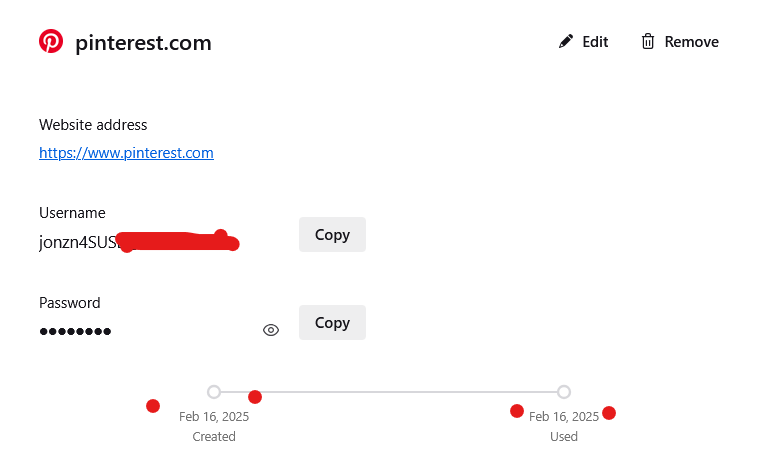
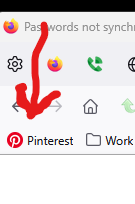
Modified by jonzn4SUSE
Synced to phone. See screenshots While passwords are open the screenshot function only shows a all black pic.

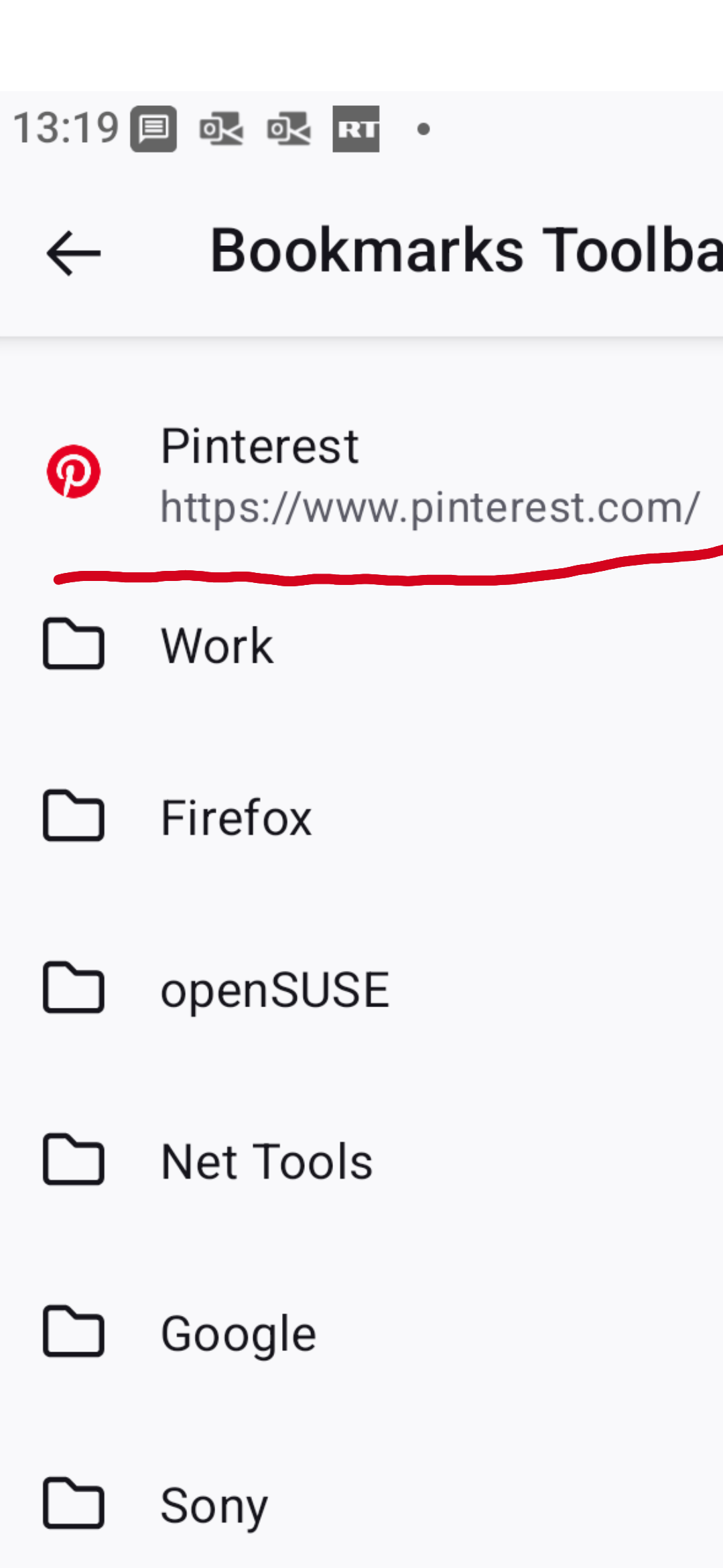
Modified by jonzn4SUSE
Now we're waiting for your proof of the issue.
I forgot my favorite questions... What OS? What version of Firefox?