

این رشته بایگانی شد.
اگر به کمک نیاز دارید لطفاًً یک سؤال بپرسید.

بایگانی شده
Email setting to limit display of email journey
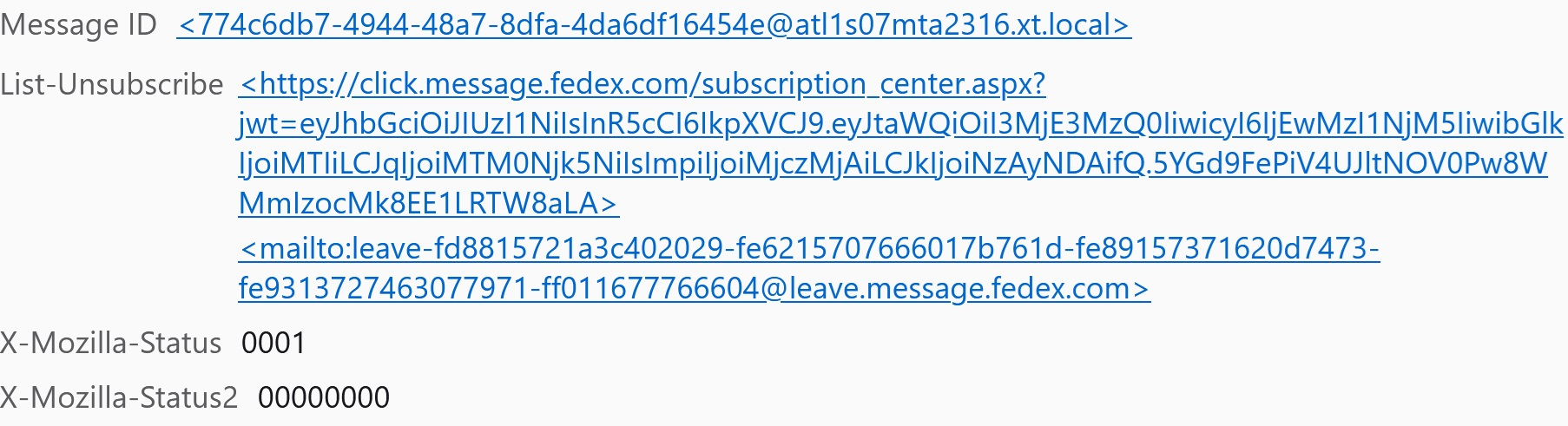
New to Thunderbird and when I receive email, there is attached a lot of extraneous information. Such as message ID, List-Unsubscribe, X-Mozilla status 001,X Mozilla status 00000, x span flag NO, authentication results and much more . Then below this data is the body of the email. How do we turn this off to just show the body of the email?
New to Thunderbird and when I receive email, there is attached a lot of extraneous information. Such as message ID, List-Unsubscribe, X-Mozilla status 001,X Mozilla status 00000, x span flag NO, authentication results and much more . Then below this data is the body of the email. How do we turn this off to just show the body of the email?
پاسخها (1)
Alt+V then select headers from the menu and select Normal. What you are seeing is ALL