


Disable window layout change while typing in address bar

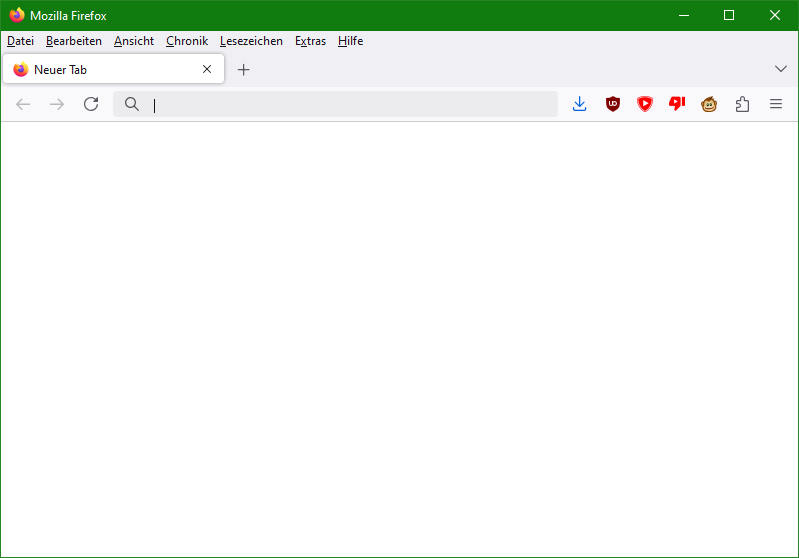
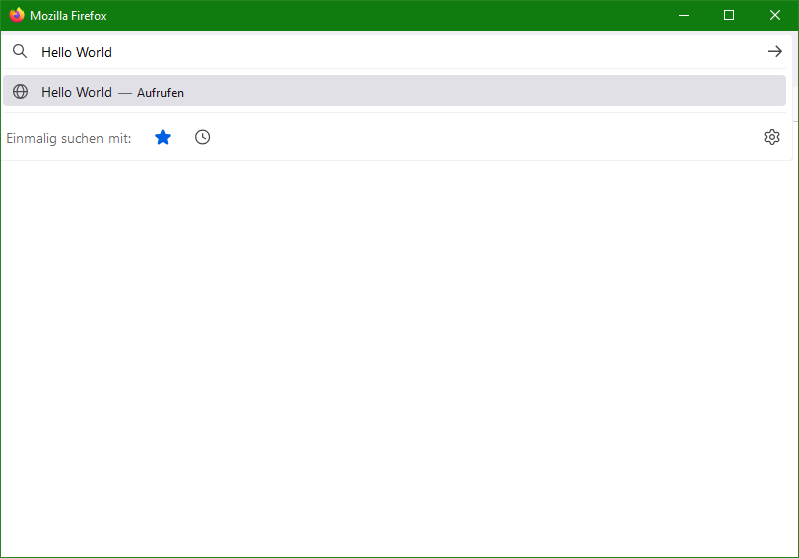
During normal use, my Firefox looks... normal. See first attached image. But when I start typing in the address bar, everything but the address bar disappears. See second attached image. Is this behavior intentional? If so, which version introduced this behavior? And how do I disable it?
پاسخها (2)
بخشها
Sorry, you probably are using a userChrome.css file with some rules dating back to the Firefox 75 days to prevent the address bar from popping out when you click in it. Firefox 133 is no longer compatible with the old code (as you can see). You can either:
(A) Delete the code blocks that have [breakout-extend] on the first line, or (B) Update/replace the rules
Note that the new pop-out is less dramatic than the old one, so (A) is probably good enough for most people.
Ah, indeed that's the case. Removing the problematic CSS did the trick, and the result is acceptable for me. Thanks!