This thread was archived.
اگر به کمک نیاز دارید لطفاً یک سؤال بپرسید.

Archived
Folder Downloads
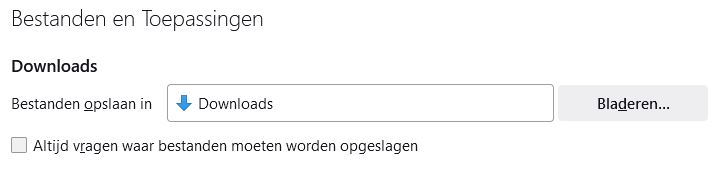
Since the update to version 118.02 FF, the downloads now end up in the folder C:\Users\User\AppData\Local\Temp instead of the 'Downloads' folder as indicated in Settings - General (see attachment)
Since the update to version 118.02 FF, the downloads now end up in the folder C:\Users\User\AppData\Local\Temp instead of the 'Downloads' folder as indicated in Settings - General (see attachment)
All Replies (2)
See also browser.download.start_downloads_in_tmp_dir on the about:config page.
You can open the about:config page via the location/address bar. On the warning page, you can click "Accept the Risk and Continue" to open about:config.
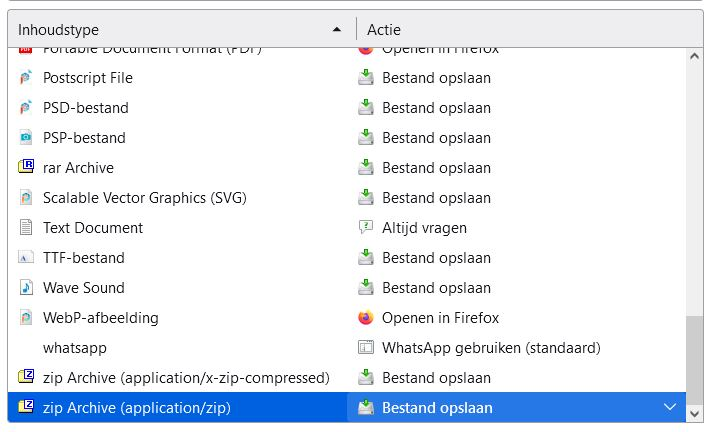
I did not have to change this, all I did was: 'the content type' about: zip Archive (application/zip) change to: Save file.