


Youtube sound doesn't work

So, YouTube sound doesn't work, and only YouTube, i already checked similarly posts but none of them helped, the sound plays for a fraction of second then just stop, if i click the player to like skip to a certain time frame of the video it plays the sound... for a fraction of second again... i don't know what to do. I already tried: Checking the player to see if its muted (and the tab) Checked other sites (they work fine) Checked if its a specific video (all of them have the problem) Checked other browsers (they work fine) Checked permissions Reinstalled Firefox Refreshed Firefox Restarted the computer multiple times...
پاسخها (4)
It's every single video, and yes i already tried that too, but i noticed that Twitch player also does that, so it seems to be a problem with the player ?? I just want to watch videos and lives on firefox instead of having to use another browser...

Can you post a screenshot showing your sound setup. I have external speakers. see screenshot
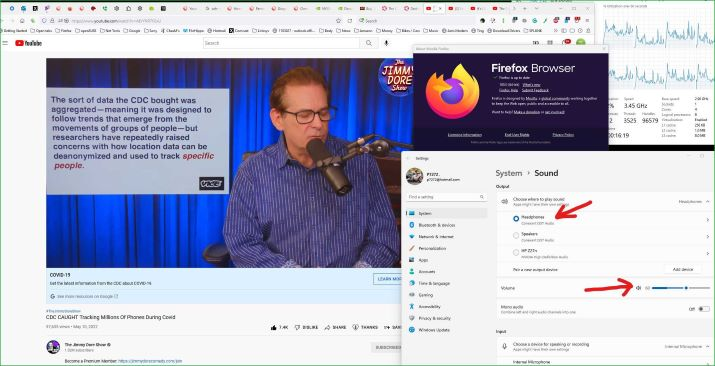
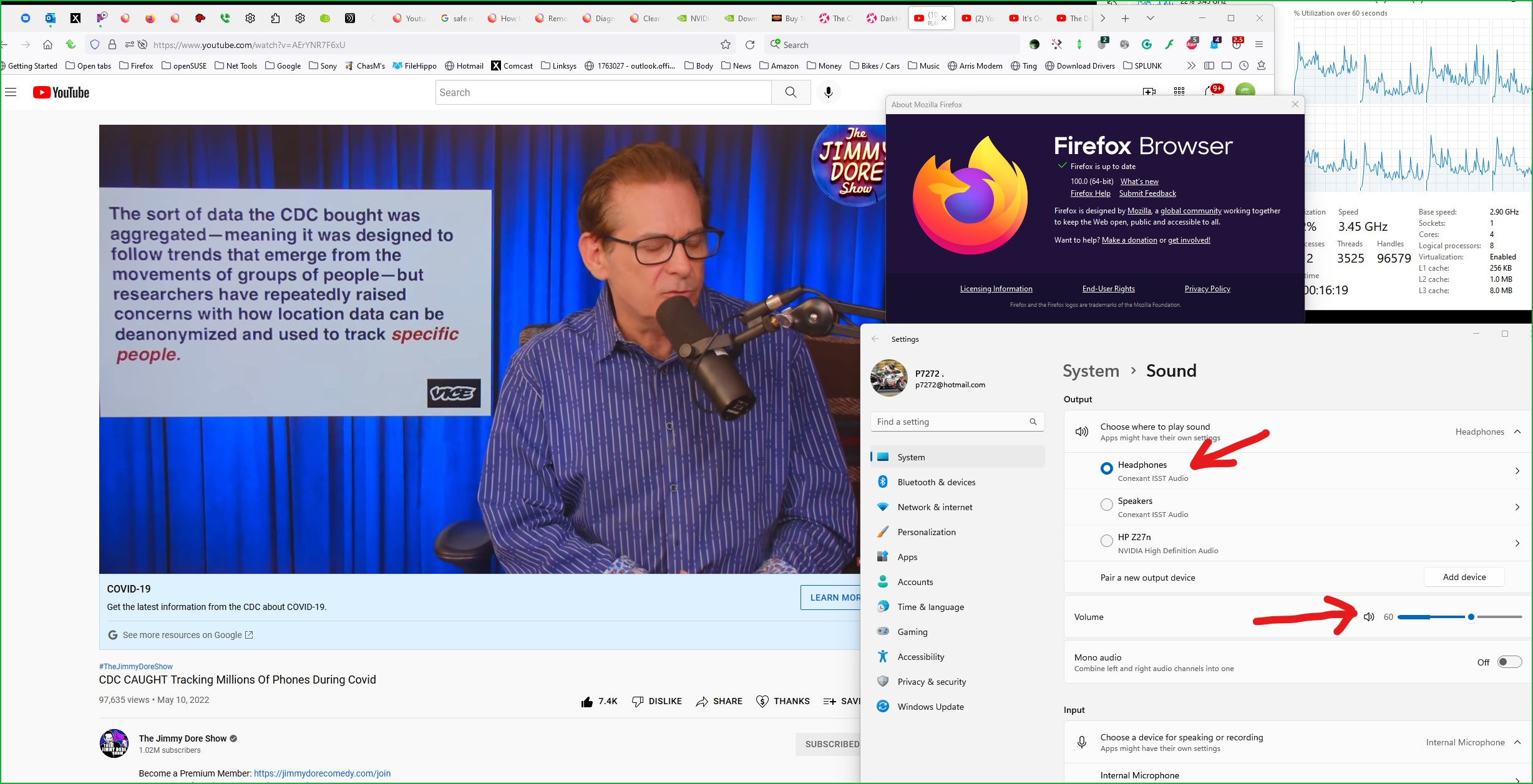
ویرایش شده توسط cor-el
Sorry for small pic, but here's a link to bigger pic.
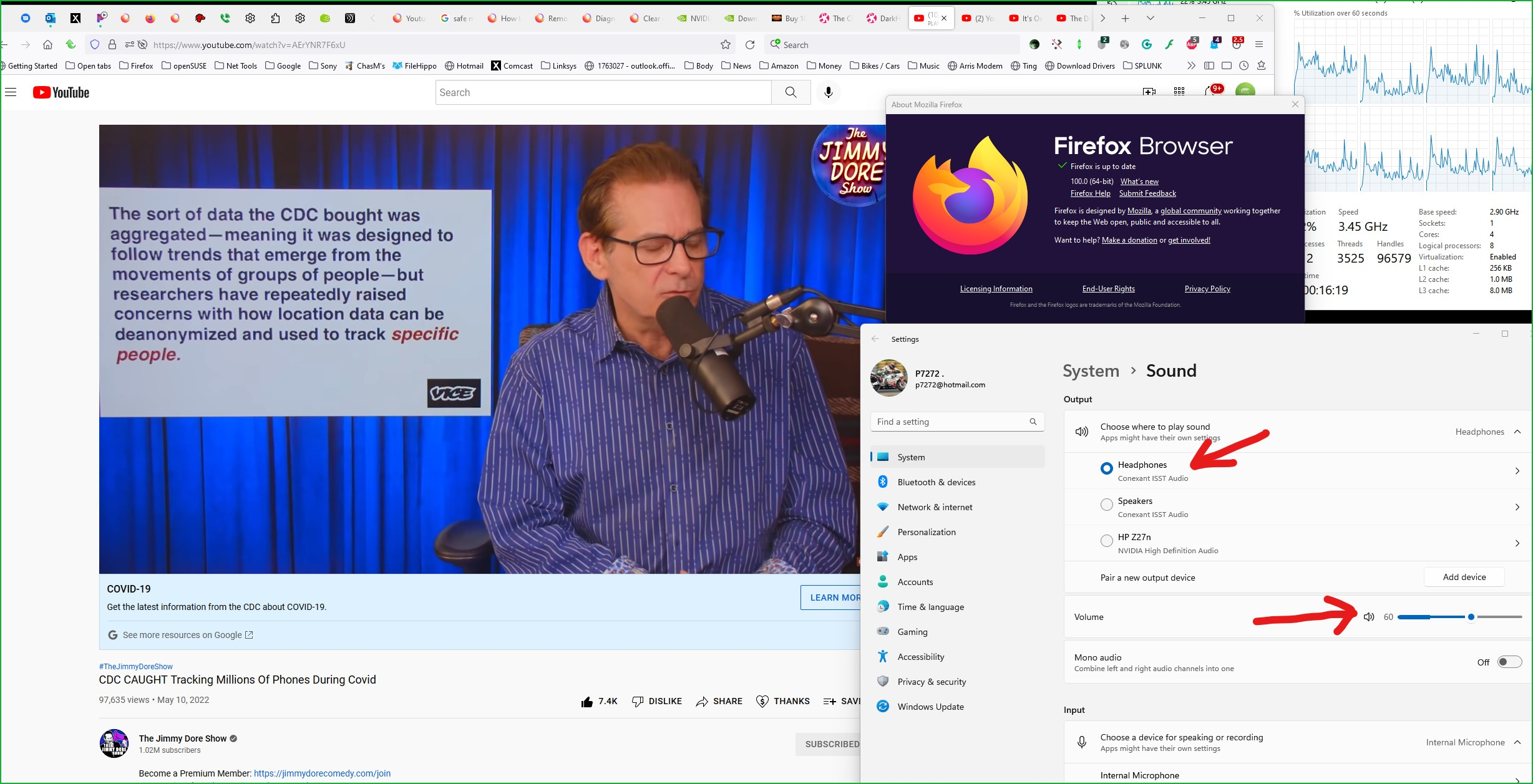
ویرایش شده توسط cor-el
I try to edit your reply and add the large screenshot then I get a 502 Bad Gateway response, but I'm able to attach the screenshot image in this reply.
EDIT: It worked to attach the large image to the reply with the small image, only to the reply with the link it doesn't work I managed to get the screenshot attached to the other reply as well.
(removed the screenshot added to this reply)
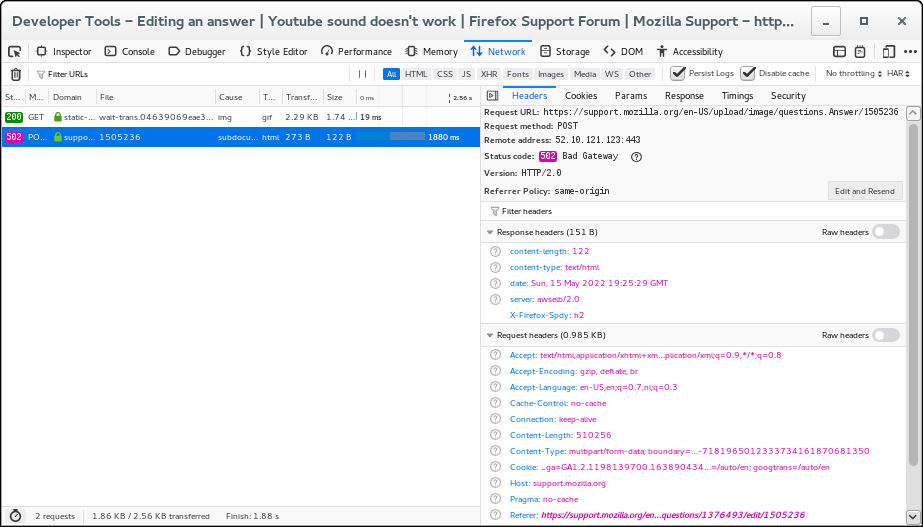
ویرایش شده توسط cor-el