

این رشته بایگانی شد.
اگر به کمک نیاز دارید لطفاًً یک سؤال بپرسید.

حل شده
بایگانی شده
"Important" Folder in Gmail not seen

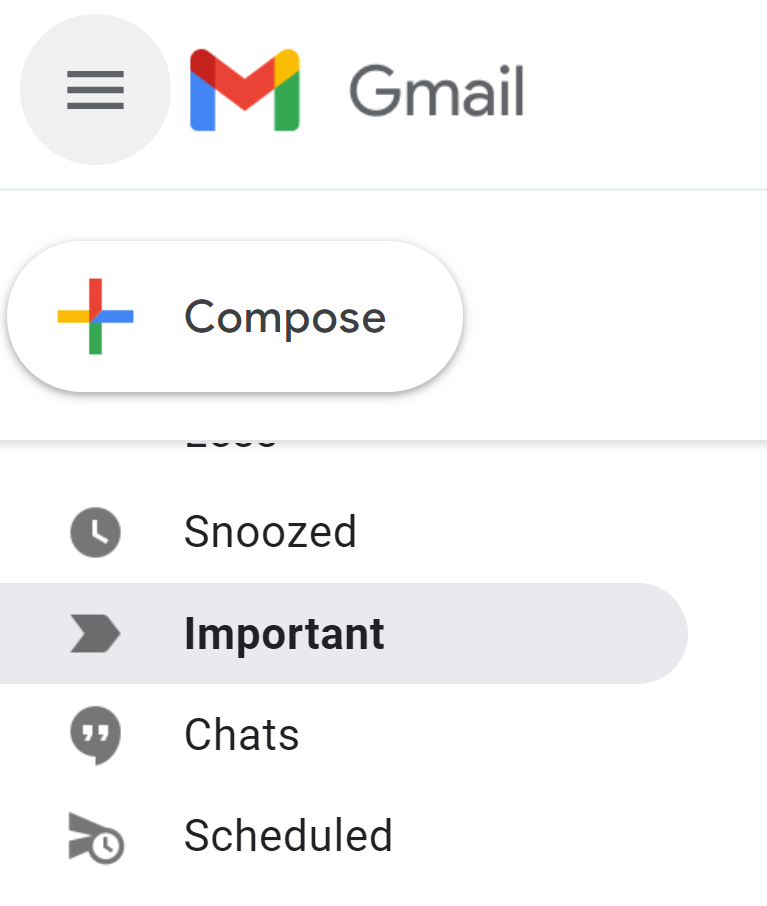
Hi Mozilla Thunderbird I have an "important" folder in my Gmail. However, it is not seen in my Mozilla Thunderbird. I can access its content when I press "all mail," but having the "important" folder makes it more organized, so I don't have to open Gmail anymore.
Seeing the "Snoozed" and "Scheduled" will be cool too if Thunderbird can do that.
Kindly check the screenshot
Regards, Karlson
Hi Mozilla Thunderbird
I have an "important" folder in my Gmail. However, it is not seen in my Mozilla Thunderbird. I can access its content when I press "all mail," but having the "important" folder makes it more organized, so I don't have to open Gmail anymore.
Seeing the "Snoozed" and "Scheduled" will be cool too if Thunderbird can do that.
Kindly check the screenshot
Regards,
Karlson
پاسخها (3)
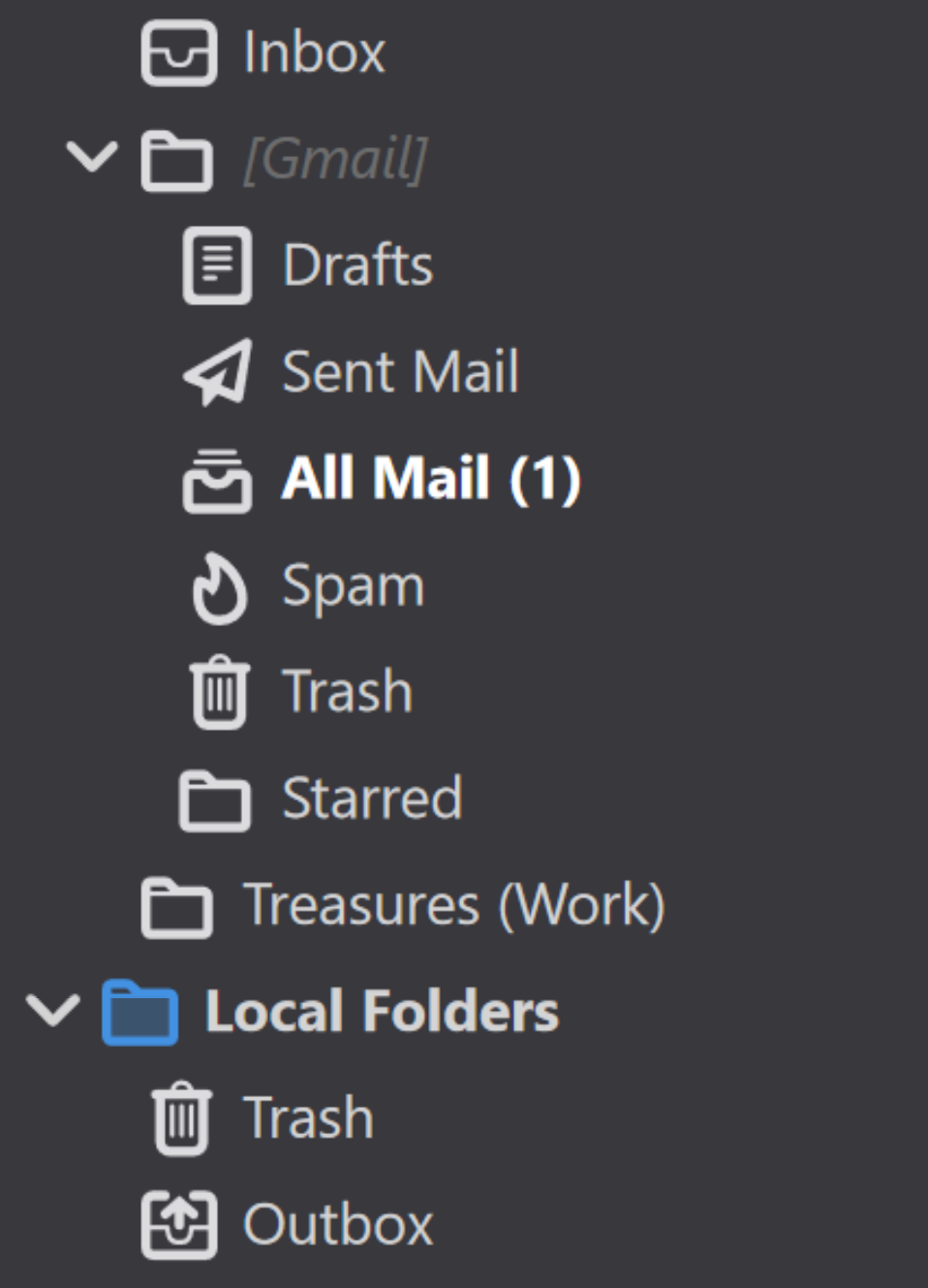
What can be seen in my Thunderbird Account, no "important" folder
ویرایش شده توسط karlson_ty
بخشها
Right-click the account in the Folder Pane, Subscribe, Refresh, check the box (subscribe) for Important.
sfhowes said
Right-click the account in the Folder Pane, Subscribe, Refresh, check the box (subscribe) for Important.
Thank you so much! it worked!