


Launching pages saved to desktop
First off, the latest update once again stopped me from dragging web pages to my desktop. Overcame that with the "-no-deelevate" command. Although now I have a problem launching these saved pages. If firefox is closed and I double click on one of the saved pages it launches just fine but if I already have Firefox open and then double click a saved page nothing happens. Any way to fix this?
All Replies (3)

Interesting... Can we see the 2 tabs from your desktop shortcut like the ones from my screenshots? I dragged a shortcut from my browser to the desktop, double clicked it and the paged opened.
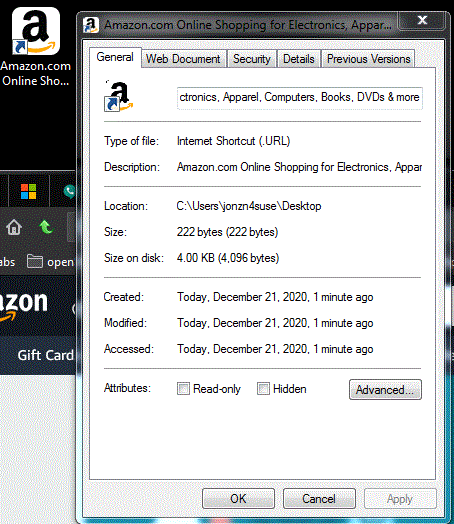
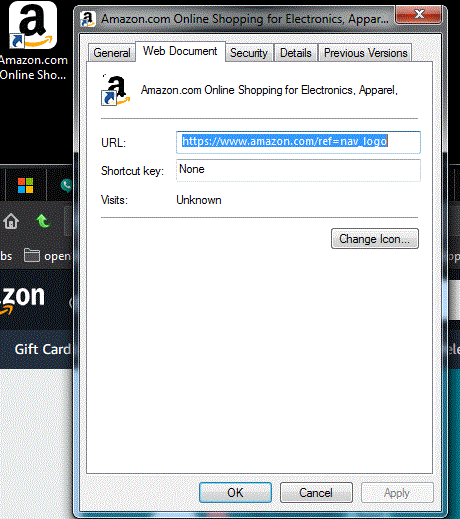
The only difference I see between what you posted and mine is on the general tab under location. Yours points to a user account, mine points to the Administrator account.
I am signed on to windows through the administrator account as well, if that makes a difference.
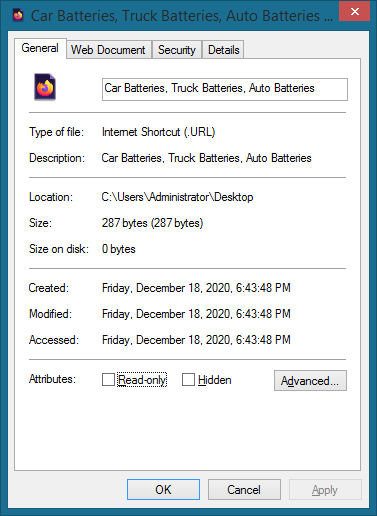
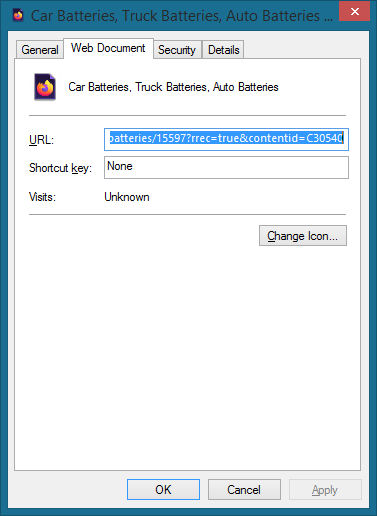
I solved it. I was poking around Firefox trying things to see what's what and after disabling Startpage.com - Private Search Engine extension everything is just ducky once again.