

این رشته بایگانی شد.
اگر به کمک نیاز دارید لطفاًً یک سؤال بپرسید.

بایگانی شده
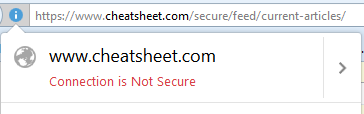
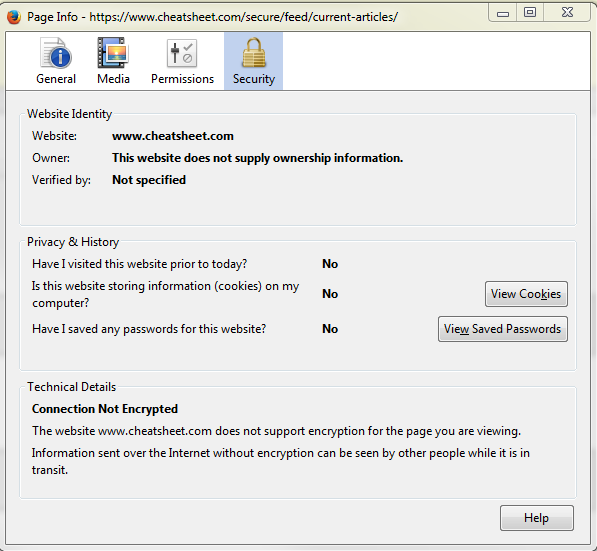
Why does Firefox show its "Connection Not Secure" but other browser show the connection is secure?

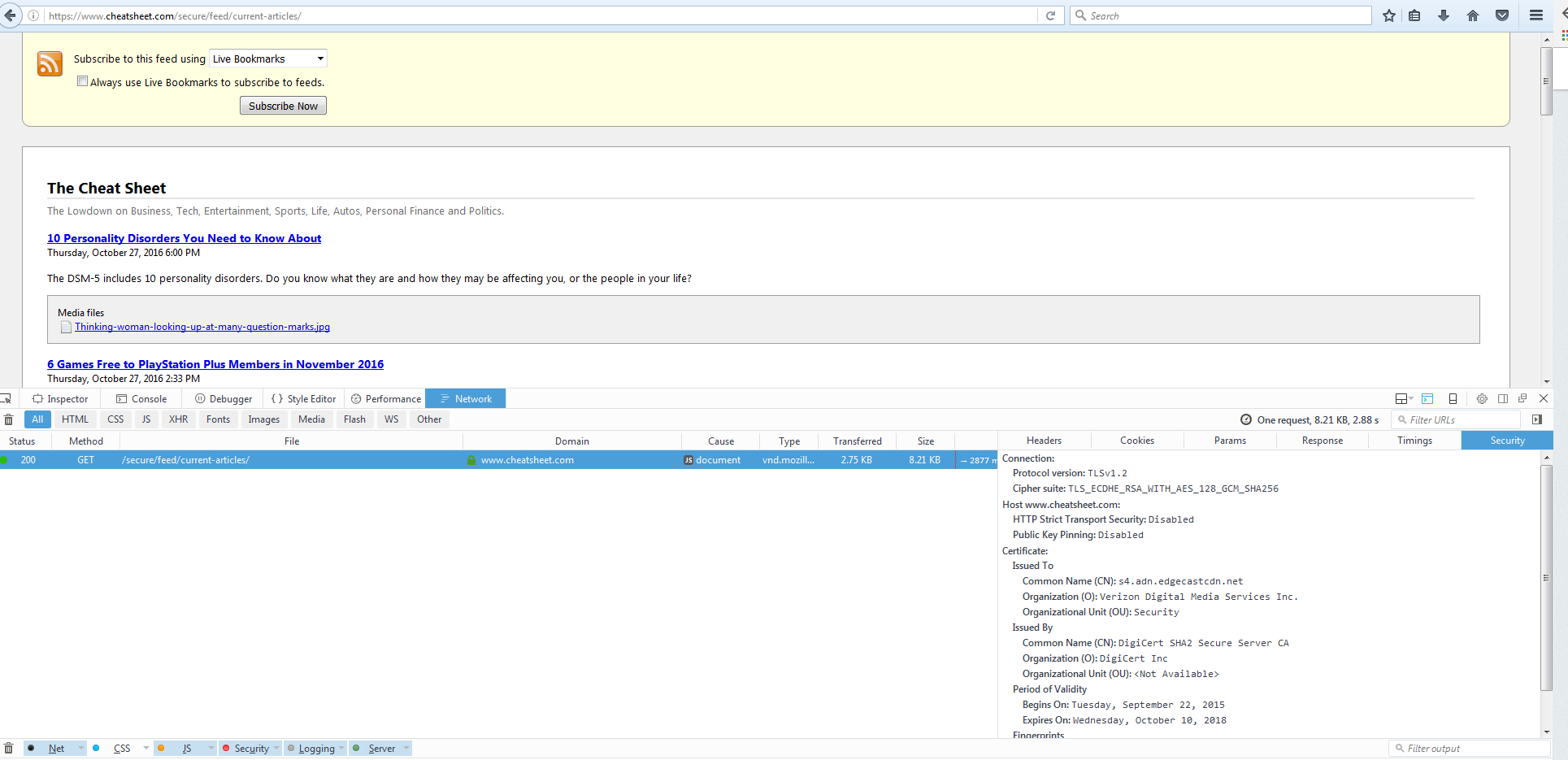
I have this website that when only using Firefox shows that it is not secure. In the upper left corner there no padlock and when normally visiting a non secure web page it would provide one of these warnings (https://support.mozilla.org/en-US/kb/what-does-your-connection-is-not-secure-mean) . When checking in developer tools it shows the connect is secure which we find it odd why there is no padlock on the top stating its secure. Any help in figuring out why Firefox thinks this is not secure would be helpful.
Thanks,
I have this website that when only using Firefox shows that it is not secure. In the upper left corner there no padlock and when normally visiting a non secure web page it would provide one of these warnings (https://support.mozilla.org/en-US/kb/what-does-your-connection-is-not-secure-mean) . When checking in developer tools it shows the connect is secure which we find it odd why there is no padlock on the top stating its secure. Any help in figuring out why Firefox thinks this is not secure would be helpful.
Thanks,
پاسخها (2)
Including some images

Unless the site in question makes use of personal information or your payment information, it does no need to be secure.
What site are you talking about?