


suddenly google maps and certain other displays are not working properly. i don't know why or how to fix it.

images appear "garbled"
پاسخها (9)
Please try refreshing page. Check the same page on a another browser. If the same problem continues on that browser it means that Google has some problems.
i've done those obvious things. these sites work fine in safari. i believe the problem is with firefox or an add on or setting. nothing i try has worked.
Can you send a screenshot and what add-ons do you have?
turns out i don't have any add-ons. screen shot is of google maps. my computer is a mac laptop, if that matters. this problem seemed to coincide with update to firefox 44.0.2
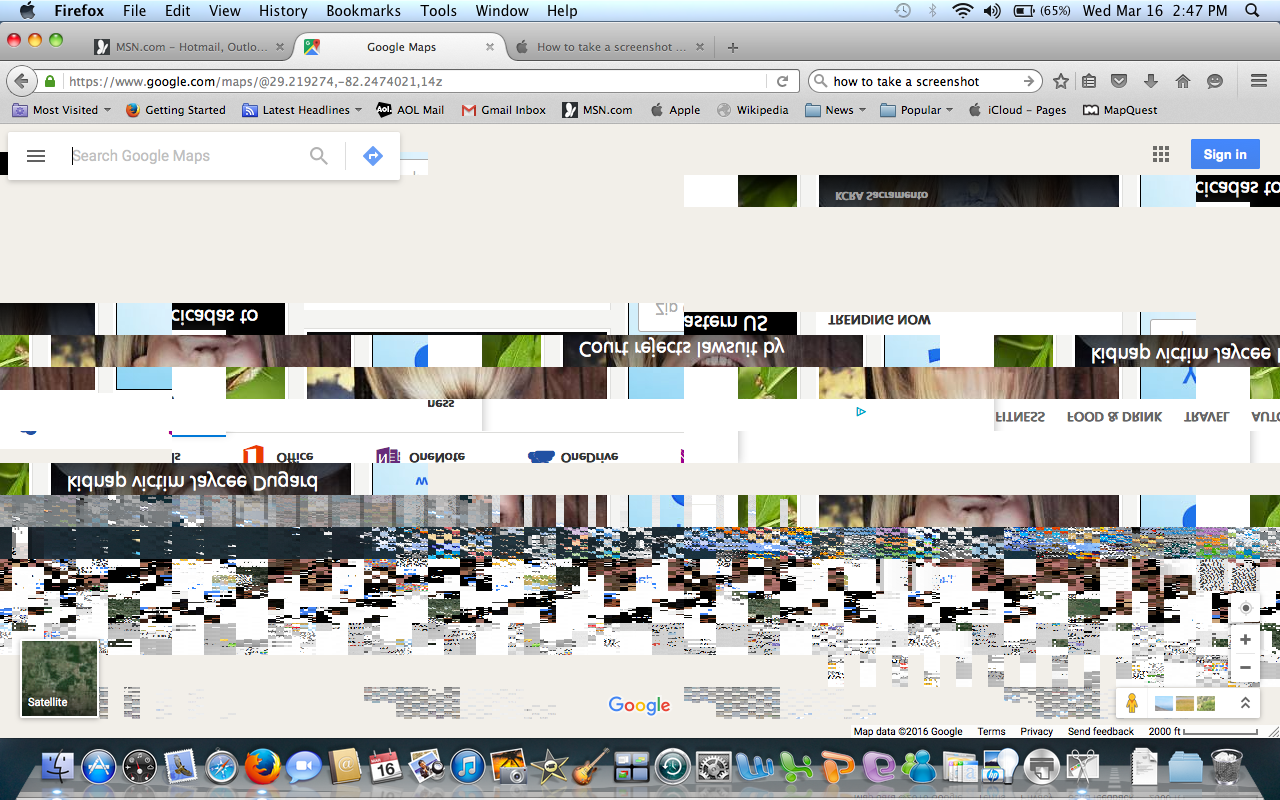
here's another screen shot with more garble. this does not happen in safari.

Thanks for reporting it, I will direct it to the developers. I think that's the only think that I can do for you because I don't use Mac.
thanks
You can try to disable hardware acceleration in Firefox.
- Tools > Options > Advanced > General > Browsing: "Use hardware acceleration when available"
You need to close and restart Firefox after toggling this setting.
You can check if there is an update for your graphics display driver and check for hardware acceleration related issues.
there is no "options" choice when i click on tools