


Thunderbird unwanted switch to Freedom

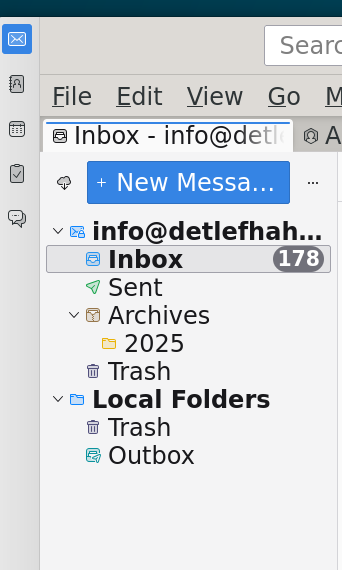
Thunderbird switched automatic to Freedom. No possibility to avoid. All connections where lost. After input connection data mail where downloaded. But over 2000 old local stored mail are gone.
How to restore all old local mails, structure and archives?
All Replies (14)

info636 said
Thunderbird switched automatic to Freedom.
What does that mean? What is "Freedom"? What exactly happened?
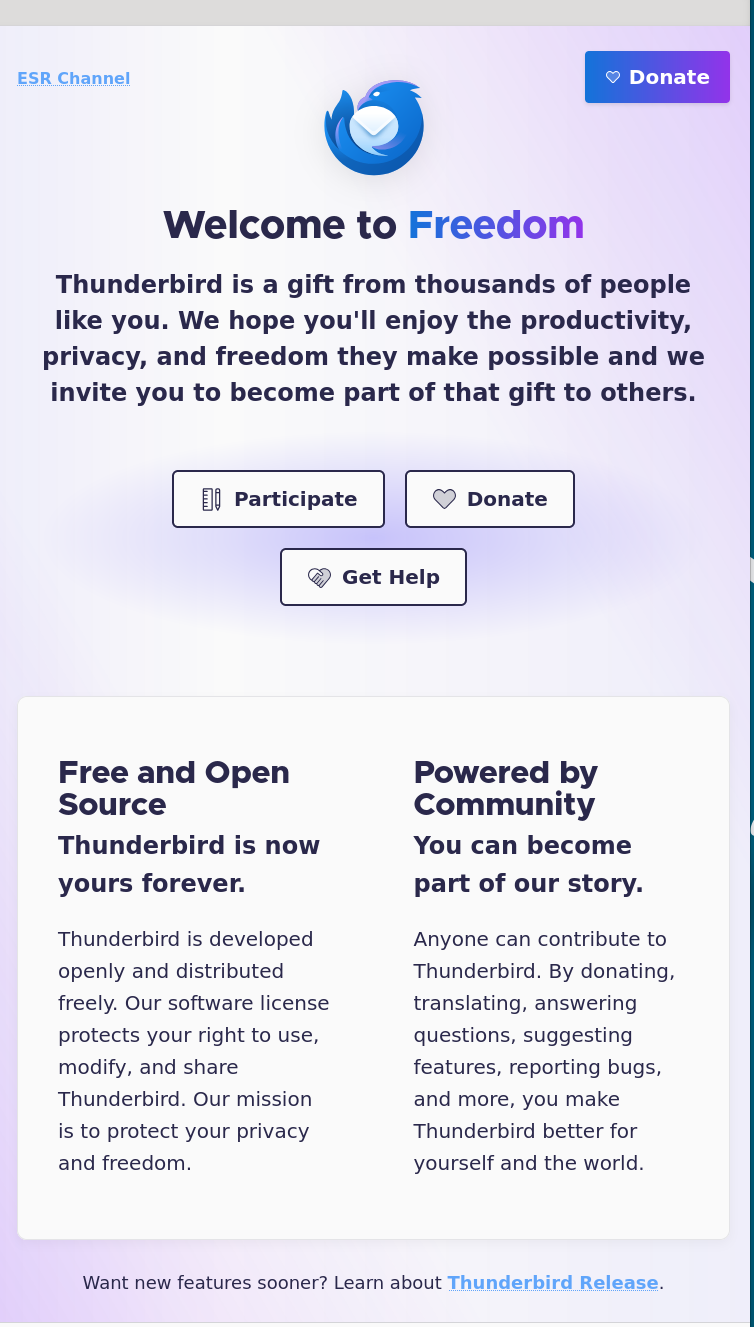
There was no switch to something called “Freedom”.
Do you know anything about what happened? Was there an automatic update of Thunderbird? Did you do anything?
More information in full sentences with punctuation would be helpful.
I did not install any plugins. Just clicked on my Icon to open thunderbird. A Window apeared with no other choice as enter the connection data. Even if killed and reopen. I booted an older version (bookworm) instead of trixie, but the same window was shown. Did thunderbird made an silent update?
How to get my 2000 of 2025 mail back. I need them and the achives 2021 .. 2024, and also the access to my other mail adresses.
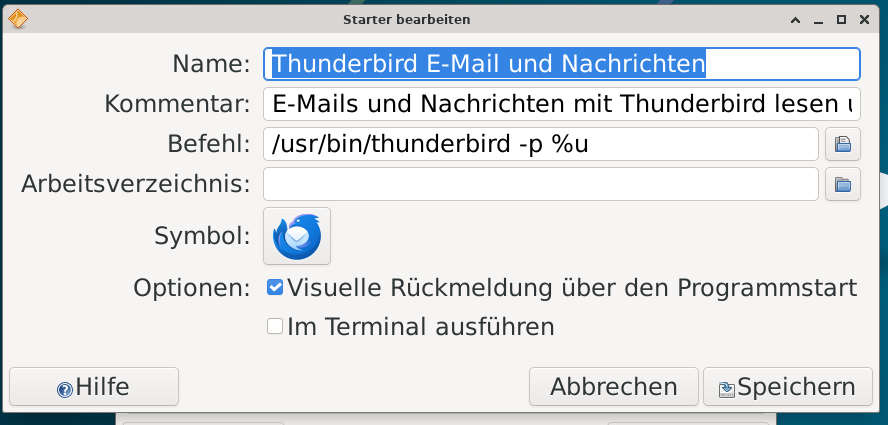
I solved my Problem partly - close thunderbird - edit the Starter (image 1) added -p to start with the profile manager - selected older profile
=> thunderbird started with old layot and all connections an files.
Still problem, - why such untested version will be automatic started by thunderbird (mozilla)
other user seems to have the same problem
- if i want to use the new versersion, how to transfer the old mails to the new version
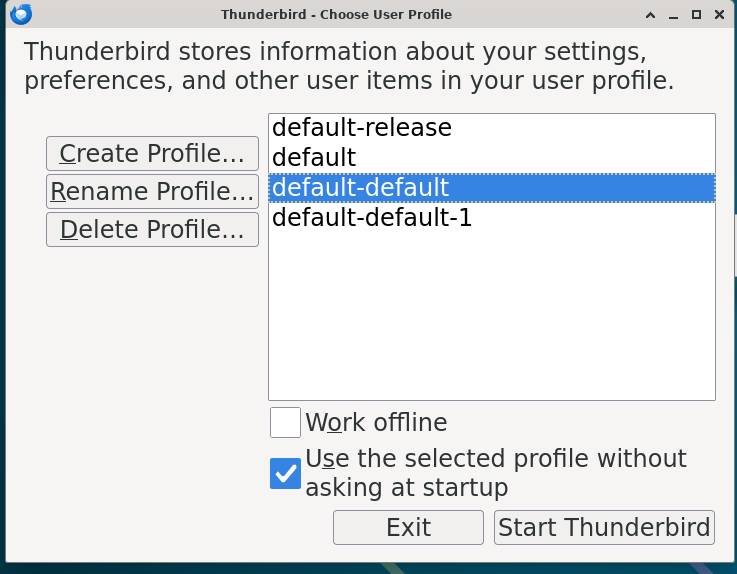
sometimes, when thunderbird updates, it creates a new profile, but the prior profile is still there. I suggest you upgrade and, if the profile isn't shown, click help>troubleshootinginformation, scroll down to 'profiles' and click 'about:profiles' and see if your prior profile is there and can be launched. If you want to control future updates, go to settings>general and set the updates to advise but not auto update.
What seems to have happened is that Thunderbird was updated with a version that was different enough from a prior version that it created a new profile to ensure stability. See here: https://support.mozilla.org/en-US/kb/dedicated-profile-thunderbird-installation
Some users have multiple program installations of Thunderbird on the same computer; for example, Thunderbird 38, Thunderbird 45, Thunderbird 52 and Thunderbird 60, each installed in a separate applicationprogram folder. In these older Thunderbird installations it was allowed to share the same profile by default. However, with version 68 and newer versions a dedicated profile is used for each program installation of Thunderbird (including Nightly and Beta). This makes Thunderbird more stable when switching between installations on the same computer, and also allows you to run different installations of Thunderbird at the same time.
Do you have more than one installation of the Thunderbird application (not your profile)?
If this update was done automatically, it was probably because of your settings in Thunderbird settings > General > Updates. Clicking on "Show Update History" there might help explain what happened (and what your profiles suggest has happened in the past too).
If you are not accepting automatic updates, I do not have an explanation.
if i want to use the new versersion, how to transfer the old mails to the new version
In your place, I would back up all my data. Then I would set up all my accounts and customize my settings in the new profile. For IMAP accounts, I would then copy (not move) the mbox foders from "Local Folders" in the old profile to "Local Folders" in the new profile. I am less knowledgeable about POP accounts. I believe that you can also copy POP messages not stored on the server in the same way (through local folders), but there may be some complications that I do not know about, for example, with the option to leave messages on the server or not.
David can help more with POP accounts.
The key for POP would be to set account up but OMIT the password. Then, copy the old POP account contents to the new POP folder. This is because the user needs to preserve the 'last message downloaded' information prior to retrieving the first message. This is also the time to adjust settings. For example, if the user wants to keep all messages on server, that setting needs to be done also prior to the first retrieval. Transferring the full profile eliminates this concern.
david said
The key for POP would be to set account up but OMIT the password. Then, copy the old POP account contents to the new POP folder. This is because the user needs to preserve the 'last message downloaded' information prior to retrieving the first message. This is also the time to adjust settings. For example, if the user wants to keep all messages on server, that setting needs to be done also prior to the first retrieval. Transferring the full profile eliminates this concern.
Thanks, David.
If Thunderbird has created a new profile because a new version of Thunderbid is so different from the old version, is using the old profile safe? Does the import process convert files to make it safe?
if an old profile is incompatible, thunderbird won't use it. the import process does not convert files. and i do not recommend the tools>import for profiles. as I understand, your thunderbird is now working, and you're contemplating upgrading. post the version you're using now for additional innsight, if any. thanks.
I use 140.5esr there is no Update shown in Settings
Thunderbird settings > General > Updates. Clicking on "Show Update History"
I don't find any mbox in the profile folder and won't copy the old folder to the new folder How to save or export only the emails. Is there any documentation which of this 90 files in the folder contains what information?
Thanks for your responds Detlef
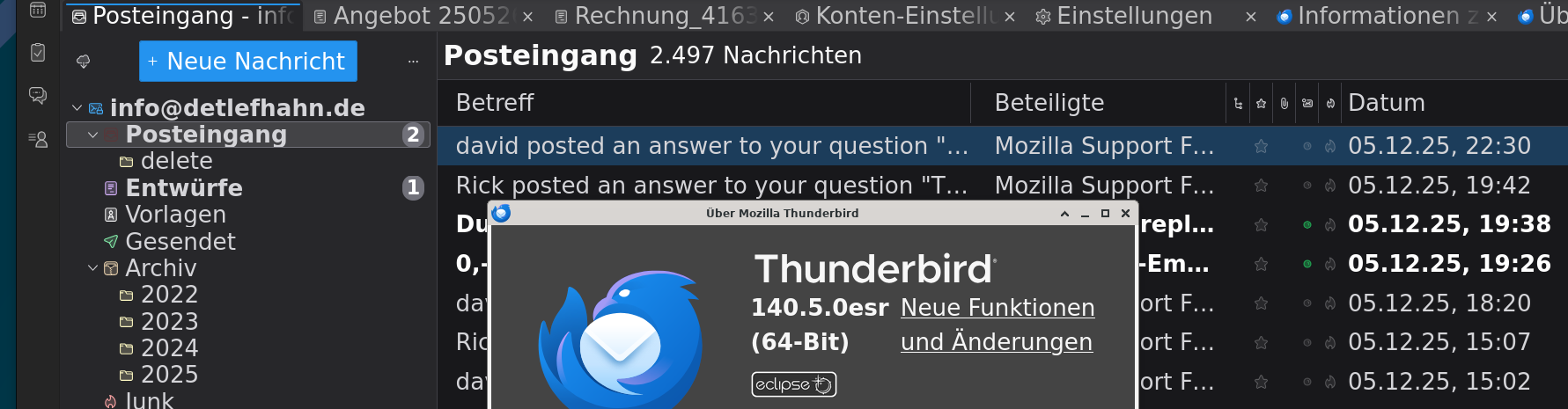
By the way , the Link Neue Funktionen und Änderungen (New functions and changes)
in help gives "The page you are looking for doesn’t exist"
- the new features URL is https://www.thunderbird.net/en-US/thunderbird/140.5.0esr/releasenotes/?uri=/thunderbird/releasenotes/&locale=en-US&version=140.5.0&channel=esr&os=WINNT&buildid=20251108022659 it must not have been done for some languages.
Please reply with whatever your status is. It seems you are up-to-date with Thunderbird, so tell what remains to be done, and I'll try to assist. -
info636 said
I don't find any mbox in the profile folder and won't copy the old folder to the new folder How to save or export only the emails. Is there any documentation which of this 90 files in the folder contains what information?
Would you please post screenshots of the contents of two directories in your old profile?
- Mail/Local Folders
Then we can guide you better.
Copying the local folders to your new profile is easy. Messages are stored in files without extensions that are paired with files of the same name with the .msf extension. All you have to do is copy those files without extensions to the same location (Mail/Local Folders) in your new profile and re-start Thunderbird. Ignore the .msf files.
For POP accounts, I defer to David. See his comments above and please ask if you need more details.