


mozila crash reporter

Every time i open mozilla firefox mozilla crash reporter pops up...
Solución elegida
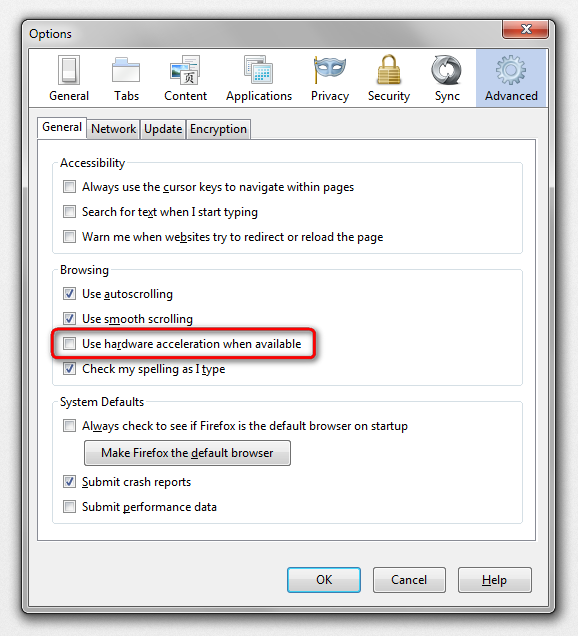
hello, please start firefox in safemode (by pressing the shift-key while it is launching) & go to firefox > options > advanced > general & disable hardware acceleration.
Leer esta respuesta en su contexto 👍 0Todas las respuestas (2)
Solución elegida
hello, please start firefox in safemode (by pressing the shift-key while it is launching) & go to firefox > options > advanced > general & disable hardware acceleration.
Try to set the gfx.content.azure.enabled pref to false or if this didn't help disable Direct2D by setting the gfx.direct2d.disabled pref to true on the about:config page and leave hardware acceleration otherwise enabled.
That way you still have the benefit from hardware acceleration, but may not suffer from rendering issues.
You can also try to uninstall Windows update KB2670838 if you have this update.