


Authentication failure on gmail account

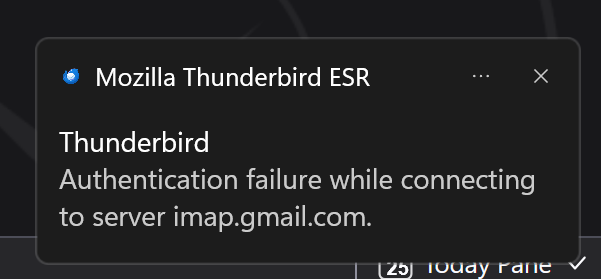
I have a couple of account, one of which is my gmail account. I have not changed any settings on Thunderbird nor on gmail, but now getting attached error when I start Thunderbird ... and no emails are being received into the account.
It's set as servername: imap.gmail.com port: 993 username: is my gmail email address Connection SSL/TLS (if I click on Test Connection to server it reports: " Successfully established a secure connection to imap.gmail.com:993." Authentication model 0Auth2
On certificate it says its "Bitdefender Personal CA.Net-Defender"
I did install Bitdefender Free Antivirus some weeks ago, but other email accounts working OK.
Any help appreciated
Todas las respuestas (4)
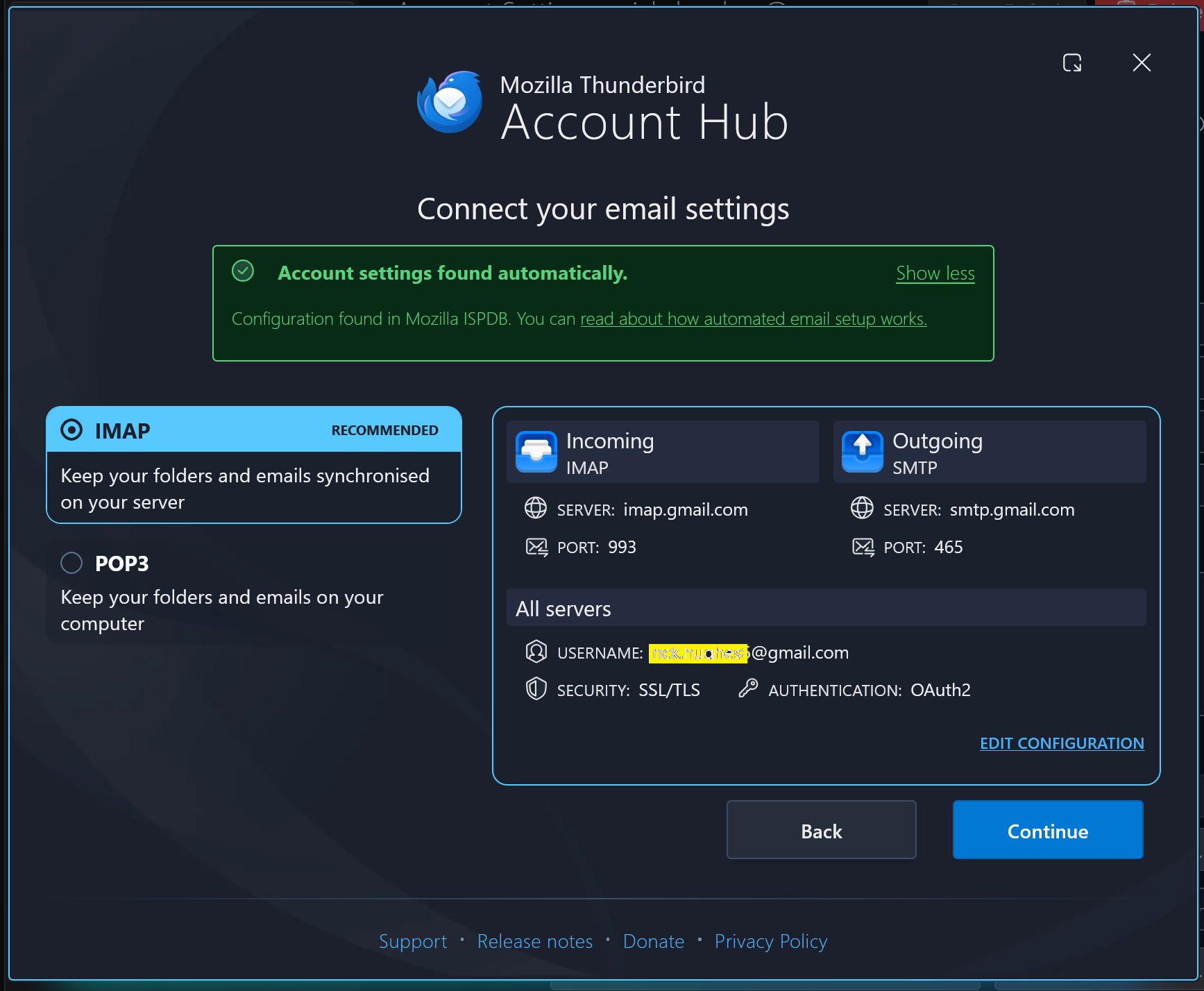
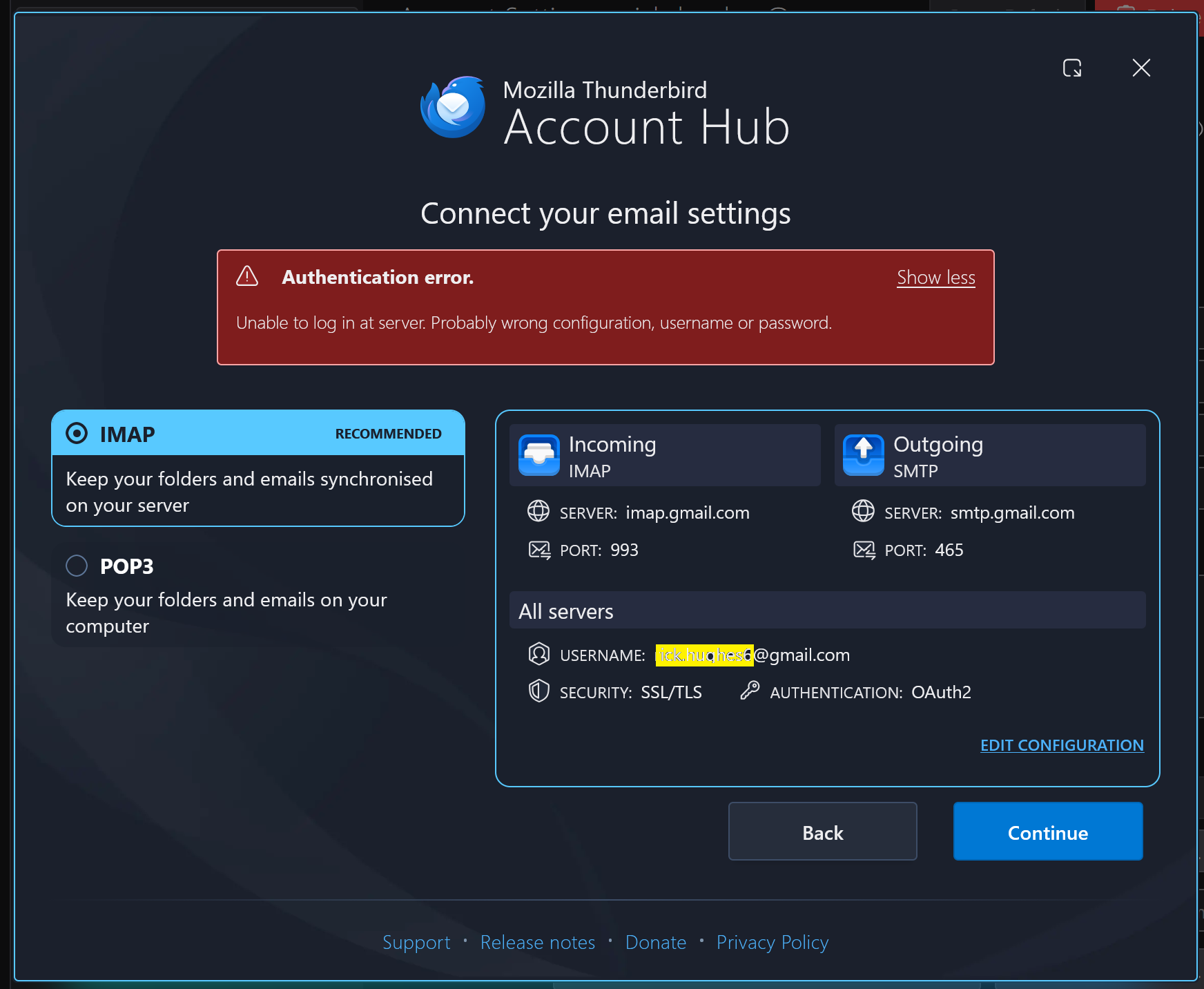
I deleted account and tried recreating .... Thunderbird detects settings and advises success - see pic. 1 The details match what Google tells me are correct settings for gmail mail However when I click on 'continue' it then fails - see pic 2
Modificadas por rick_hughes el

Solución elegida
A couple of things...
- Cookies must be enabled in Thunderbird for OAuth2 authorization to work. See <Settings | Privacy & Security | Web Content | Accept cookies from sites>. It might also help to remove any existing cookies for that account from <Settings | Privacy & Security | Web Content | Show Cookies>. And remove any existing OAuth tokens for Gmail found in <Settings | Privacy & Security | Saved Passwords>. Then restart Thunderbird and try again.
- Anti-virus programs are notorious for interfering with email traffic. Bitdefender is often cited. Try temporarily disabling it or creating an exception in it to stop scanning email.
That worked .... took a lot of steps to then get authenticated but all seems OK now - Thank you
Enabling cookies is usually the magic bullet.
Google may force you to re-authenticate from time to time whenever they feel like it. It seems to be sometimes triggered when they they detect what they think is a new device, which could actually be a system or Thunderbird update.