

Este tema ha sido archivado.
Haz una nueva pregunta si necesitas ayuda.

Archivado
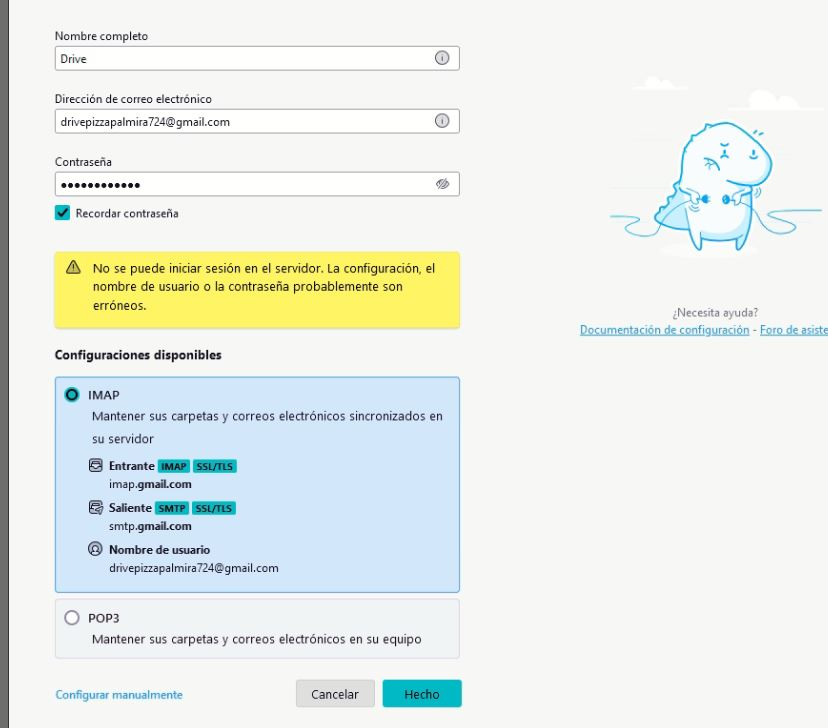
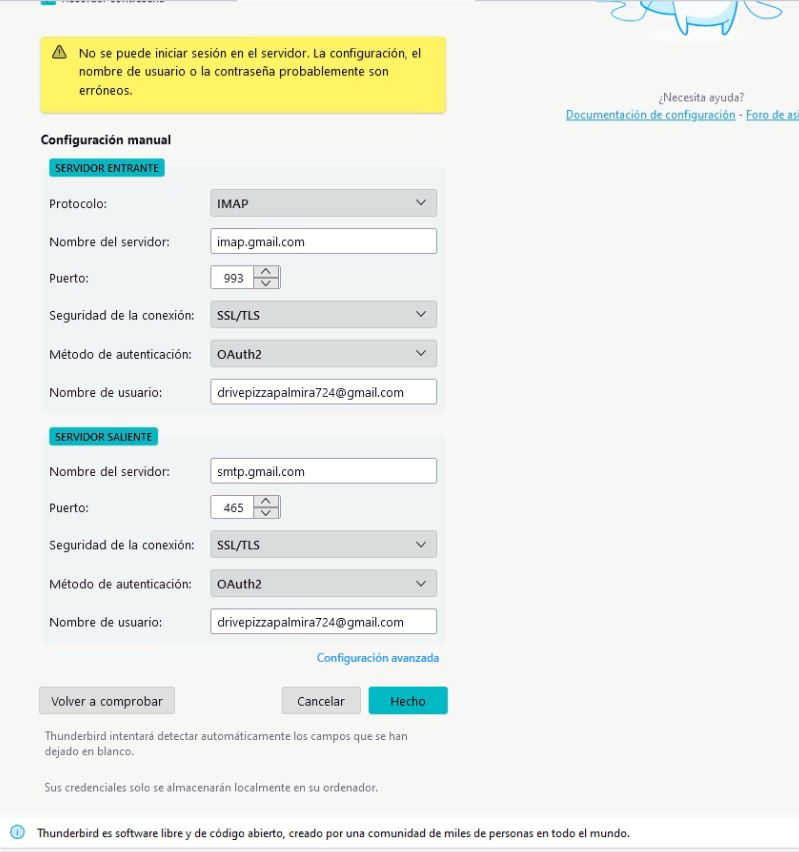
ERROR - Unable to log in to the server

Hi, I'm installing Thunderbird 138 on a client's PC. I entered the name, email, and password, and I get the error: "Cannot log on to the server." So, I entered the information on my PC and it worked fine. I tried again on the client's PC and it doesn't work. It even asks for Gmail permissions to access and read messages, and then the error appears. I've attached images. I've uninstalled and installed other versions, such as 137 and 128, and everything is the same. I've disabled the firewall and even Windows Defender, and nothing has worked. Could you please tell me what could be happening? I'd really appreciate it.
Hi, I'm installing Thunderbird 138 on a client's PC. I entered the name, email, and password, and I get the error: "Cannot log on to the server." So, I entered the information on my PC and it worked fine. I tried again on the client's PC and it doesn't work. It even asks for Gmail permissions to access and read messages, and then the error appears. I've attached images. I've uninstalled and installed other versions, such as 137 and 128, and everything is the same. I've disabled the firewall and even Windows Defender, and nothing has worked. Could you please tell me what could be happening? I'd really appreciate it.
Todas las respuestas (1)
Hola, En ambos casos es la misma red? La misma Internet? Tiene el Thunderbird habilitado las cookies? Saludos