


Windows 10 reached EOS (end of support) on October 14, 2025. If you are on Windows 10, see this article.

Buscar en Ayuda

Avoid support scams. We will never ask you to call or text a phone number or share personal information. Please report suspicious activity using the “Report Abuse” option.

Learn More

crash during auto update causes permanent core dump

  • 1 respuesta
  • 0 tienen este problema
  • 69 visitas
  • Última respuesta de christ1

Last night Thunderbird decided to auto-update, and during the auto-update the process was killed*. Now I can't start Thunderbird anymore. Every time it gives "Segmentation fault (code dumped)". I already tried uninstalling and reinstalling Thunderbird. I'm on Fedora 36 and the repo installs `thunderbird-102.10.0-1.fc36.x86_64`. I have no idea what version I was running before as it auto-updates nearly every time I need it (which isn't that often). Is there any way to get it working again?

* The out-of-memory daemon (oomd) incorrectly decided that memory pressure was too high and slaughtered off my session. Bug report https://github.com/systemd/systemd/issues/25853
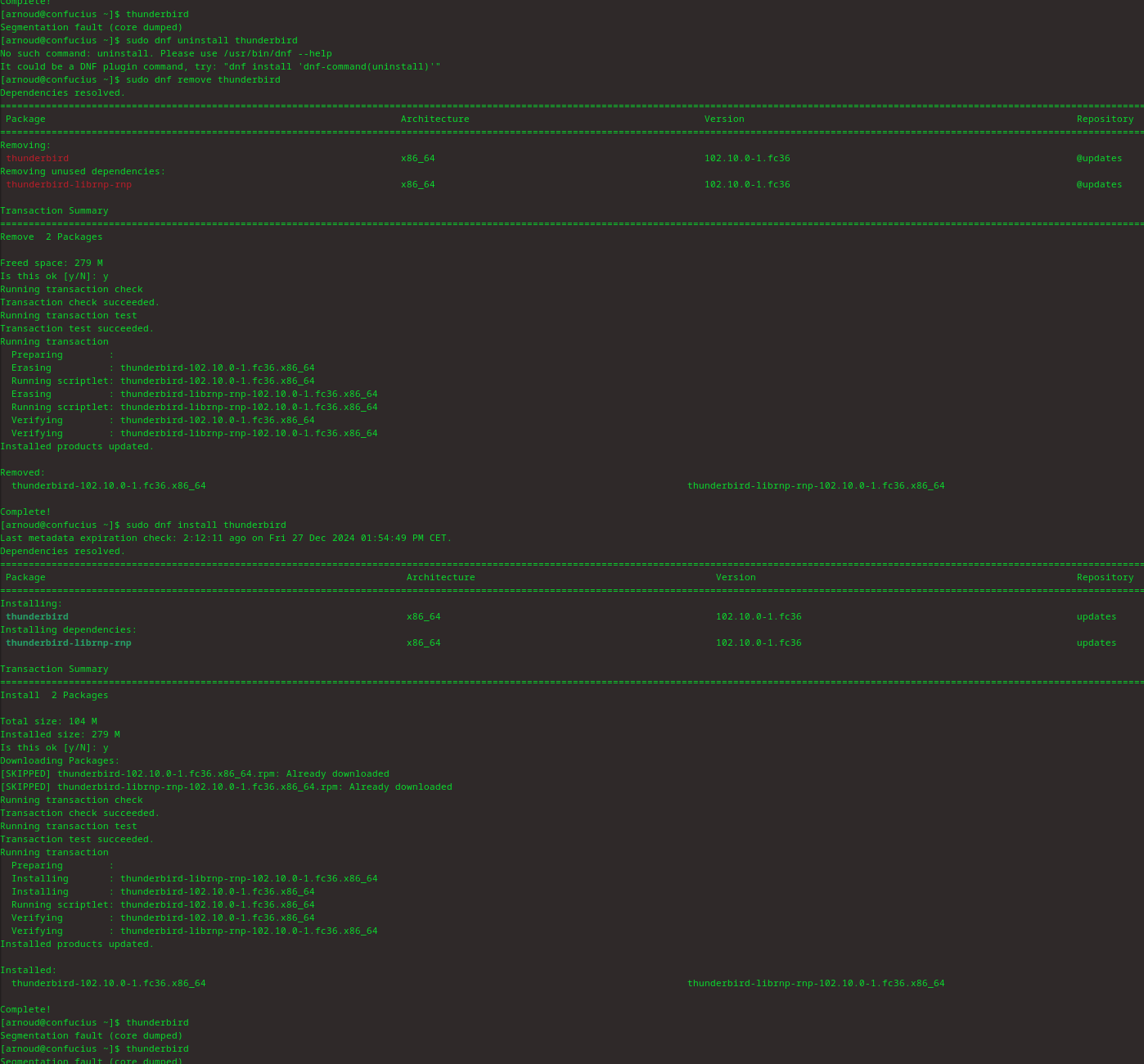
Last night Thunderbird decided to auto-update, and during the auto-update the process was killed*. Now I can't start Thunderbird anymore. Every time it gives "Segmentation fault (code dumped)". I already tried uninstalling and reinstalling Thunderbird. I'm on Fedora 36 and the repo installs `thunderbird-102.10.0-1.fc36.x86_64`. I have no idea what version I was running before as it auto-updates nearly every time I need it (which isn't that often). Is there any way to get it working again? <sub>* The out-of-memory daemon (oomd) incorrectly decided that memory pressure was too high and slaughtered off my session. Bug report https://github.com/systemd/systemd/issues/25853</sub>
Capturas de pantalla adjuntas

Todas las respuestas (1)

Thunderbird 102.10.0 is almost two years old. I'm not sure why you want such an outdated version. Ask in a Fedora forum how to get a more recent version of Thunderbird. Alternative use the vanilla version from https://www.thunderbird.net/