

Este tema ha sido archivado.
Haz una nueva pregunta si necesitas ayuda.

Archivado
add JPG, JPEG Content Type, Actions

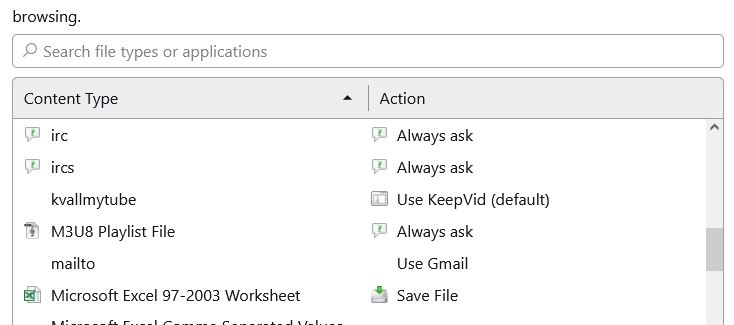
I am running Firefox ver 123.0.1 (64-bit) on Windows 10. Unsdersatand that there is built-in support for certain media like common images (JPG, JPEG, GIF, PNG). But I go to Menu Bar and select Tools > General > Applications > Content Type and I do not find a media type for JPG, JPEG. Is there a way to add JPG, JPEG Content Type? Actions?
I am running Firefox ver 123.0.1 (64-bit) on Windows 10. Unsdersatand that there is built-in support for certain media like common images (JPG, JPEG, GIF, PNG). But I go to Menu Bar and select Tools > General > Applications > Content Type and I do not find a media type for JPG, JPEG. Is there a way to add JPG, JPEG Content Type? Actions?
Todas las respuestas (1)
You can't add an action for file types that Firefox handles internally like JPG images and sends this image with a valid image MIME type. You need to use "Save Image As" or "Save Link As" in the right-click context menu. See also "Tools -> Page Info -> Media".