

Este tema ha sido archivado.
Haz una nueva pregunta si necesitas ayuda.

Archivado
Firefox not opening the Roblox link properly
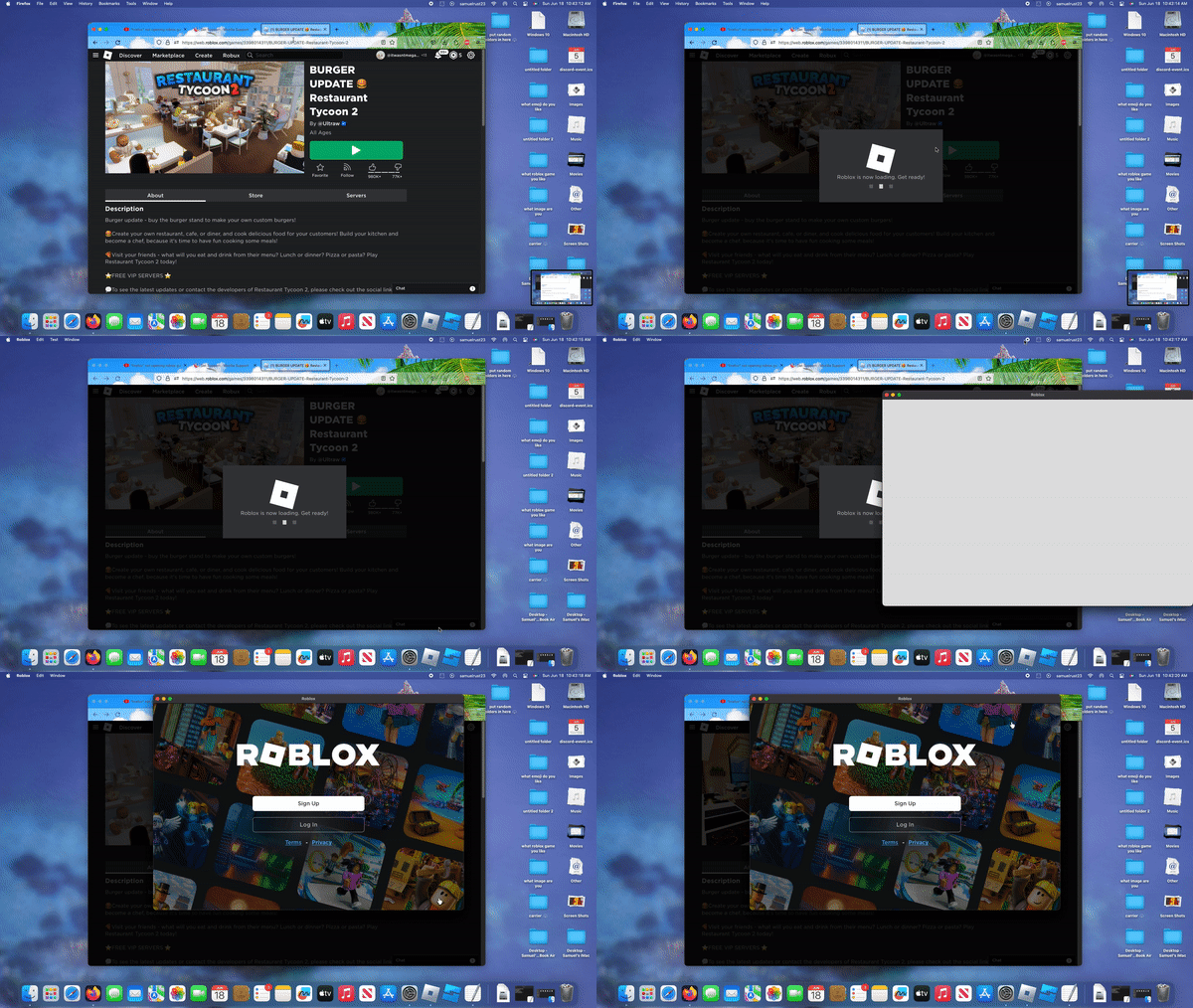
So I have the latest version of macOS Ventura, the latest version of Firefox, and the latest version of Roblox. Whenever I try to open a Roblox game from their website (yes, I know. Roblox now has the desktop app so you don't need the website to open a game), it opens the app, but not the link, which means it doesn't open the game :( Does anybody know how to get Firefox to open the link and not just the app? (Btw no hate on firefox)
So I have the latest version of macOS Ventura, the latest version of Firefox, and the latest version of Roblox. Whenever I try to open a Roblox game from their website (yes, I know. Roblox now has the desktop app so you don't need the website to open a game), it opens the app, but not the link, which means it doesn't open the game :(
Does anybody know how to get Firefox to open the link and not just the app? (Btw no hate on firefox)
Todas las respuestas (1)
Try going into settings (about:preferences) and scrolling down to 'applications'
From here you should be able to search for 'roblox' and select 'always ask'. Doing this might make it so when you try to load up a roblox game again, it will open through the web rather than the app.