


Sync local profile with Firefox account

I have a local Firefox profile that's contains all my saved passwords bookmarks and history. Therefore all my firefox data are saved on my local harddrive and they can't be sync across different devices unless I manually export/import them. If i create a new Firefox account, is it possible that I can import all my existing local passwords, bookmarks, history, etc onto my newly create Firefox account so they can be sync across different devices. If so, how?
Todas las respuestas (2)
Right, 1 Firefox account on different devices to get the same data on all of them. see screenshot https://support.mozilla.org/en-US/kb/how-do-i-set-sync-my-computer
https://support.mozilla.org/en-US/kb/how-do-i-choose-what-information-sync-firefox
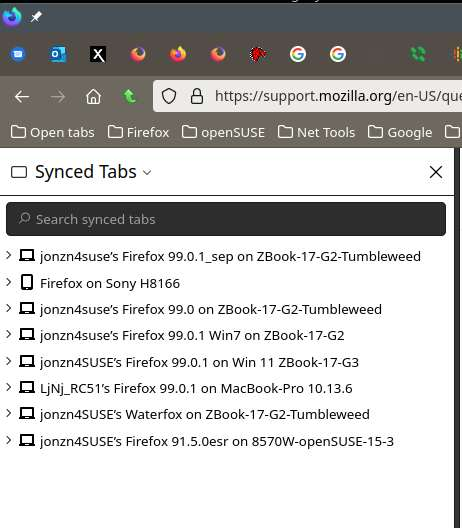
Modificadas por jonzn4SUSE el
This question has been locked because the original author has deleted their account. While you can no longer post new replies, the existing content remains available for reference.