

Este tema ha sido archivado.
Haz una nueva pregunta si necesitas ayuda.

Solved
Archivado
All sites looks off after updating firefox 91.x
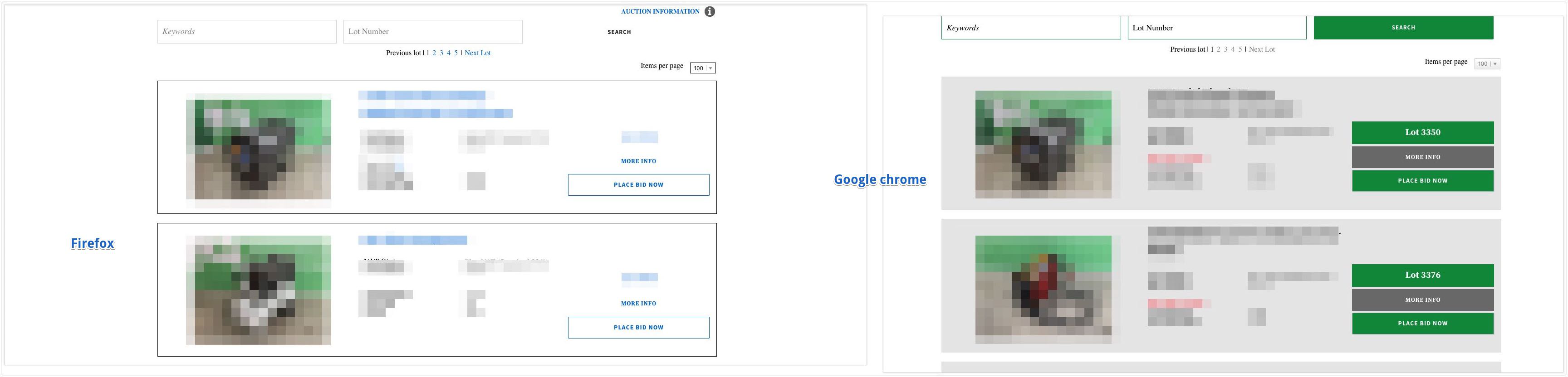
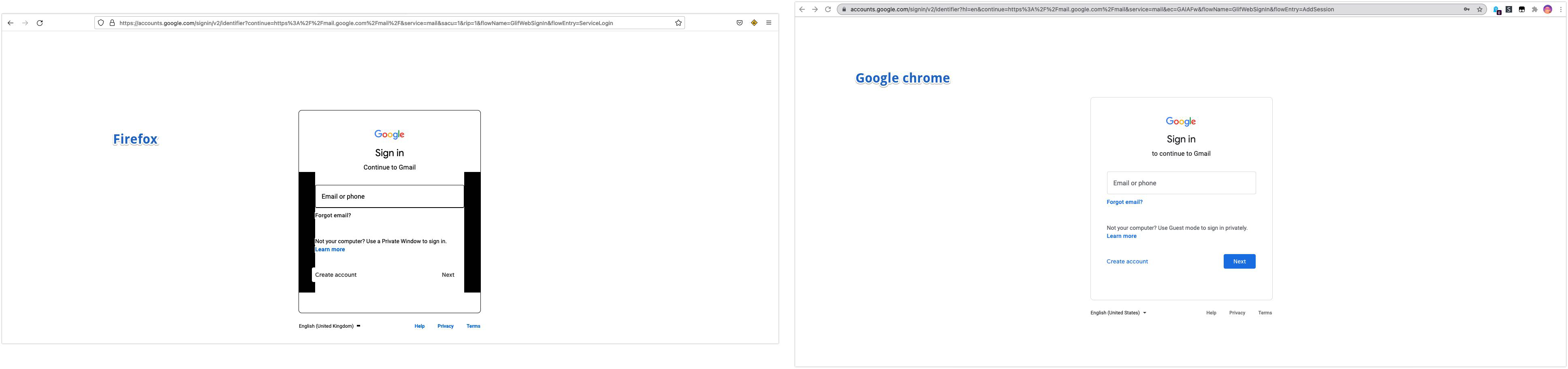
After I update to recent version of firefox all website looks really off. Looks like no styles are loading form website.
I am on mac with m1 chip.
Mac mini (M1, 2020) Chip : Apple M1
After I update to recent version of firefox all website looks really off. Looks like no styles are loading form website.
I am on mac with m1 chip.
Mac mini (M1, 2020)
Chip : Apple M1
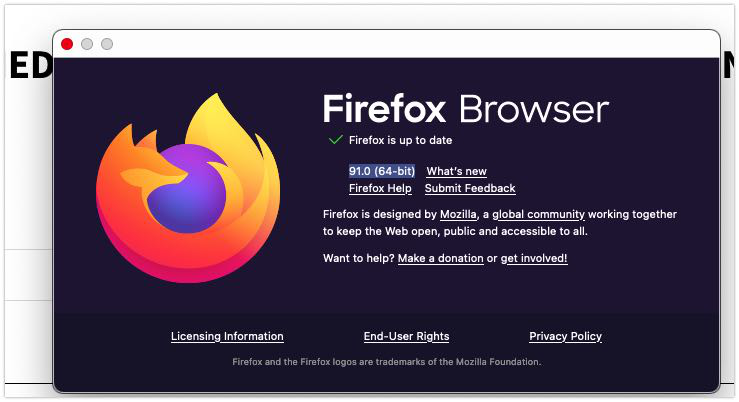
[https://app.box.com/s/ssxba0a9fpfutcyulb062e0c6dh0z37f How google looks] [https://app.box.com/s/vzbjcy028a5v6yu9tz320g0fm9v4j5q5 How one of my site looks] [https://app.box.com/s/smidu30wc6znr8jd5vy52watce7bypwv Firefox version]
Todas las respuestas (1)
Solución elegida
Release Notes says that Firefox now automatically enables High Contrast Mode when "Increase Contrast" is checked on MacOS. Try to turn off "Increase Contrast".
See also /questions/1346822.
Modificadas por TyDraniu el