


Picture in Picture for browsing
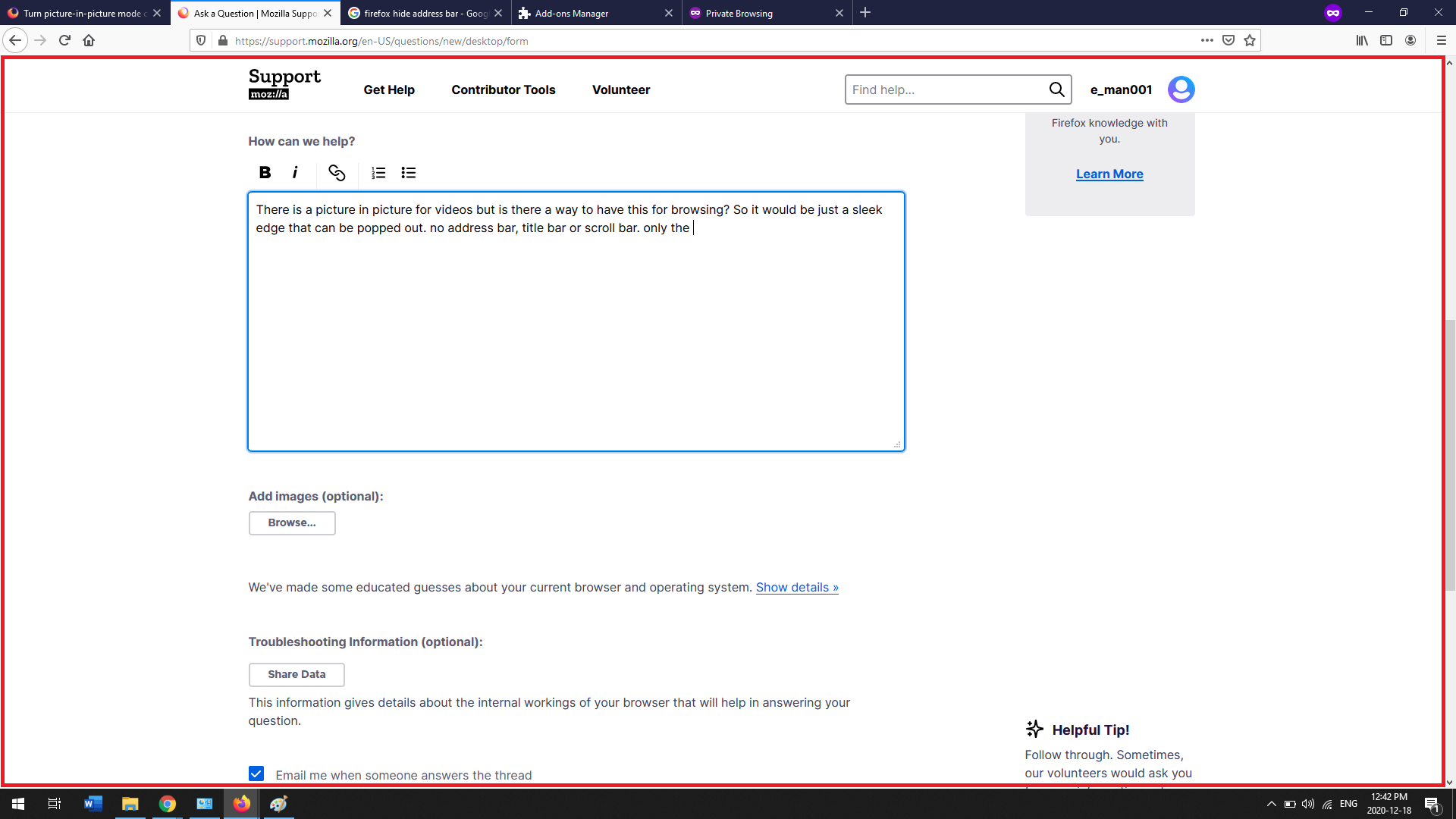
There is a picture in picture for videos but is there a way to have this for browsing? So it would be just a sleek popped out. no address bar, title bar or scroll bar or noticeable edges and just showing only the info of the page that you are on (as shown in the red box of the picture below) and just like the picture in picture it should be scalable so that you can adjust the size. Thanks for your time.
Cheers
There is a picture in picture for videos but is there a way to have this for browsing? So it would be just a sleek popped out. no address bar, title bar or scroll bar or noticeable edges and just showing only the info of the page that you are on (as shown in the red box of the picture below) and just like the picture in picture it should be scalable so that you can adjust the size. Thanks for your time.
Cheers
Todas las respuestas (1)

Picture in Picture feature is only available for popping videos out of websites into a floating dialog box.