


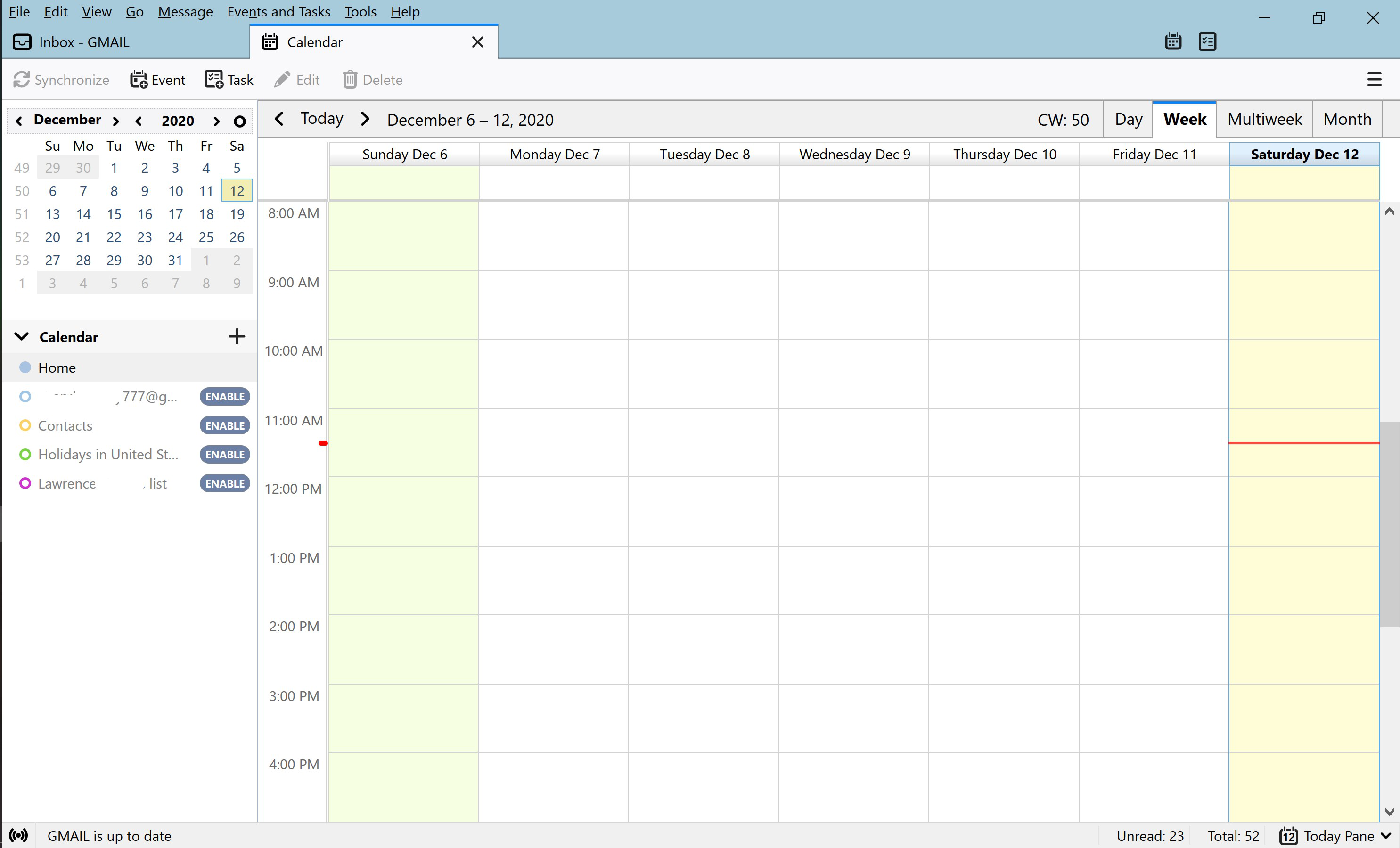
After upgrade of Thunderbird to 78.5.1, no calendar events are listed.
I just upgraded to version 78.5.1 of Thunderbird. When it opens, my calendar tab is blank. Each of the entries in my Calendar List in the left-hand column has a button prompting me to enable it. I have done so and tried to synchronize Calendar but no events are displayed.
If I close and reopen Thunderbird, the calendar shows no events, and the Calendar List in the left-hand column again has the Enable button next to each entry.
See the attached image.
How can I fix this?
Todas las respuestas (5)
Using the Provider add-on? Try removing the add-on, restart TB, install the add-on.
I uninstalled and reinstalled the Provider for Google Calendar add-on and that corrected the issue.
Modificadas por grandpalarry777 el
Uninstalling and reinstalling the Provider for Google Calendar add-on initially worked but after closing and reopening Thunderbird once again no calendar events are displayed.
I tried the uninstall/reinstall process a few more times but no events are shown.
Any other ideas?
Thanks.
Modificadas por grandpalarry777 el
If the Provider add-on isn't working, try TbSync/Provider for CalDAV & CardDAV, or add the calendar without add-ons:
https://support.mozilla.org/en-US/questions/1304356#answer-1368791