


Change color of the title bar

I would like to change the color of the title bar to dark blue, but I'm unable to do so.
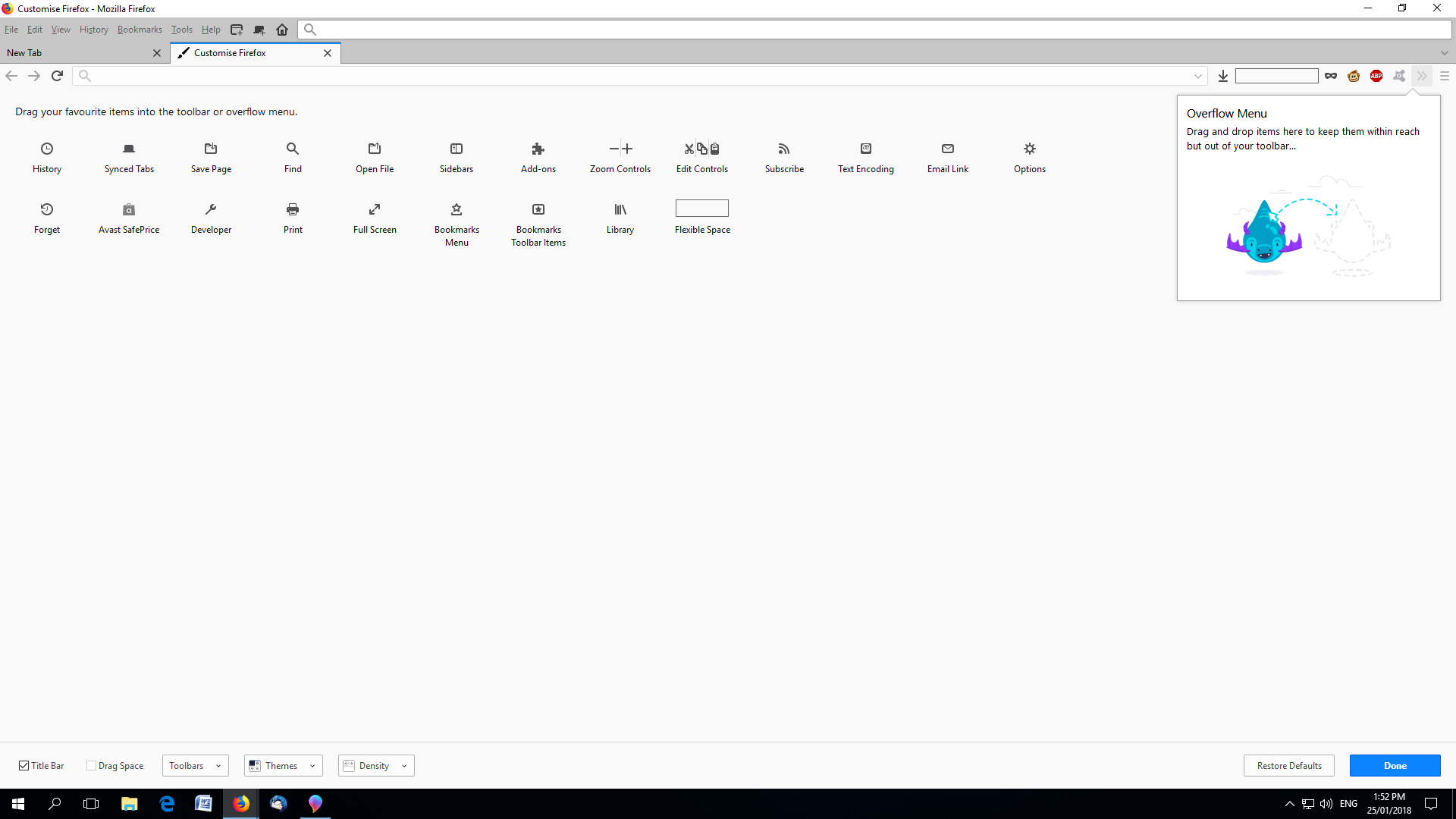
The first pic is what my browser looks like without a title bar.
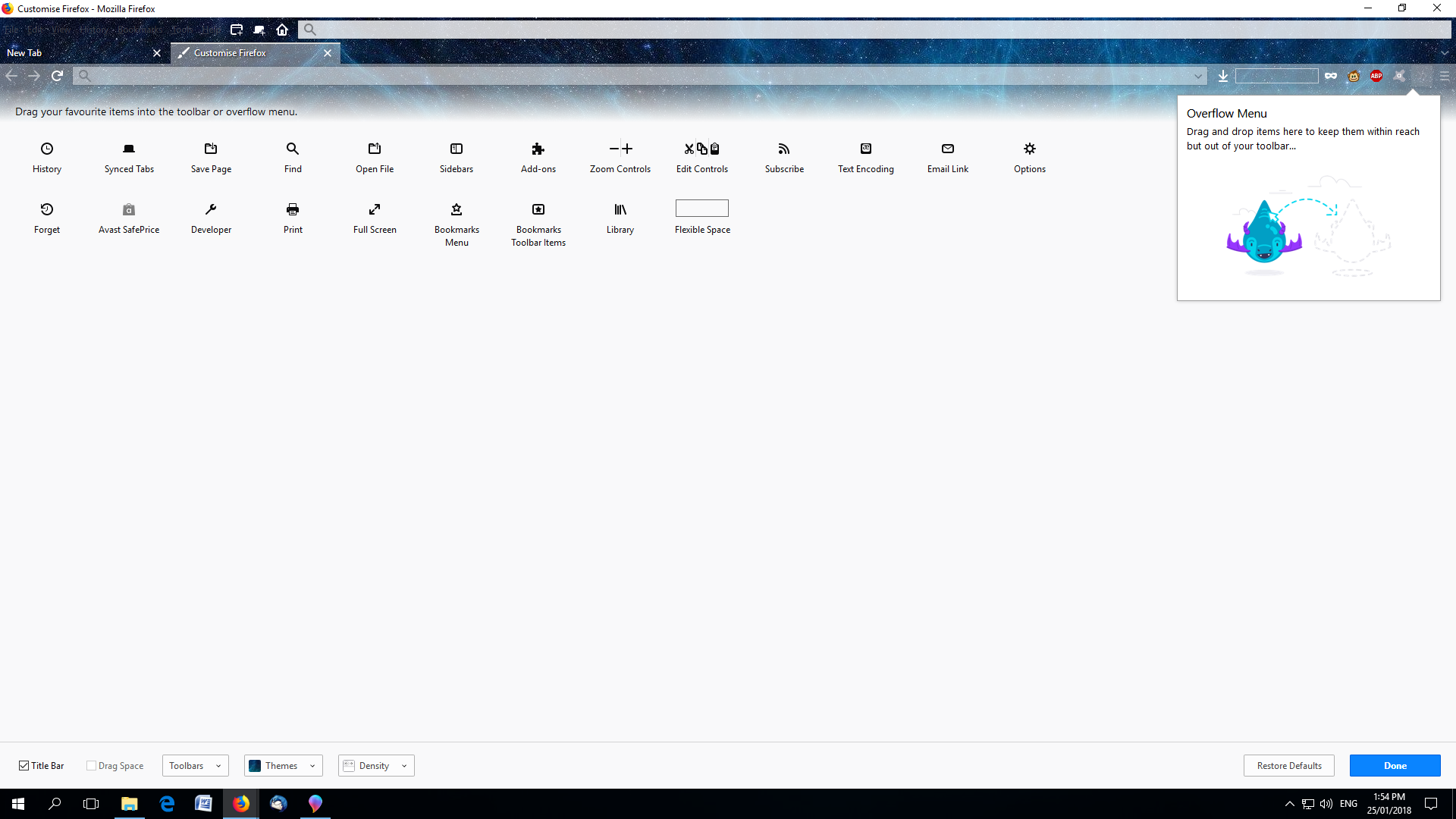
The second pic is what my browser looks like with a title bar.
And regardless of what theme I pick, the title bar always stays white. (pic 3)
I would like to have the title bar enabled, but I would like it to be a darker color.
Any ideas of how I can do this? Thanks in advance for your help.

Todas las respuestas (3)
Basically, I would like the title bar color to blend in with the color of the menu and rest of the top of the browser.
Modificadas por Rooster1 el
Solución elegida
Hi Rooster1, I think Firefox will follow Windows' lead on the title bar background color (settings for active and inactive windows).
There might be a style rule workaround (for a userChrome.css file). If you don't find one here, you could try the following board:
Thank you. Changing color for title bar in Windows helps,