


How to enable TLS 1.2 in firefox 18.0.1

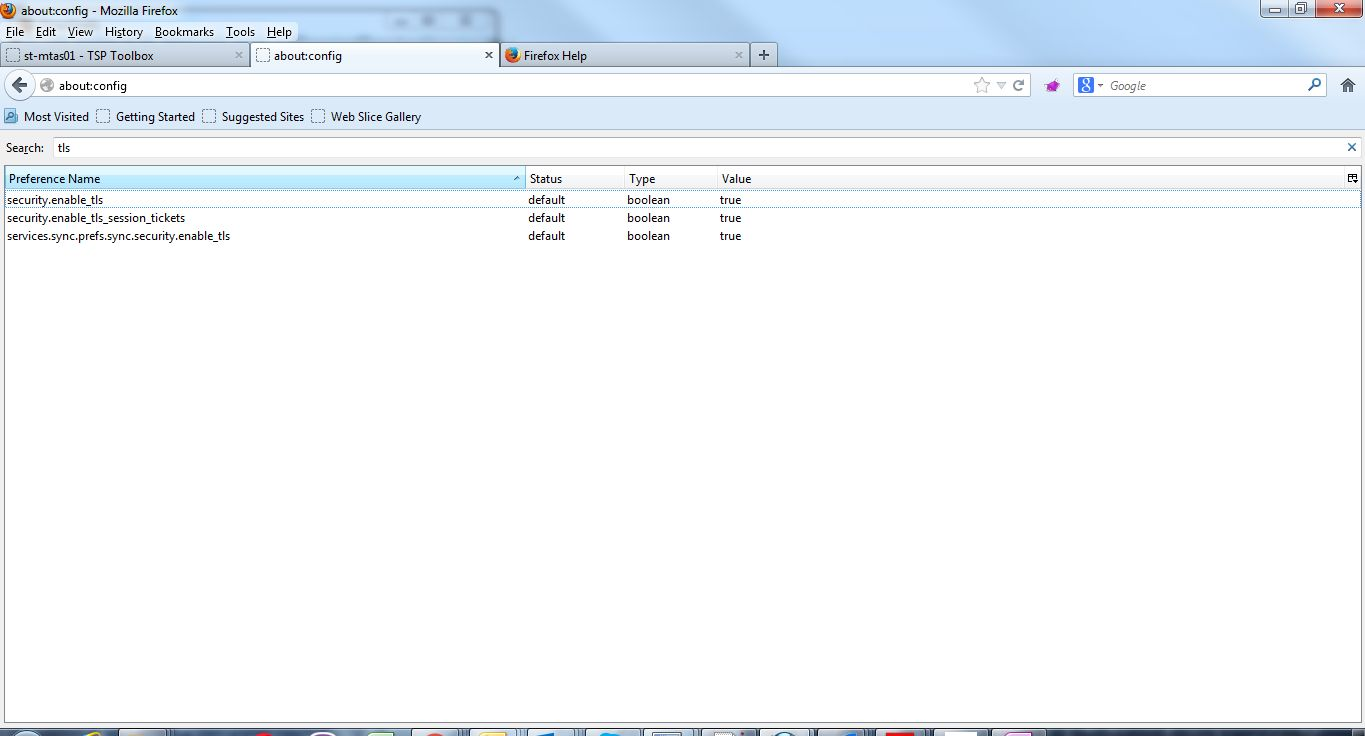
I have firefox 18.0.1 on windows OS. And there is a problem with TSL 1.2. In about:config this is all what I have regarding TLS:
security.enable_tls;true security.enable_tls_session_tickets;true services.sync.prefs.sync.security.enable_tls;true
There is no security.tls.version.max.
In Options-->Advanced-->Encryption there is only "Use TLS 1.0"
How to enable TLS 1.2?
Todas las respuestas (3)
Solución elegida
hi matko7, firefox 18 is unsuppported and contains dozens of highly critical security vulnerabilities that are exploited on the web. tls 1.2 wasn't present in firefox 18 either, so please update firefox to the latest version!
Modificadas por philipp el
Ok. It is solved in newer version.
Thx
TLS 1.2 support was added as of Gecko 24.0 or Firefox 24.0 as the old Firefox 18.0.1 did not support TLS 1.2.