


Having trouble using firefox in windows 8.1

I am having trouble using mozilla firefox in my windows 8.1 laptop as a desktop browser. Every time I visit a website, it opens as a mobile browser. It happens with every website I have tried so far. I have uninstalled and installed the browser several times, but it's not helping me at all. This is really frustrating guys. Need immediate assistance please.
Thanks
Solución elegida
This is the correct user agent string if you run Windows 8.1 64bit with the latest version of Firefox.
Mozilla/5.0 (Windows NT 6.3; WOW64; rv:39.0) Gecko/20100101 Firefox/39.0
Todas las respuestas (12)
Can you show me a screen shot?
Follow the before and after screenshot please.
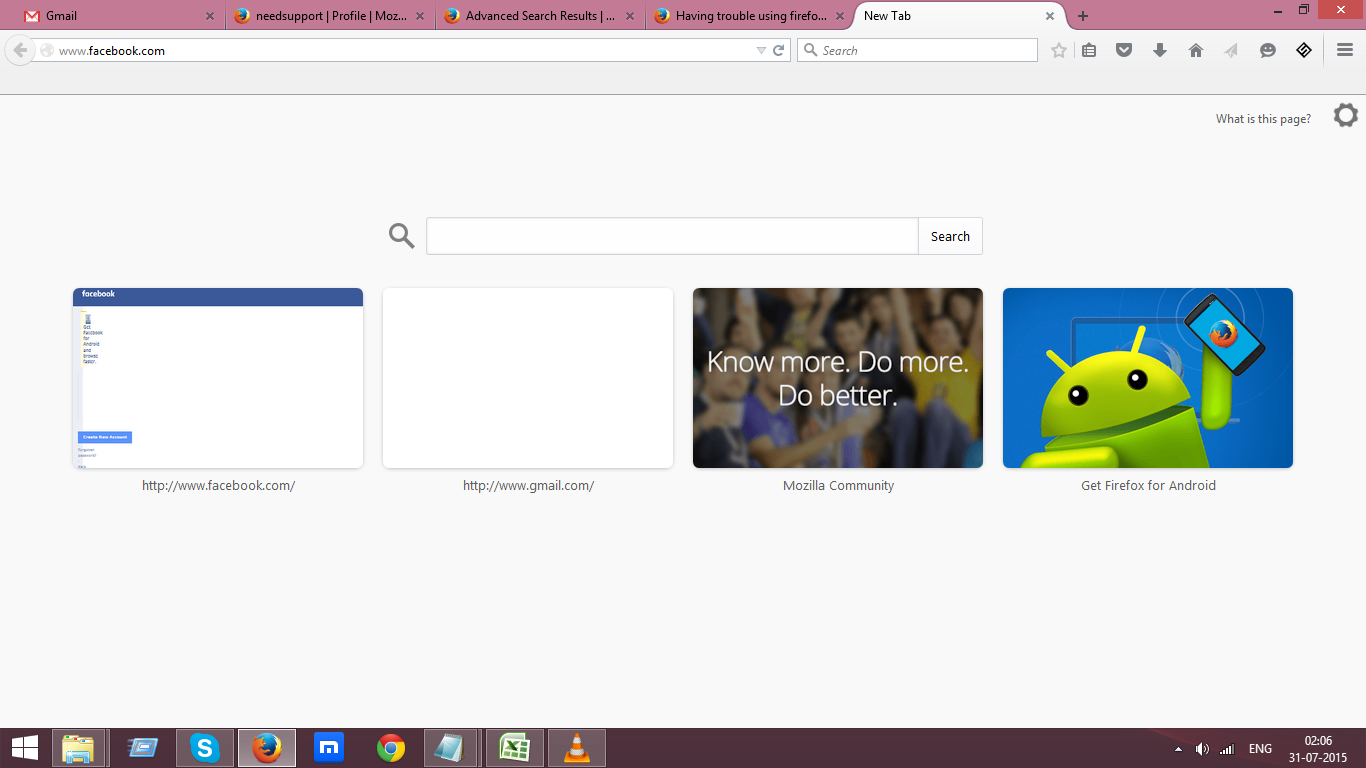
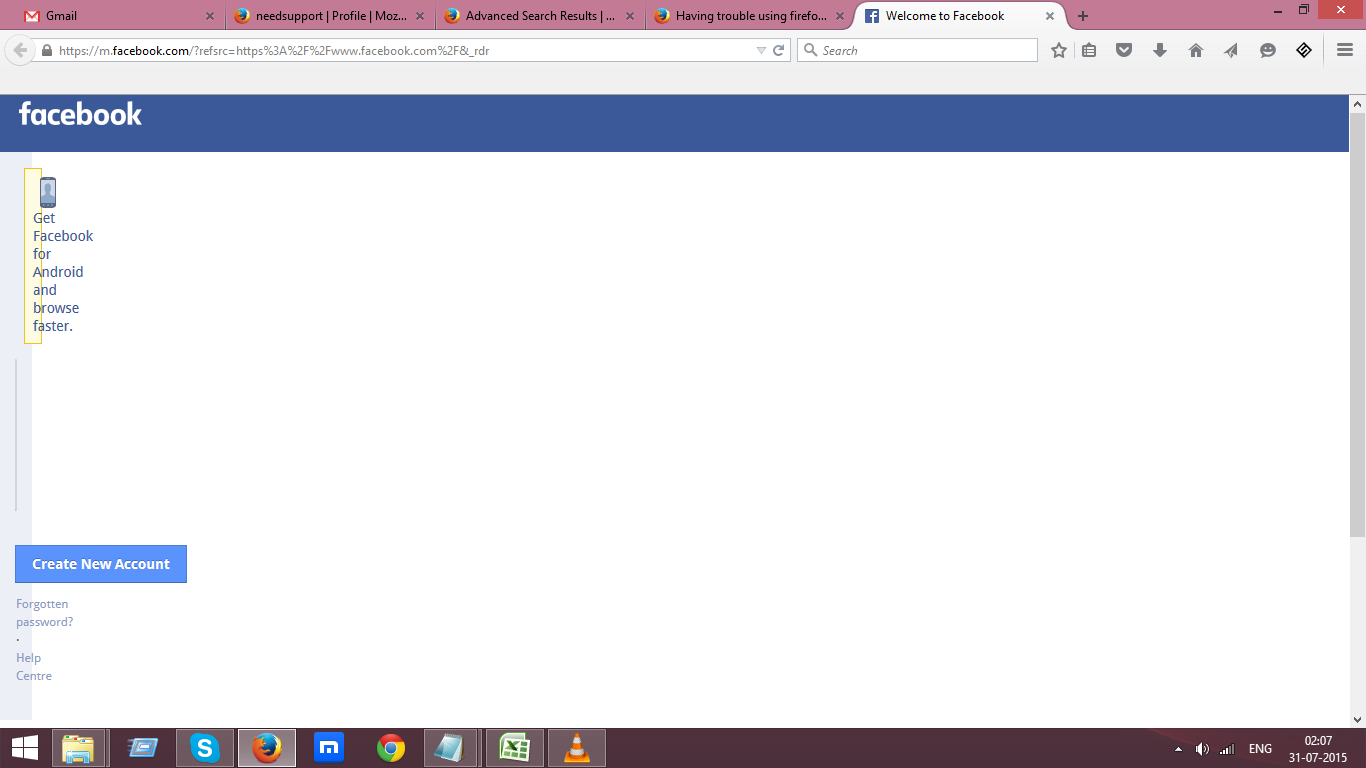
One moment while I try to duplicate this.
can you navigate to this site http://whatsmyuseragent.com/ tell me what it says for your user agent.
prest0n1337 said
can you navigate to this site http://whatsmyuseragent.com/ tell me what it says for your user agent.
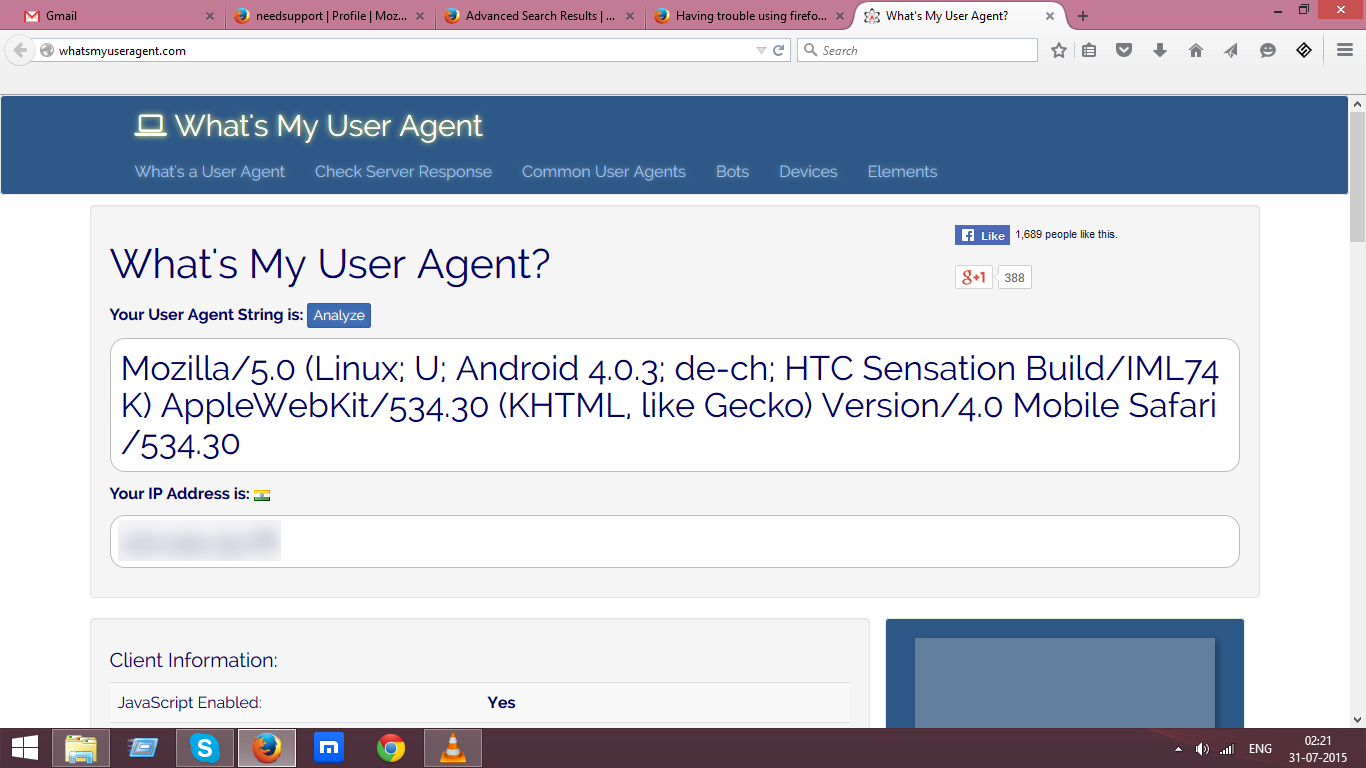
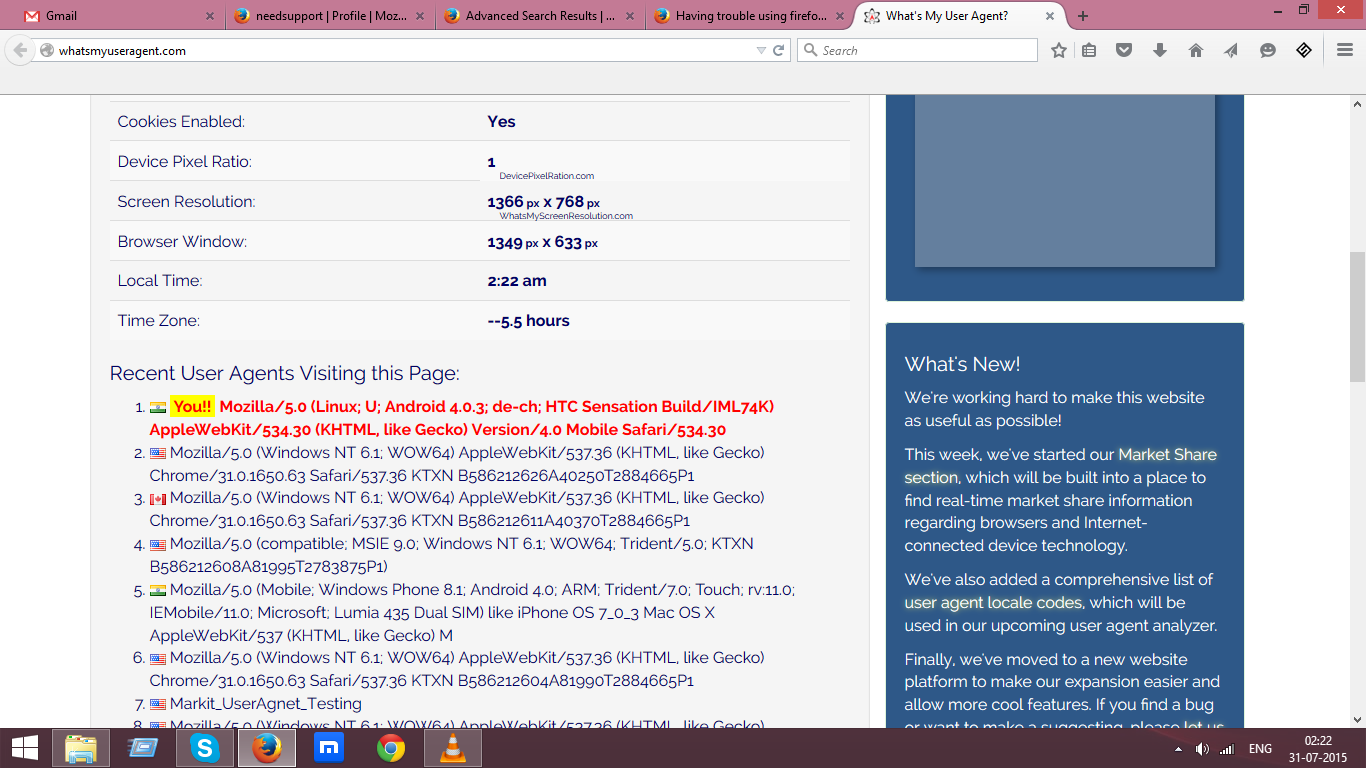
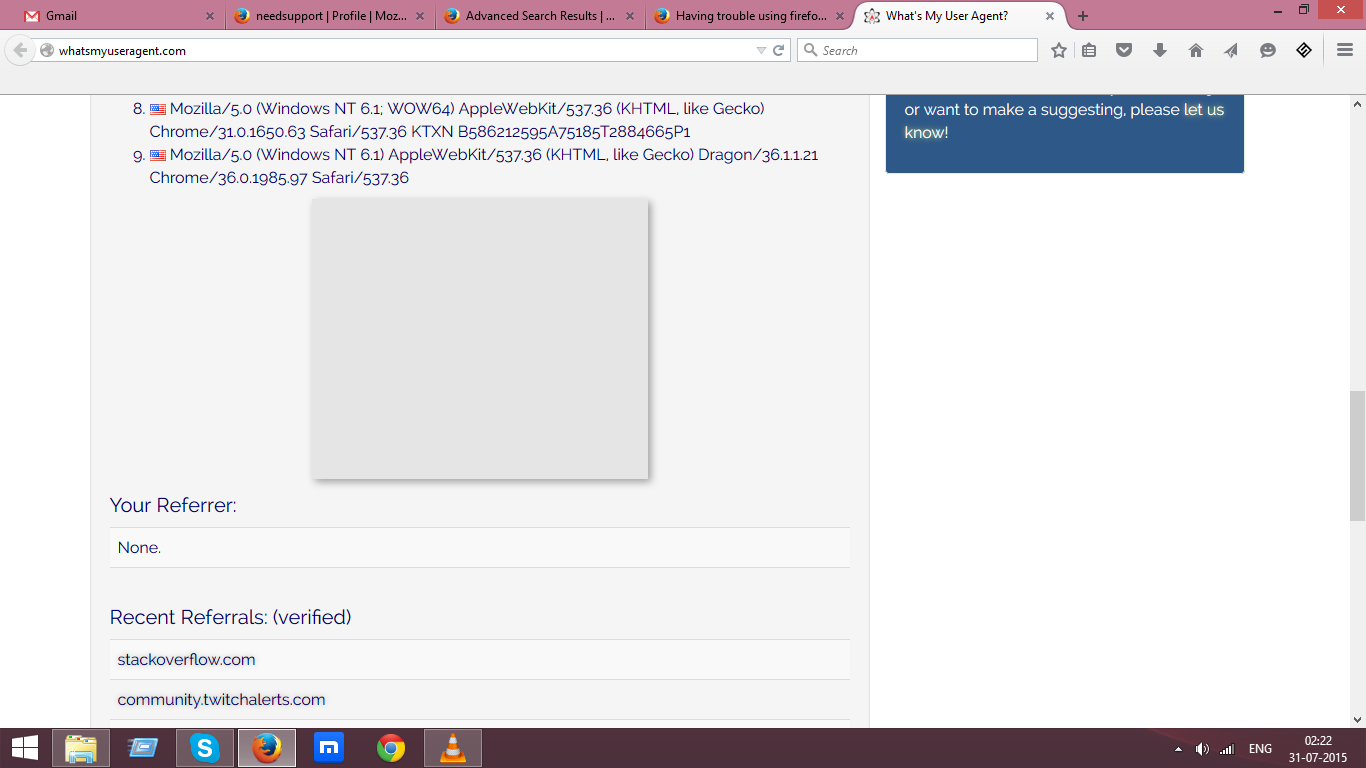
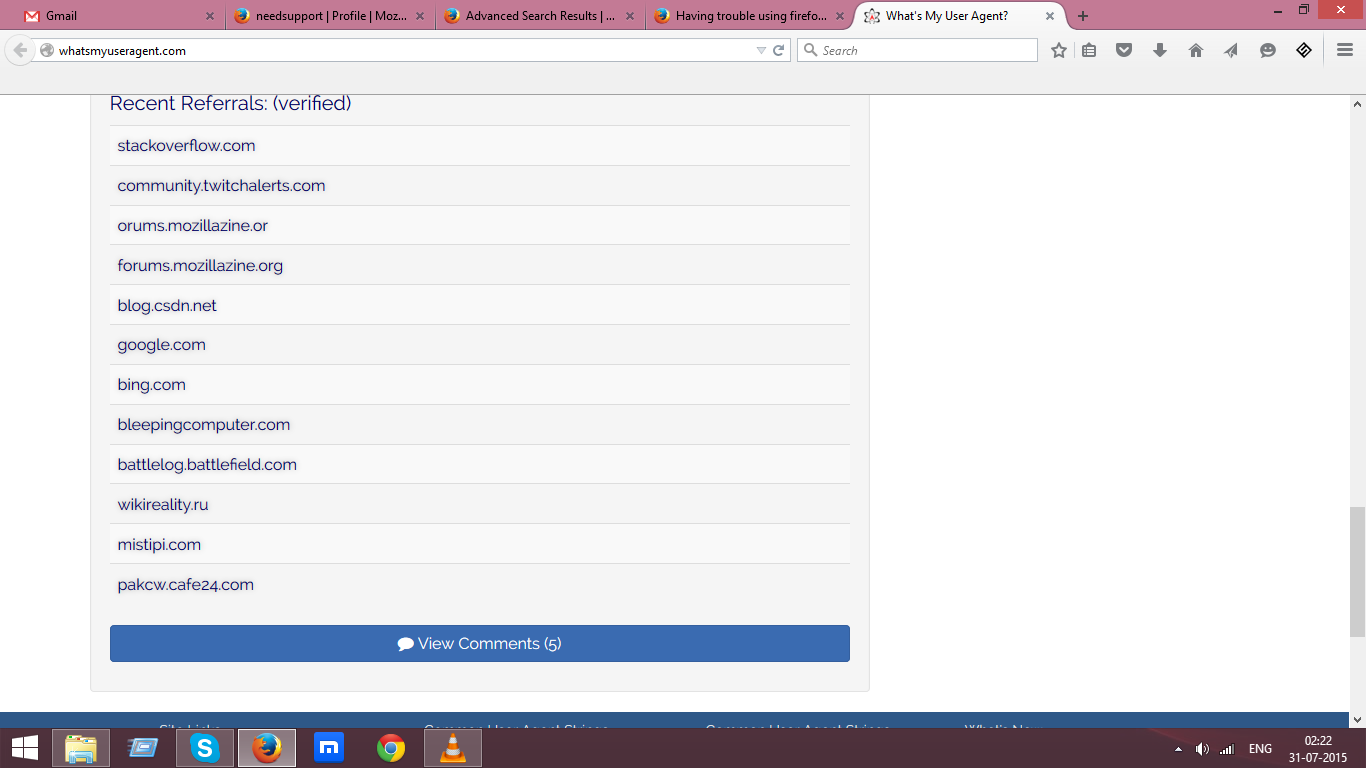
Okay that is the problem your user agent is transmitted as being a mobile browser. I have a fix for this stand by.
prest0n1337 said
Okay that is the problem your user agent is transmitted as being a mobile browser. I have a fix for this stand by.
I am eagerly waiting.
Thanks.
Here is a link with detailed instructions be sure you follow the correct set of instructions. Secondly are you developing mobile apps? If so something you installed changed the user agent and you need to correct that.
Solución elegida
This is the correct user agent string if you run Windows 8.1 64bit with the latest version of Firefox.
Mozilla/5.0 (Windows NT 6.3; WOW64; rv:39.0) Gecko/20100101 Firefox/39.0
I'll recheck this post in 15 minutes let me know if you have more trouble.
prest0n1337 said
This is the correct user agent string if you run Windows 8.1 64bit with the latest version of Firefox. Mozilla/5.0 (Windows NT 6.3; WOW64; rv:39.0) Gecko/20100101 Firefox/39.0
It works brother. Thank you so much for your time and support.
Thanks.
W00T great! Thanks for your patience.