


Embedded videos

Embedded videos missing in Firefox but show up in Microsoft Edge. How to fix it?
Ausgewählte Lösung
You should just run the update process on that dell site.
Diese Antwort im Kontext lesen 👍 0Alle Antworten (14)
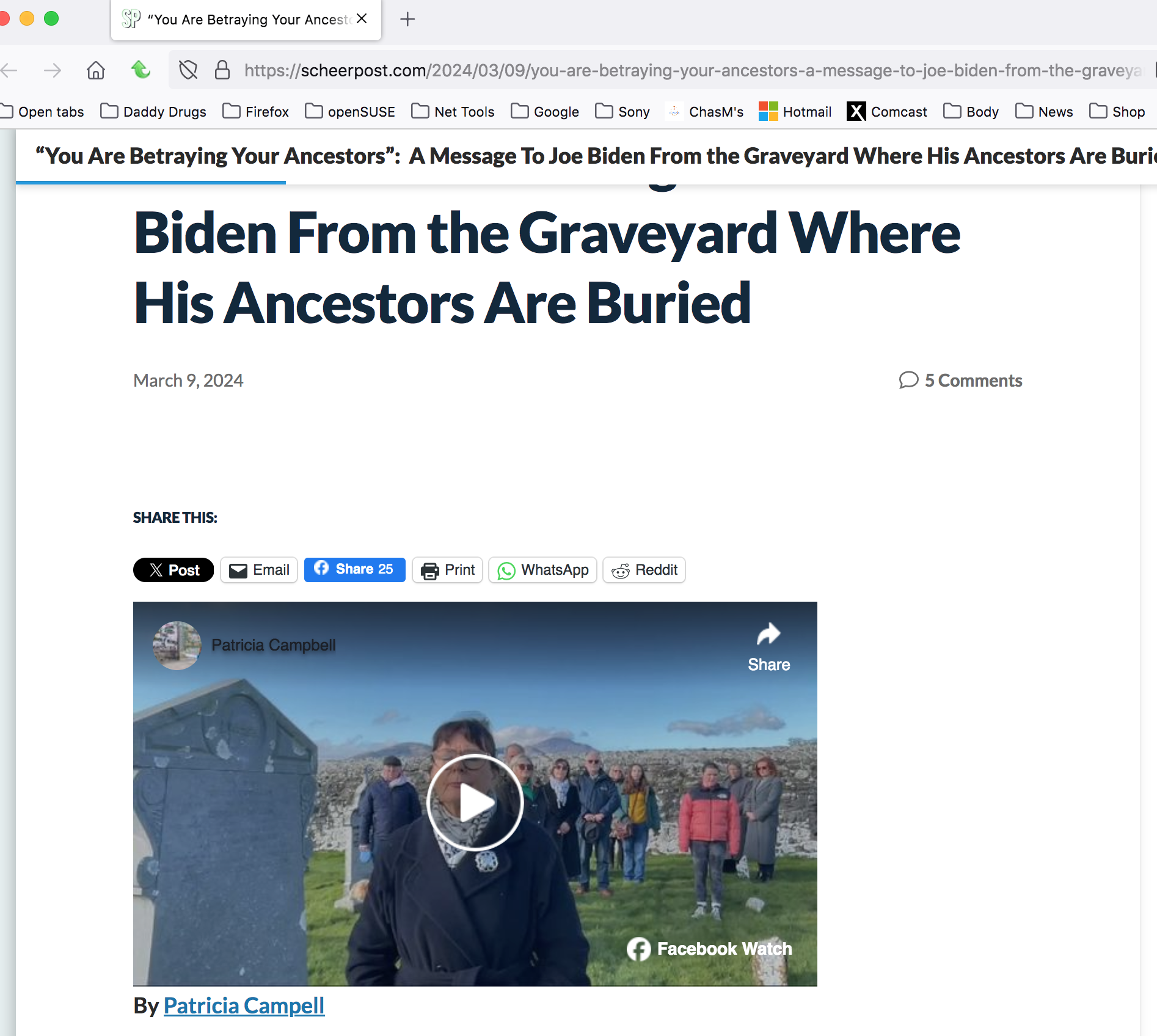
I can see the video if I turn off ETP. see screenshot He clearly stated years ago that he is a Zionist! ;-)) https://nypost.com/2024/01/03/news/meet-the-presidential-tribe-the-many-jewish-members-of-biden-trump-other-political-families/
Geändert am von jonzn4SUSE
In my laptop, the video doesn't show up with ETP on or off.

Geändert am von manny52
Give me info on your computer. Laptop, desktop, or DIY? Make and model if not DIY. Graphic card model and driver version?
jonzn4SUSE, your image above is from the facebook page, isn't it? I can see the video if I click the link in "Patricia Campell". But the videos don't show in other pages, not only in scheerpost.
Dell Inspiron 15 5510 Processor 11th Gen Intel(R) Core(TM) i5-11320H @ 3.20GHz 2.50 GHz Installed RAM 16.0 GB (15.7 GB usable)
where is the graphic card information?
Geändert am von manny52
To do that, first of all, open either CMD or PowerShell in Win11. Then, type either “devmgmt. msc” or “devgmgt” or “hdwwiz. cpl” and press Enter. The look for graphic card and then look at the driver.
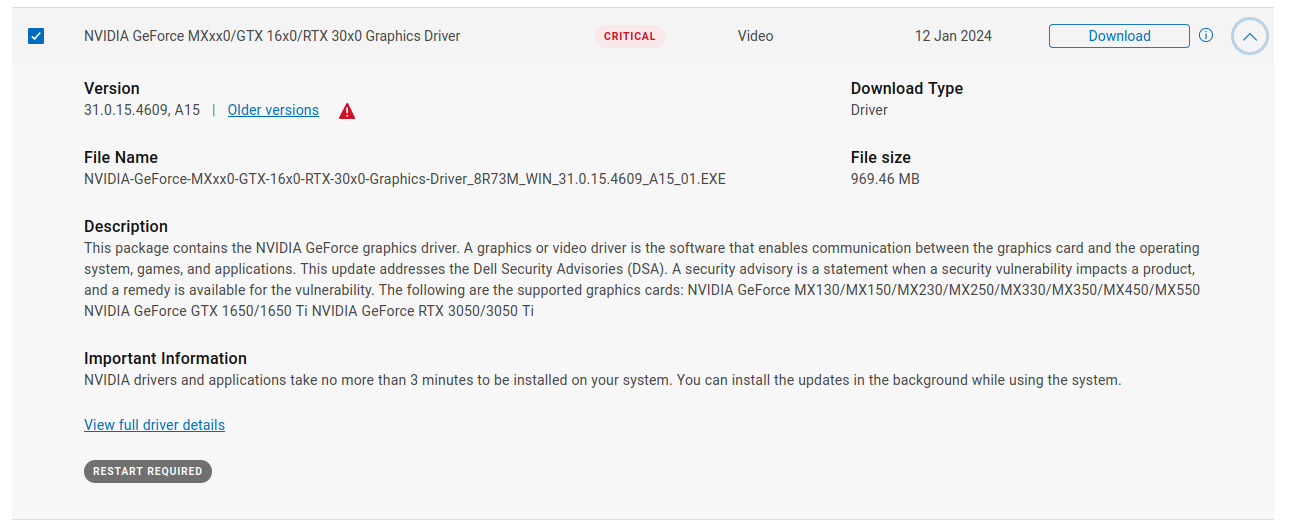
Your Dell should have an app on it to check for current drivers. You can also go here. https://www.dell.com/support/home/en-us/product-support/product/inspiron-15-5510-laptop/drivers
Ausgewählte Lösung
You should just run the update process on that dell site.
I am not sure if that is my graphic card. I download the file and it didn't install the driver
jonzn4SUSE. I am afraid that is above my knowledge. I can ask Dell to see if that solves the problem. Thanks for the help.