

Toto vlákno bylo archivováno.
Pokud potřebujete pomoci, založte prosím nový dotaz.

Archivováno
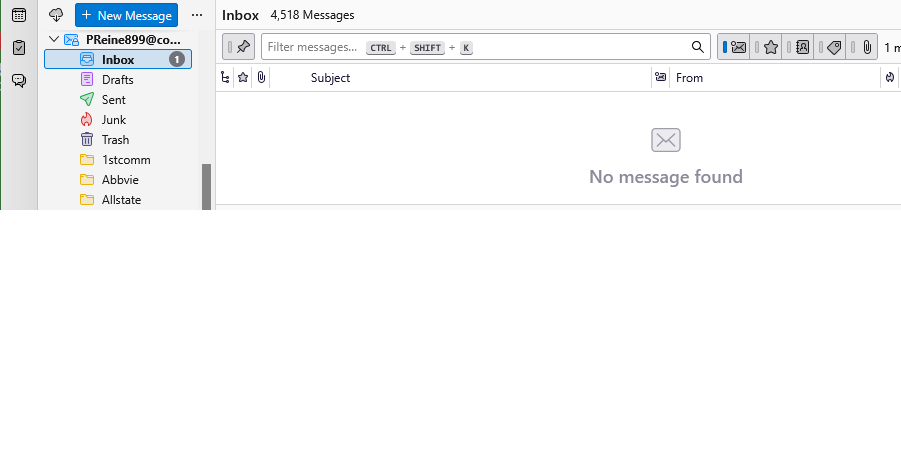
Thunderbird says 1 unread Inbox email, but filtering on unread says none.
My TBird inbox says I have an unread message count of 1. This also shows in the W11 task bar with a badge of 1.
When I go to the Inbox and filter on unread emails, it says there are none. (See attached.)
How can I find the unread email, or make the badge go away? Or maybe, does the badge have another meaning?
I restarted TBird and that didn't clear the badge.
Phil Reinie
My TBird inbox says I have an unread message count of 1. This also shows in the W11 task bar with a badge of 1.
When I go to the Inbox and filter on unread emails, it says there are none. (See attached.)
How can I find the unread email, or make the badge go away? Or maybe, does the badge have another meaning?
I restarted TBird and that didn't clear the badge.
Phil Reinie
Všechny odpovědi (1)
Why go to unread mails? you only have one so clicking a filter makes little or no sense at all to me.
Right click the folder, select properties and then the repair button.