


Why won't my site work on Firefox mobile?
I have a blog hosted on Render. The base URL provided by them is https://parker-codes.onrender.com. This URL works perfectly, in all browsers.
I purchased a domain from Google and then linked a CNAME record to the Render one: https://blog.parker-codes.dev. This URL works in many browsers except for Firefox Mobile (on Android). I receive the error "Address not found. The browser could not find the host server for the provided address."
- I flushed the DNS cache and checked that it propagated across the globe. I used nslookup to verify the domain resolution. - I tested in various other browsers on desktop (Safari, Chrome, Firefox) and mobile (Chrome) and they all work. - I turned off mobile extensions. I also tried in a private window. Still no luck. - I reached out to Google support. They don't see any domain or DNS issues on their end.
From all of this, it appears that the Firefox mobile browser has a bug that can't load the site for some reason. It can't properly resolve the host even though many other browsers can.
Zvolené řešení
The issue was inside the CNAME record.
- ANSWER SECTION:
blog.parker-codes.dev. 3600 IN CNAME https\://parker-codes.onrender.com.
Which is kind of weird it was not happening when we use the desktop version, but only affected by mobile not being able to read the record properly
Removing the https\:// inside the record solved the issue.
Přečíst dotaz v kontextu 👍 1Všechny odpovědi (10)
Doesn't work for me as well on Android. I also checked the DNS Lookup tool on the about:networking page.
It is weird that Qualys isn't able to analyze blog.parker-codes.dev.
......
Upravil uživatel jonzn4SUSE dne
.....
Upravil uživatel jonzn4SUSE dne
@jonzn4SUSE You have entered the wrong URL for the browser testing you did. It's not "onerender", it's "onrender".
LMAO!!!
it works for me. ;-))
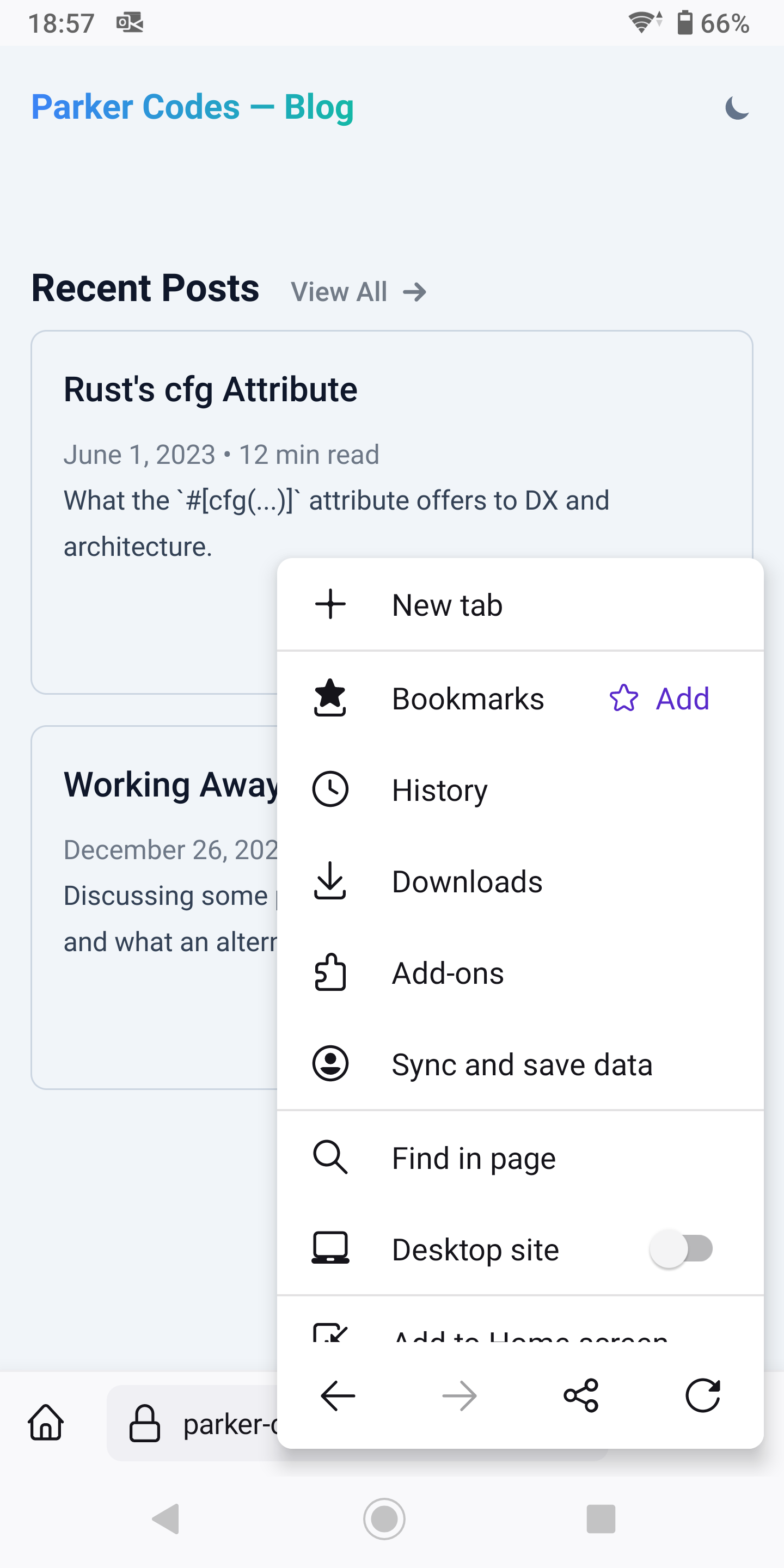
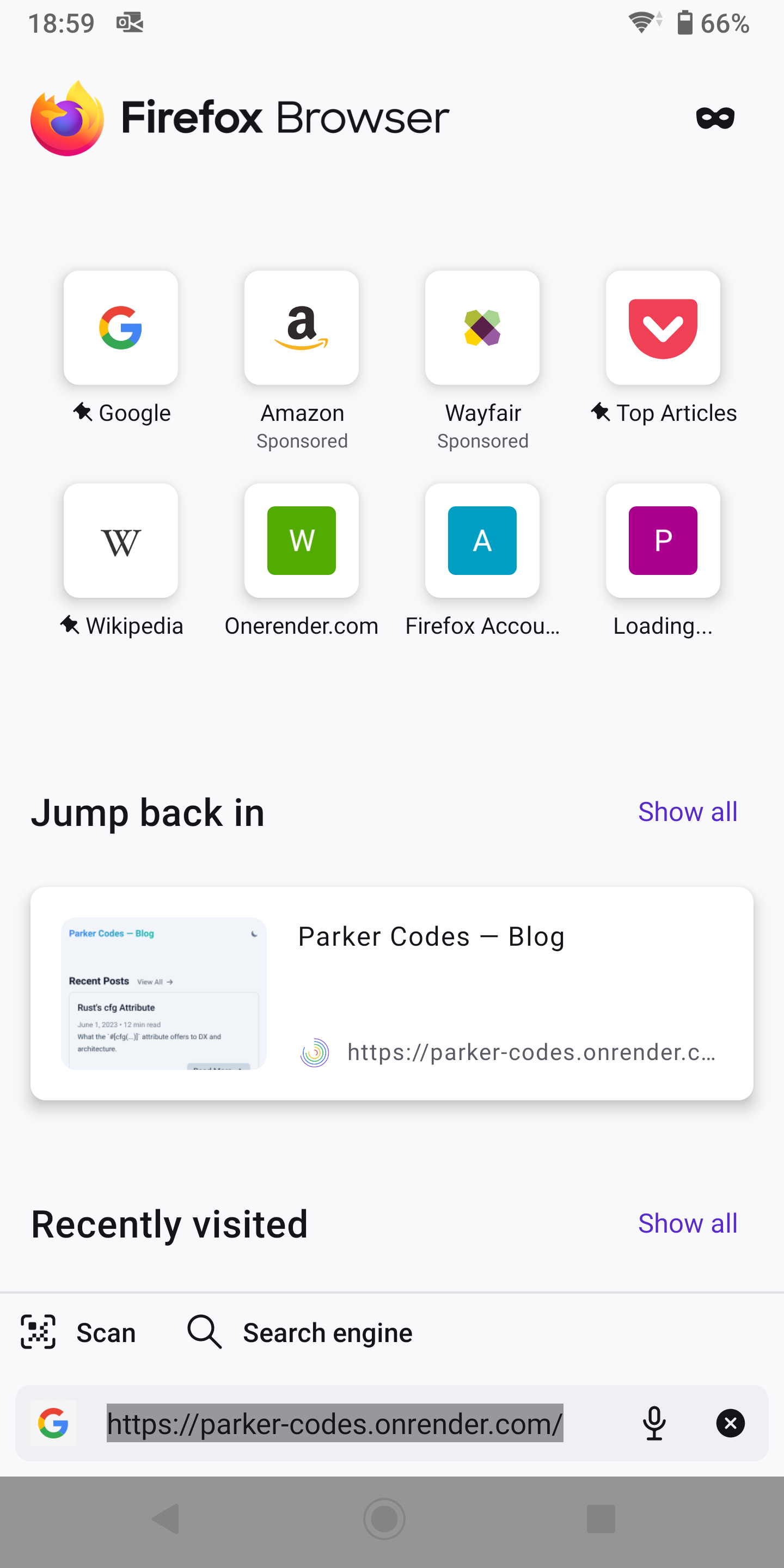
Upravil uživatel jonzn4SUSE dne
Exactly. That link works, but that is what the hosting platform provides. My domain CNAME doesn't work on FF mobile: https://blog.parker-codes.dev
Perhaps it's the .dev that Firefox doesn't like. I'm not sure. That's why I posted it here.
I'm finally on the same page. ;-))
I figured it out, and frankly it's quite dumb that Google doesn't validate the address that is entered into the DNS record.
The solution was to remove the "https://" from the CNAME record so it was just "parker-codes.onrender.com". Now it works as expected.
Zvolené řešení
The issue was inside the CNAME record.
- ANSWER SECTION:
blog.parker-codes.dev. 3600 IN CNAME https\://parker-codes.onrender.com.
Which is kind of weird it was not happening when we use the desktop version, but only affected by mobile not being able to read the record properly
Removing the https\:// inside the record solved the issue.