


Bookmarks Toolbar

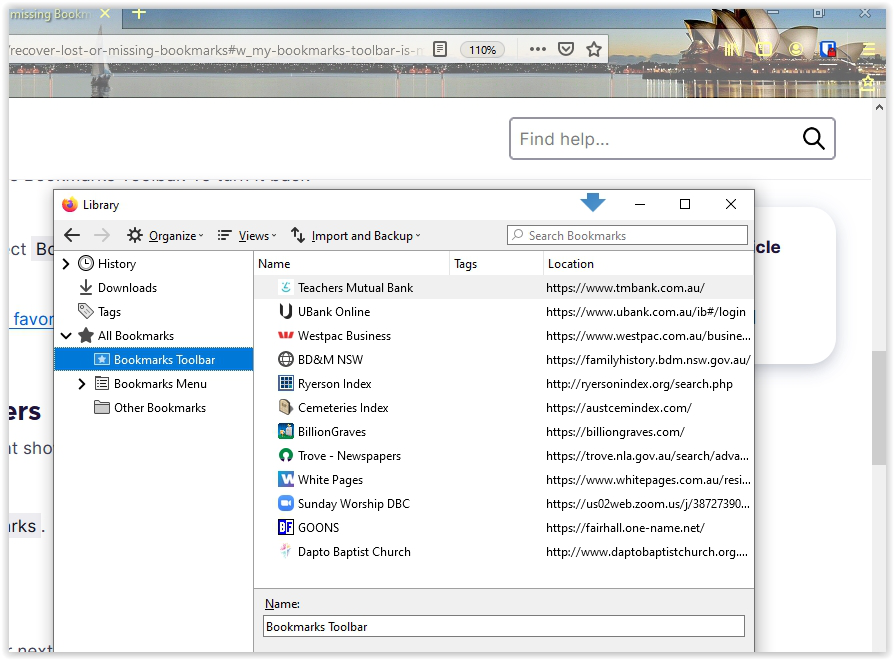
Suddenly today my bookmarks toolbar has disappeared. The symbol is there, and I can see the List of Bookmarks but the actual toolbar is not in view along below the main menu. How can I restore it, please?
Zvolené řešení
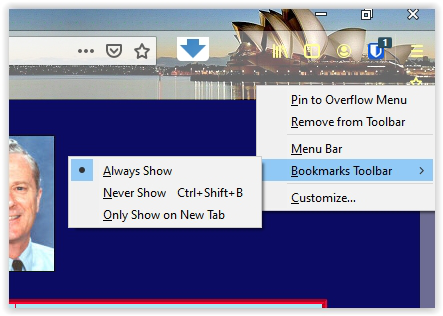
If you right-click one of the visible toolbars, you should see the Bookmarks Toolbar listed and three options for display. What do you see?
Přečíst dotaz v kontextu 👍 0Všechny odpovědi (3)

Zvolené řešení
If you right-click one of the visible toolbars, you should see the Bookmarks Toolbar listed and three options for display. What do you see?
Thanks for your quick reply! However yes I see the options as attached, but I can't get it to display along below the search bar! Bruce
A computer reboot and of course a Firefox restart as a result and my Bookmarks Bar is back in place. Mysterious ... Thank you for your help.