


How to update the preinstalled version of Thunderbird on Linux?
I've recently downloaded Thunderbird from its official website, but I've recently realised I already have a preinstalled version of Thunderbird on my Kubuntu 20.04 and I would like to update it to the latest version, so then I can remove the version I downloaded as I don't want both versions.
I've tried to some ways to update Thunderbird, but none of them worked:
- If I go to Help > about Thunderbird and it doesn't look for updates as usually does on Windows.
- Running "sudo apt-get dist-upgrade thunderbird" in the terminal, doesn't work.
- Running "sudo apt-get upgrade thunderbird" in the therminal, doesn't work either.
It looks like the preinstalled version is locked from receiving updates.
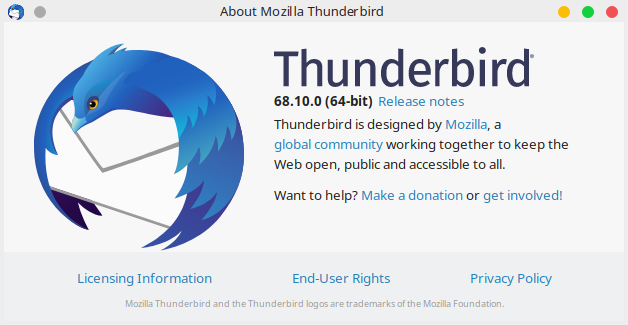
How to achieve this? I would like to keep the preinstalled version because it's installed on the system and it appears on the menu compared to the downloaded one, but I need to update it from 68.10.0 (64 bit) to 78.2.1 (64 bit) which is the current latest version.


Všechny odpovědi (2)

Zvolené řešení
You have to wait for the latest update to get added to the Ubuntu repository. This is done by the maintainers of the repository after tests are done, so it takes a while before the update becomes available in the repository. Mozilla does not directly publish updates to Linux repositories. That is done by the respective maintainers of the repositories of each Linux distro.
Stans said
You have to wait for the latest update to get added to the Ubuntu repository. This is done by the maintainers of the repository after tests are done, so it takes a while before the update becomes available in the repository. Mozilla does not directly publish updates to Linux repositories. That is done by the respective maintainers of the repositories of each Linux distro.
Unfortunately, I can't wait because the preinstalled version doesn't seem to work with an add-on I need to use (Provider for Google Calendar). So, I've uninstalled the preinstalled version and I'm keeping the downloaded one from its official website which is the latest version. Thanks!
Upravil uživatel Adrian2895 dne