

Toto vlákno bylo archivováno.
Pokud potřebujete pomoci, založte prosím nový dotaz.

Vyřešeno
Archivováno
Hamster wheel
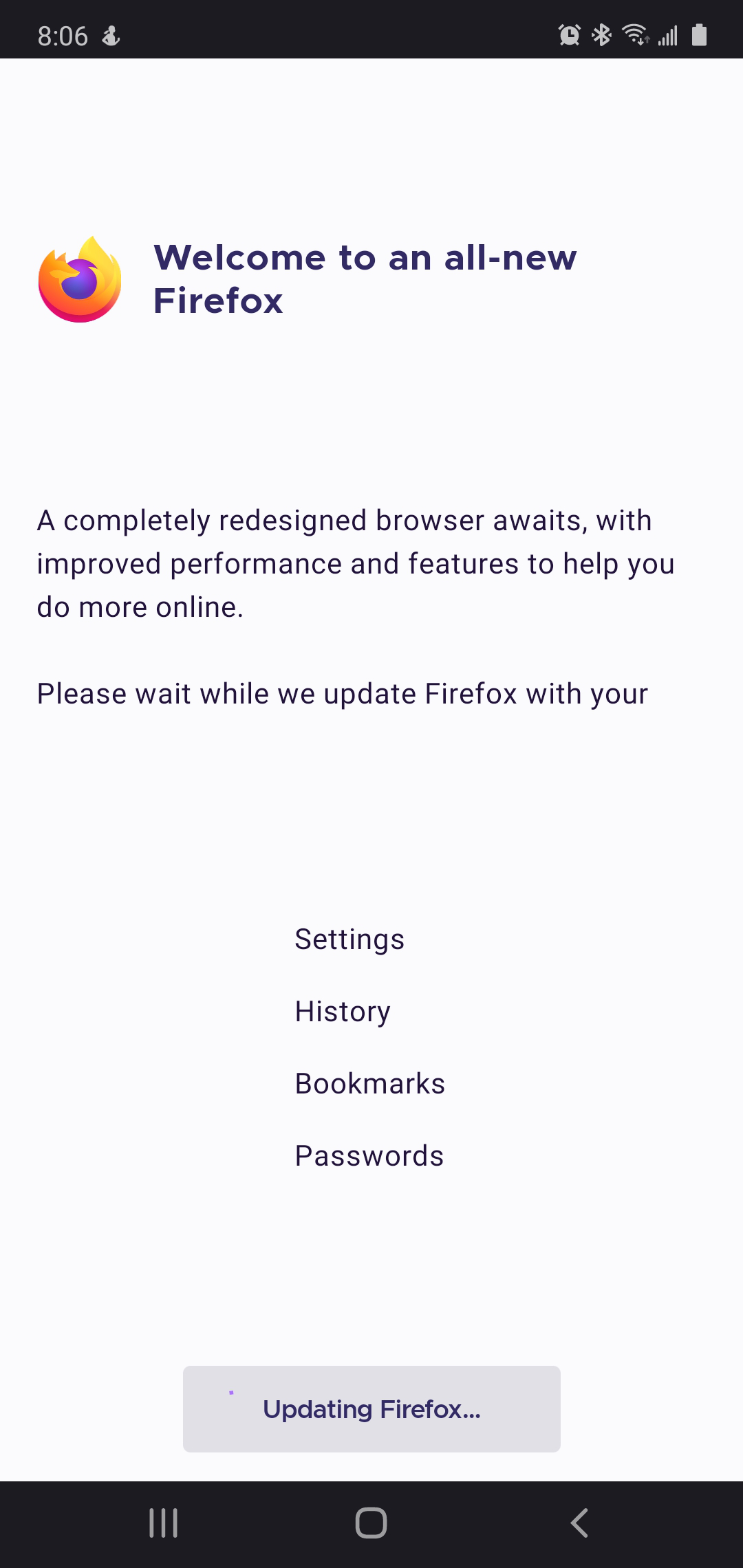
The automatic update has been running for 2 days without any sign of progress. How do I get my browser back?
The automatic update has been running for 2 days without any sign of progress. How do I get my browser back?
Zvolené řešení
Hi
If you open the Android Settings app (typically a cog wheel icon) find the Google Play store and select End Task. Turn your device off and back on again and look again for any updates.
Všechny odpovědi (3)
Try to stop this process and install it again.
Nothing to click on to stop or restart. Turning the phone off and restarting also did not interrupt the non-functioning update.
Zvolené řešení
Hi
If you open the Android Settings app (typically a cog wheel icon) find the Google Play store and select End Task. Turn your device off and back on again and look again for any updates.