


Is userChrome.css running in Firefox Quantum v 57.0.2?

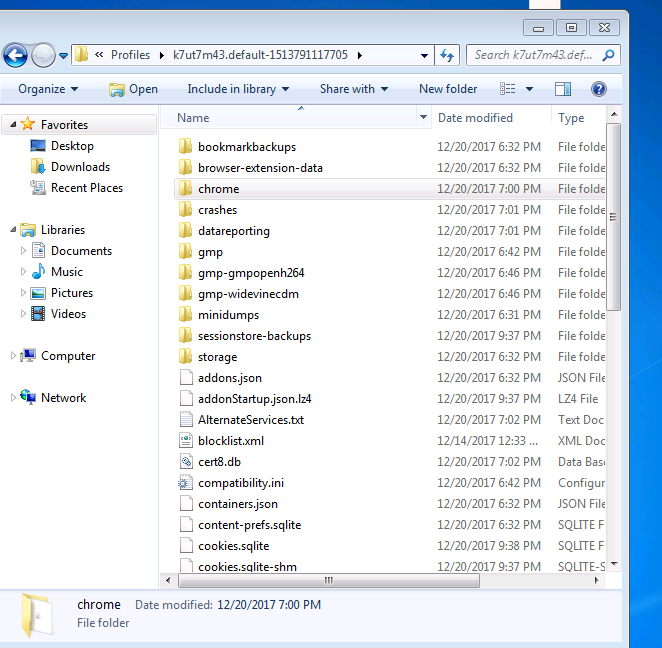
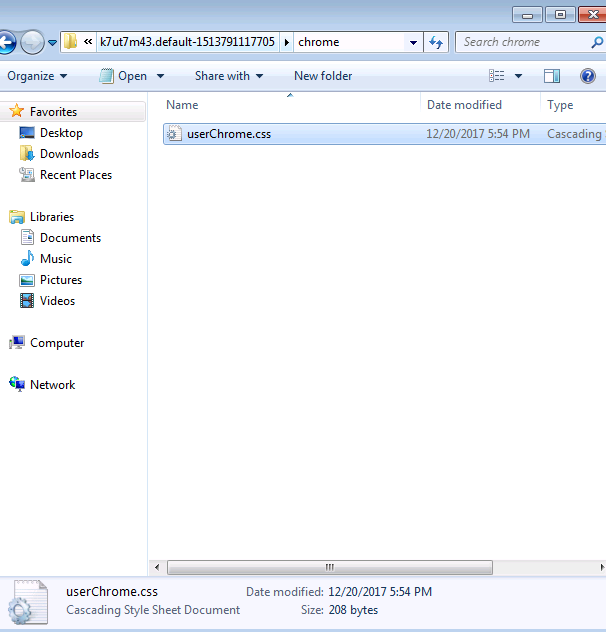
I have Firefox Quantum v 57.0.2 I have created the file userChrome.css to be able to make modifications in my custom Firefox, following the indications putting in the first line @namespace url (http://www.mozilla.org/keymaster/gatekeeper/there .is.only.xul); and I can not make any changes with that file. In the file userChrome.css I have done a small test
@namespace url ("http://www.mozilla.org/keymaster/gatekeeper/there.is.only.xul");
- category-privacy {display: none! important; }
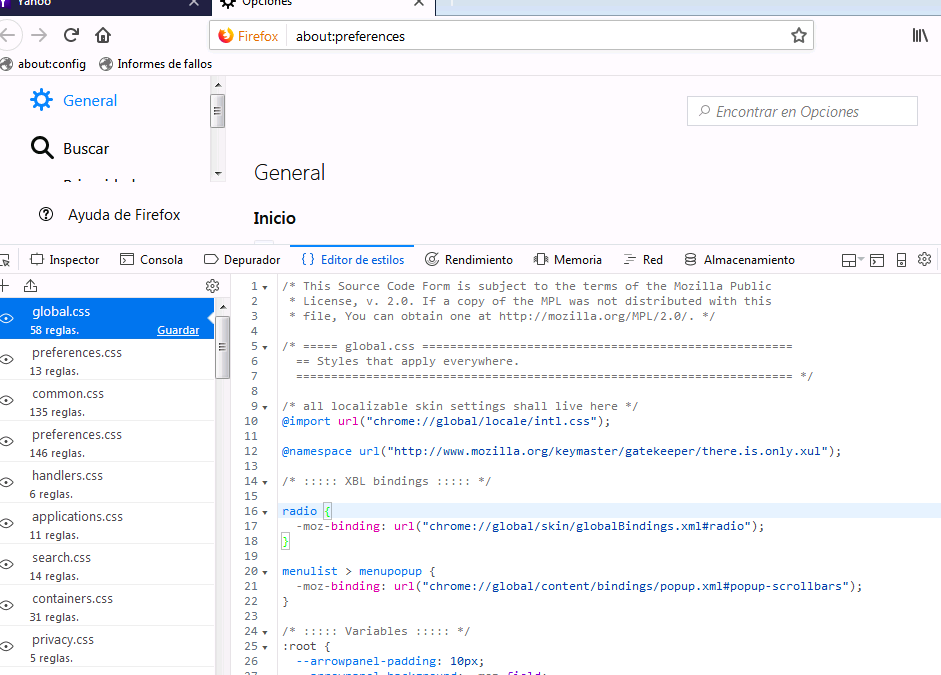
I then closed my browser and restarted it again... but no change on the browser. Attached image capture of the style editor in which userChrome.css does not appear.
Can you please suggest what I am doing incorrectly here..
Really appreciate your help on this.. Thanks
Zvolené řešení
Is that rule meant to modify the Preferences page?
The userChrome.css file is for the user interface parts of Firefox, such as toolbar area and bookmarks sidebar. To modify a built-in web page displayed in the content area, more likely you need to create a file named userContent.css in your chrome folder.
Přečíst dotaz v kontextu 👍 1Všechny odpovědi (9)
Zvolené řešení
Is that rule meant to modify the Preferences page?
The userChrome.css file is for the user interface parts of Firefox, such as toolbar area and bookmarks sidebar. To modify a built-in web page displayed in the content area, more likely you need to create a file named userContent.css in your chrome folder.
Also, do not include any namespace in your userContent.css file.
My intention is that the userChrome.css file can modify the toolbar, the problem is that follow the steps that does not work. Is there any variation in this latest version of firefox? Can you advise me so I can try to perform some test? Thank you
Like Jeff posted above. This code needs to be in userContent.css for builtin about pages.
Add code to the userContent.css file.
@-moz-document url-prefix(about:preferences){
  #category-privacy { display: none! important; }
}
pedroexpofer said
My intention is that the userChrome.css file can modify the toolbar, the problem is that follow the steps that does not work.
You would indeed use userChrome.css for the toolbar area. I meant specifically the top parts of the browser: menu bar, tabs bar, main toolbar, bookmarks toolbar. If you want to make some changes in the toolbar area, what do you want to change? The example rule doesn't seem related to those. Here are some UI examples: https://www.userchrome.org/what-is-userchrome-css.html
Your answers have been very helpful. I have been able to make a couple of modifications I needed. Their speed and their responses have been very effective. Thank you very much.
One last question, all this instead of creating a file.css can be done in a personalized way to do it from a config file.cfg
Would it be possible through some script or command inside that file?
pedroexpofer said
One last question, all this instead of creating a file.css can be done in a personalized way to do it from a config file.cfg
I can't think of a way to do that without injecting code into Firefox and increasing the complexity of the process.
OK thanks. I will follow that path then.