


How to determine the Outgoing server (SMTP) settings?
ErrorMessage: Sending of the message failed. The message could not be sent using Outgoing server (SMTP) smtp.uniq.edu.ht for an unknown reason. Please verify that your Outgoing server (SMTP) settings are correct and try again..
How to do that? The settings were set automatically. Perhaps Thunderbird should check its email-provider database.
Zvolené řešení
it would appear the outgoing serer should be Outgoing Mail Server: (SSL) box810.bluehost.com (server requires authentication) port 465
SO right click the account in the list and select settings open the entry in the account list for outgoing server (SMTP) Select your outgoing serve and click edit. Update to the settings specified by your provider.
Now I got my information from page 15 of this document. www.uniq.edu.ht/ressources/20130510201220.pdf
Thunderbird information starts on Page 9
Všechny odpovědi (3)

Your provider sets up their servers. Check with them for the correct settings.
Airmail said
Your provider sets up their servers. Check with them for the correct settings.
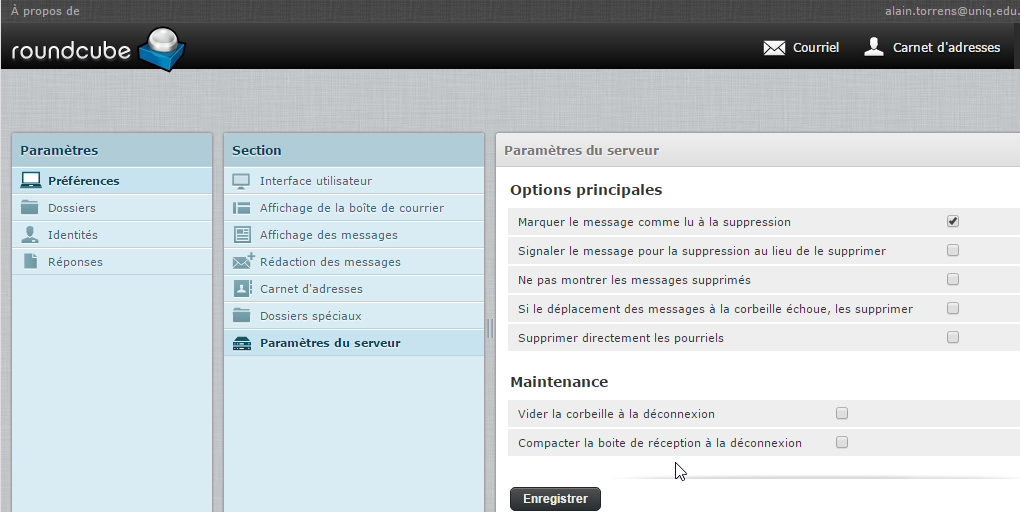
OK, TY. See screenshot: not helpful.
Zvolené řešení
it would appear the outgoing serer should be Outgoing Mail Server: (SSL) box810.bluehost.com (server requires authentication) port 465
SO right click the account in the list and select settings open the entry in the account list for outgoing server (SMTP) Select your outgoing serve and click edit. Update to the settings specified by your provider.
Now I got my information from page 15 of this document. www.uniq.edu.ht/ressources/20130510201220.pdf
Thunderbird information starts on Page 9