


Firefox 157 Integrated VPN - Cannot Choose VPN location

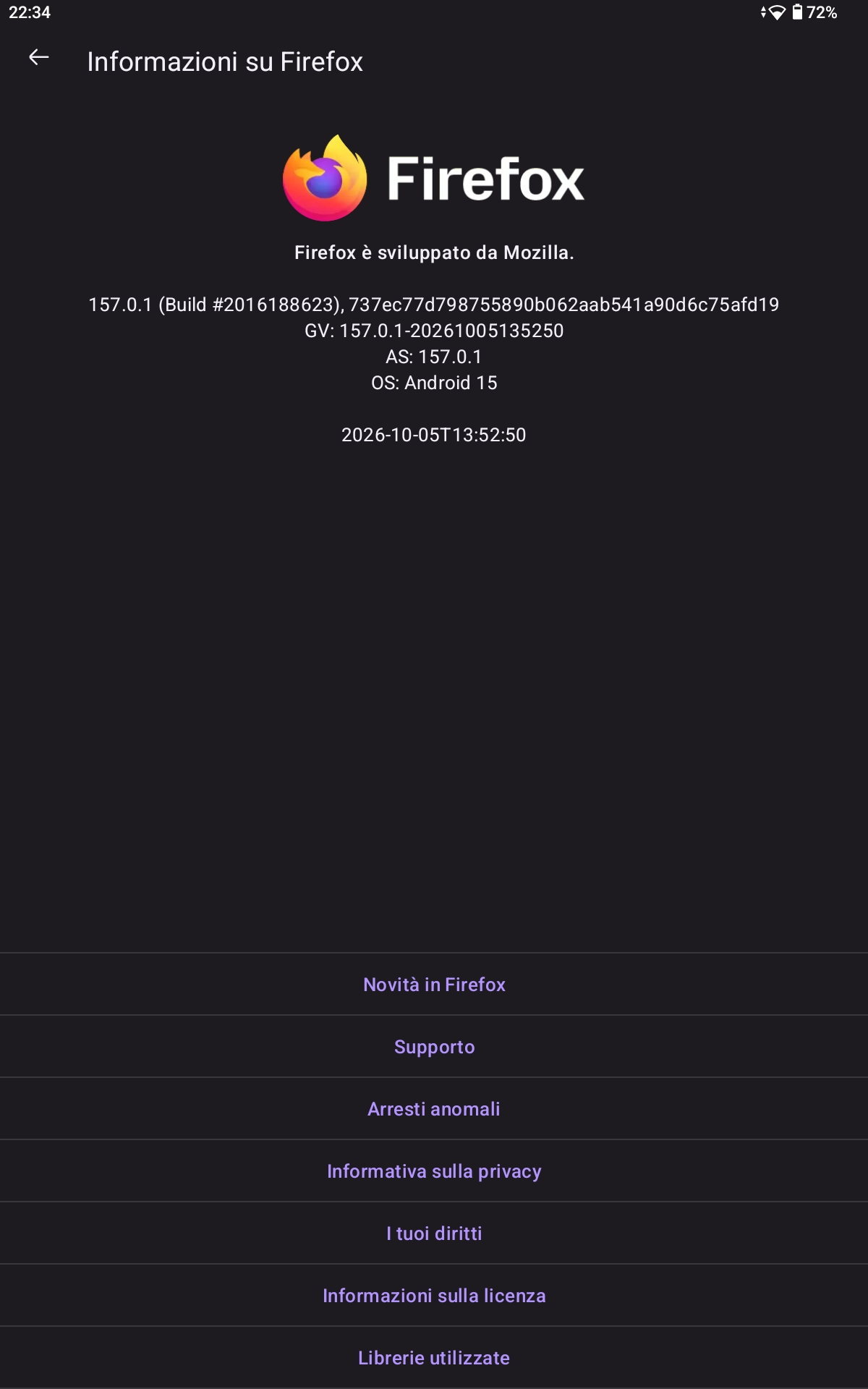
Hello there, I tried changing location of integrated VPN in the newest version of Firefox (157) but I am unable to interact with the location inside the integrated VPN settings, which remains set to "Recommended". I try to change the setting both with the VPN turned on and off. I'm located in Italy

All Replies (3)
The recent built-in VPN feature in Firefox for Android is experimental and in a progressive rollout in testing. It currently does not have a manual way to change the location in Firefox for Android. https://support.mozilla.org/en-US/kb/mobile-android-vpn
https://support.mozilla.org/en-US/questions/1602028 https://support.mozilla.org/en-US/questions/1601657
James said
The recent built-in VPN feature in Firefox for Android is experimental and in a progressive rollout in testing. It currently does not have a manual way to change the location in Firefox for Android. https://support.mozilla.org/en-US/kb/mobile-android-vpn https://support.mozilla.org/en-US/questions/1602028 https://support.mozilla.org/en-US/questions/1601657
On the support page under "Choose a VPN Location" section it states: Starting with Firefox for Android 157, you can choose the location that your browsing traffic is routed through. All available VPN locations are shown in Firefox for Android.
Is that information wrong?

This feature is in Beta right now. Yes, that info is wrong, they didn't make it yet. There are still some bugs to resolve.