


Open
about:keyboard not working on current version of desktop Firefox.

Wanted to change the shortcut Alt + number to Ctrl + number to go to Tab 1-8 (got used to it in Chrome and Edge).
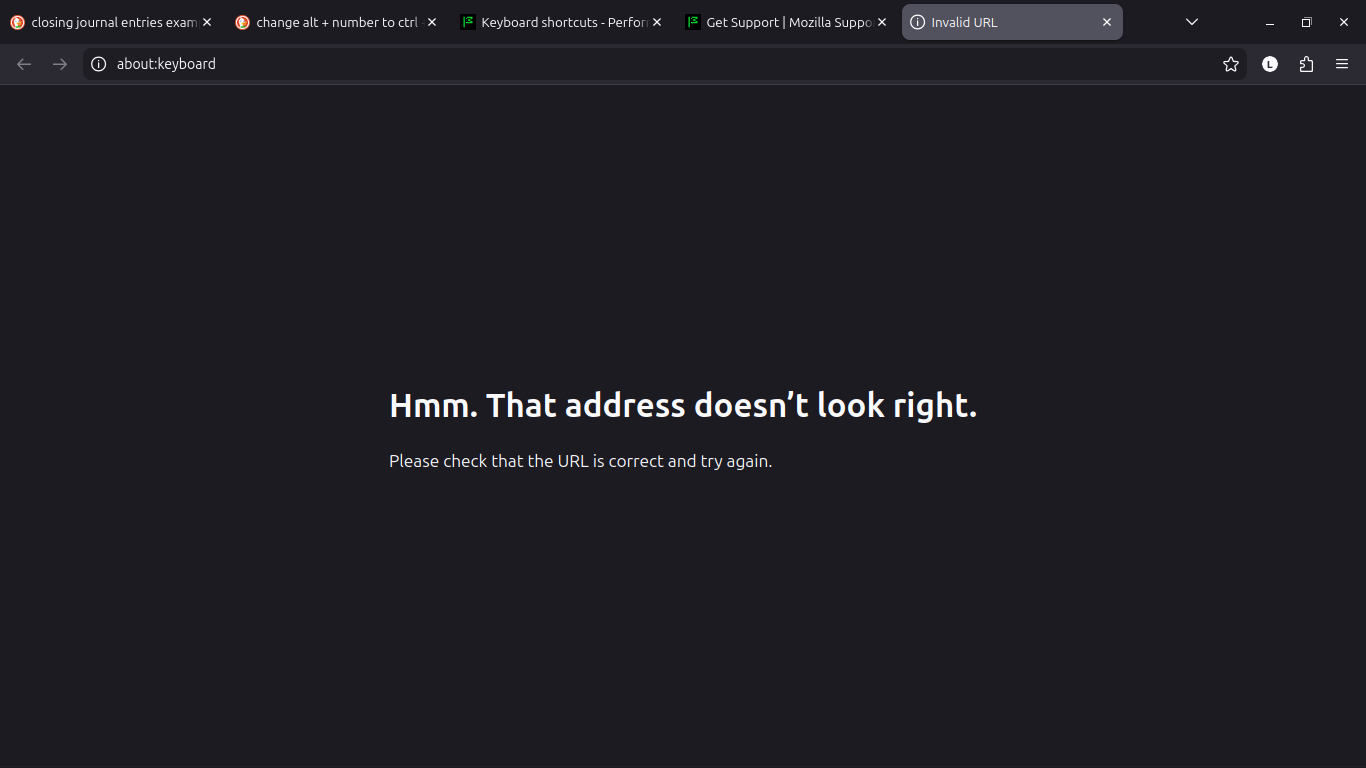
Found this https://support.mozilla.org/en-US/kb/customize-keyboard-shortcuts-firefox and wanted to try it. about:keyboard did not work and showed that the address doesn't look right.
Oh yeah, my device is running Linux Mint Cinnamon 22.3.
Wanted to change the shortcut Alt + number to Ctrl + number to go to Tab 1-8 (got used to it in Chrome and Edge).
Found this https://support.mozilla.org/en-US/kb/customize-keyboard-shortcuts-firefox and wanted to try it.
about:keyboard did not work and showed that the address doesn't look right.
Oh yeah, my device is running Linux Mint Cinnamon 22.3.
All Replies (1)
Quoting from the article:
Starting in version 147, you can customize dozens of Firefox keyboard shortcuts on Windows, MacOS, and Linux from the about:keyboard settings page.
You're running version 146 according to the question metadata.
After you upgrade, it should be there.