


Thunderbird cannot get my email.

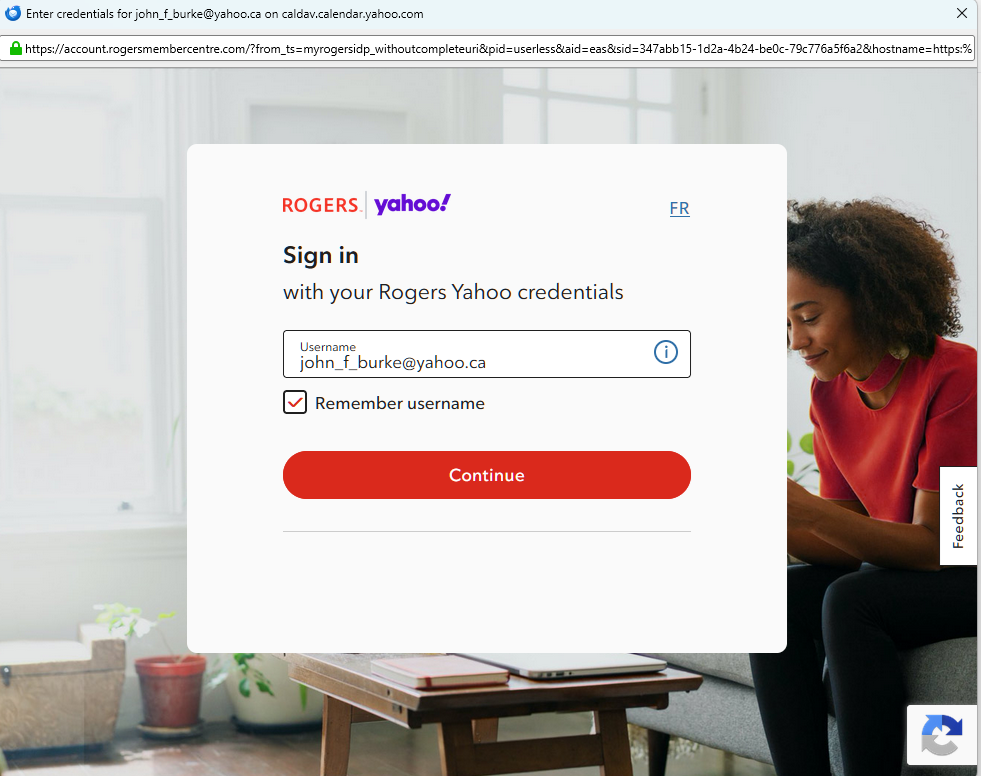
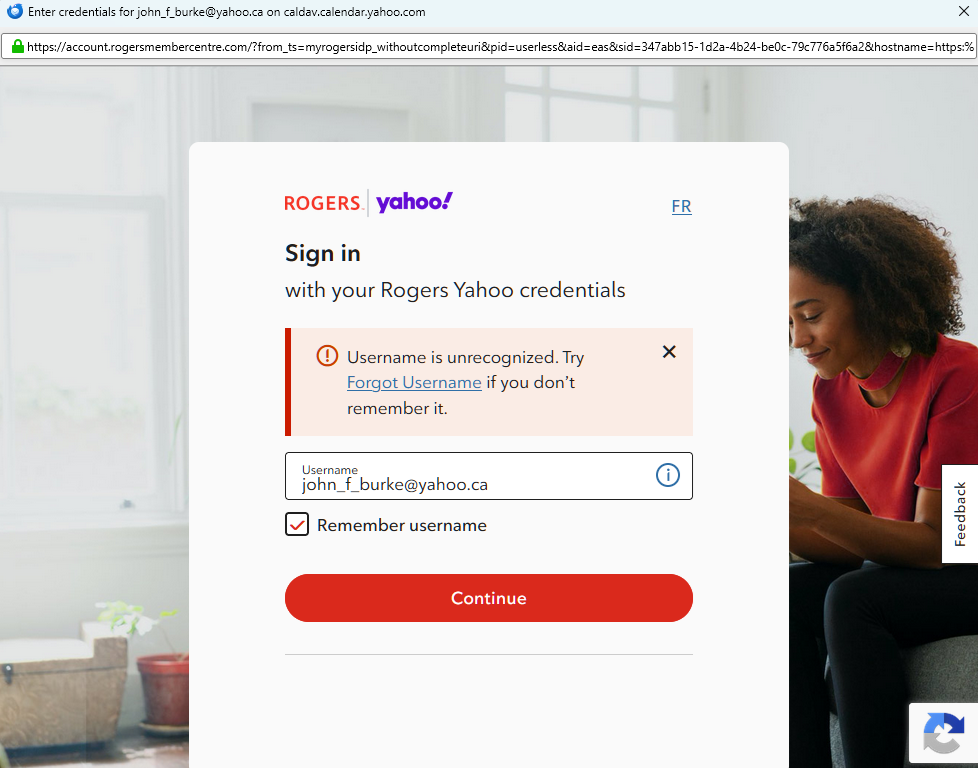
I have a Yahoo.ca email address and have been using Thunderbird to retrieve my email for years. For some reason, a window now pops up to Rogers.com and they want me to log in there. This is not a Rogers email address and it is separate from Rogers. I had this issue before and this forum managed to get me back. My settings are correct. I have deleted the profile 5 times and added it back after a computer restart and still nothing.
All Replies (5)
Hello there John burke
It seems that you cannot get your mail as described
Incorrect server configurations frequently occur with legacy systems like Rogers. Because Yahoo hosts Rogers email, Thunderbird often confuses canadian@yahoo.ca addresses with legacy@rogers.com accounts.
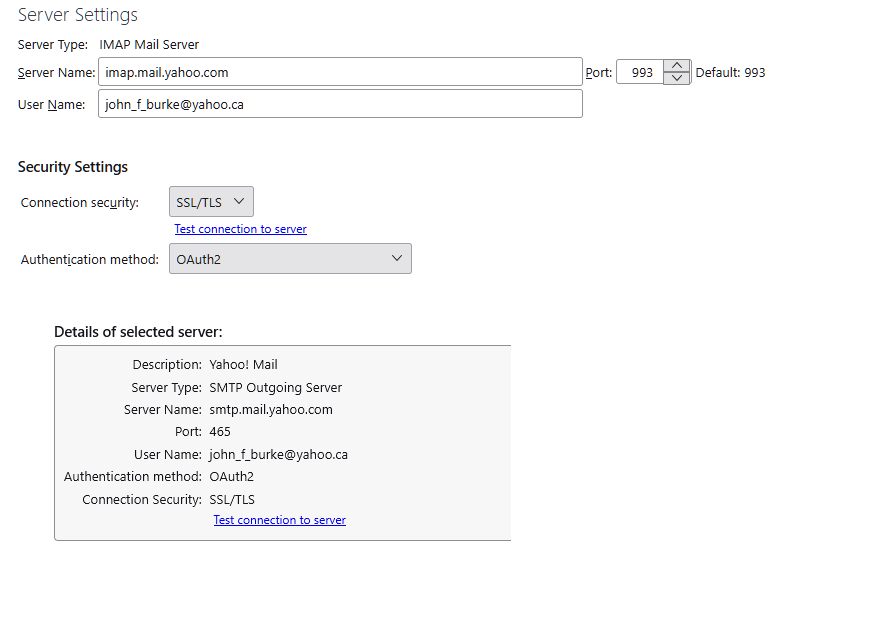
To resolve this, you must manually configure Thunderbird to connect exclusively to the Yahoo servers. Use OAuth 2.0 authentication for both incoming and outgoing mail server settings. Clear the Thunderbird cache since you have changed these settings multiple times.
Go to Settings > Privacy & Security and ensure "Accept cookies from sites" is checked. Finally, delete any stored passwords or tokens for both Rogers and Yahoo under Saved Passwords.
Tip If you to put this text export. in front of that I-map address : export.imap.mail.yahoo.com It directs you to yahoo servers too.
Modified by Googlethunderbird.
Hello there
I hope this resolves the issue we discussed earlier. How are you doing? Is this information helpful? Please let me know if you are still experiencing the problem.
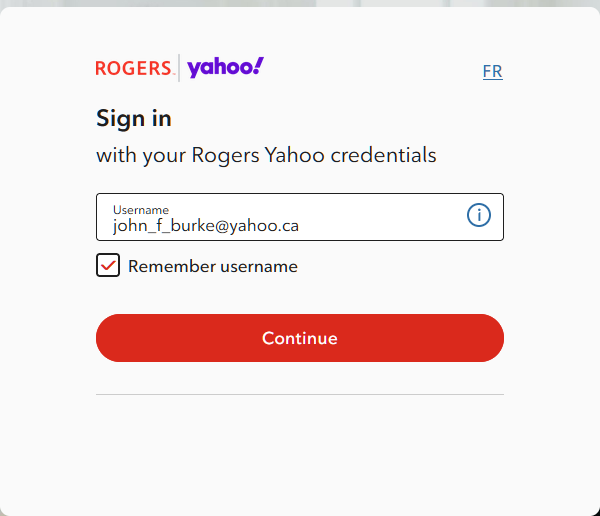
I tried this and the Rogers login box still appears and wants me to log in
Hello there
I've seen similar issues before. Using OAuth 2.0 and enabling cookies in Thunderbird usually fixes it. Do you think this solution works for your PC? If not, we might be dealing with a different issue. What are your thoughts on how to fix this, and did you spot anything that we might have missed?
Text
1. Open TB Settings>Privacy & Security, check the box to accept cookies (so OAuth authentication can complete), remove the passwords from Saved Passwords, restart TB, enter the account password in the OAuth window when prompted. Check also that the authentication on the outgoing mail server is OAuth2.
2. Go to the Config Editor (Settings>General>Config Editor), search for "username" at the bottom, make sure that the username of the problem account contains the full email address. If necessary, delete your passwords and log in again using Oauth2.
3. Check if there's something interfering with the connection, such as antivirus, VPN. Run Windows in safe mode and see if the accounts can be added (or remove AV if it's not Windows Security, and VPN if used)."
Tip
You might want to try deleting all the old connections, passwords, and other data from the browsers you've been using with that old Rogers email.
Search for browser passwords connected to the old Rogers mail software and delete them until nothing is left.
Modified by Googlethunderbird.
Hello there
I recommend uninstalling your Rogers email and setting up the official Yahoo client. Be sure to clear out your saved passwords and browsing history to thoroughly clean your PC and software. Problems similar to this have been historically common in certain regions of Canada.
Rogers link to login.(yahoo).not active. https://account.rogersmembercentre.com/?from_ts=myrogersidp_withoutcompleteuri&pid=userless&aid=eas&sid=50b627e1-b422-4e7d-81e1-d8ba03f98e3c&hostname=https:%2F%2Frogers-prd.transmit.security&brand=yahoo&platform=web&ui_locales=en&csmID=c361062e-e53b-48ba-9fdc-46f2db792b2c&prompt=login
Rogers/yahoo https://ca.help.yahoo.com/kb/rogers/SLN5193.html
Yahoo https://help.yahoo.com/kb/identify-legitimate-yahoo-websites-requests-communications-sln2070.html
Have a nice day.
Modified by Googlethunderbird.