


I can't access printer

I can't access hp printer from email
All Replies (3)
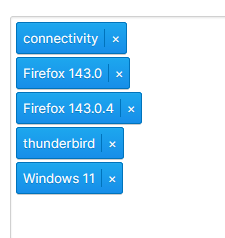
That is quite a list of problem software you have there. So can I assume you are actually using Thunderbird? and not having printing issues in Firefox (two versions) and Windows.
- Open the troubleshooting information. (☰> Help > Troubleshooting information)
- Open the search bar (ctrl+F)
- Search for Printing. (you might have to click the down arrow to get the heading printing, or it might be the first result to appear)
- Use the shown "clear saved print settings" button
Any better?
If not try the troubleshooting mode and report your results. (☰> Help > Troubleshoot Mode)
rmarhefke said
I can't access hp printer from email
Try restarting both your printer and computer, then check the connection (Wi-Fi or cable). Also, make sure the printer is turned on and set as default.
rmarhefke said
I can't access hp printer from email
If you can’t access your HP printer from email, it’s usually because HP ePrint isn’t set up or the printer isn’t connected to the internet. Make sure the printer is connected to Wi-Fi and that ePrint/email printing is enabled in the printer settings. You may also need to check that you’re sending the email to the correct printer email address.