


Page consisting of video is blocking part of text

Frequently use this website: investopedia. Was wondering why the media content in each page is blocking part of the text. When using safari, this doesn’t happen.
Chosen solution
Hi, I took this issue to some folks on the product team, and they pointed out that you and I had screenshots of different articles.
I managed to find the one in your screenshot as https://www.investopedia.com/terms/n/normalyieldcurve.asp
They were able to fix the issue by turning off tracking protection for this site.
- Tap on the shield icon in the address bar.
- Select Disable for this site.
For more information about tracking protection, see Enhanced Tracking Protection in Firefox for iOS
Read this answer in context 👍 1All Replies (8)

Hi, Would you mind sending us a screenshot of what you're seeing?
I've attached 2 screenshots of what I see on investopedia.com and the layout is the same.
For instructions, see How do I create a screenshot of my problem?.
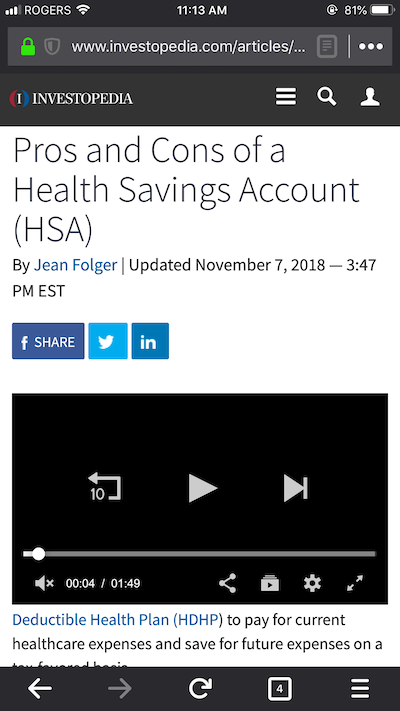
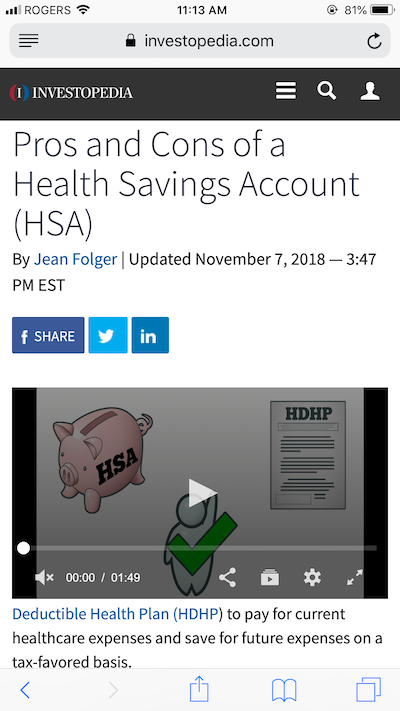
Hi Chris, sorry I should have added this picture beforehand. Just realized I could only upload picture if I request desktop site. Anyway, this is what I see from phone. Kindly advise.
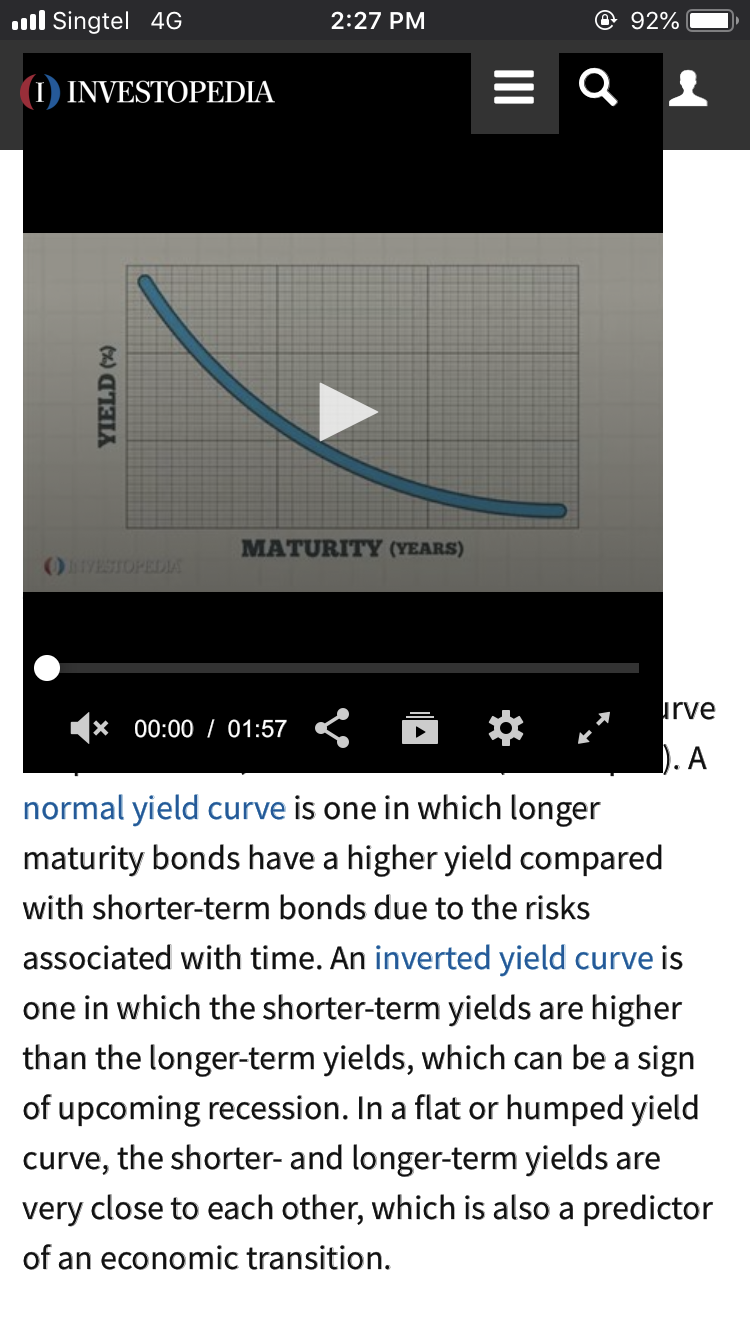
Let's try something simple, like clearing cached data.
- Tap the menu button at the bottom of the screen:

- Open Settings.
- Go to Data Management.
- Tap Clear Private Data.
Hi. I’m tried that and re-entered the page. Layout is still the same.
Can you try force-quitting the app.
- Double-tap the home button to bring up the application switcher.
- Scroll to the Firefox app.
- Swipe up the Firefox app.
Done, but still no change. Could it be something to do with my phone, I’m using iPhone 7.
Chosen Solution
Hi, I took this issue to some folks on the product team, and they pointed out that you and I had screenshots of different articles.
I managed to find the one in your screenshot as https://www.investopedia.com/terms/n/normalyieldcurve.asp
They were able to fix the issue by turning off tracking protection for this site.
- Tap on the shield icon in the address bar.
- Select Disable for this site.
For more information about tracking protection, see Enhanced Tracking Protection in Firefox for iOS
Thanks Chris. I’ve tested and it works. Unfortunate I have to turned off tracking as I usually leave it on for all sites.