


Dragging tabs opens mission control unintentionally

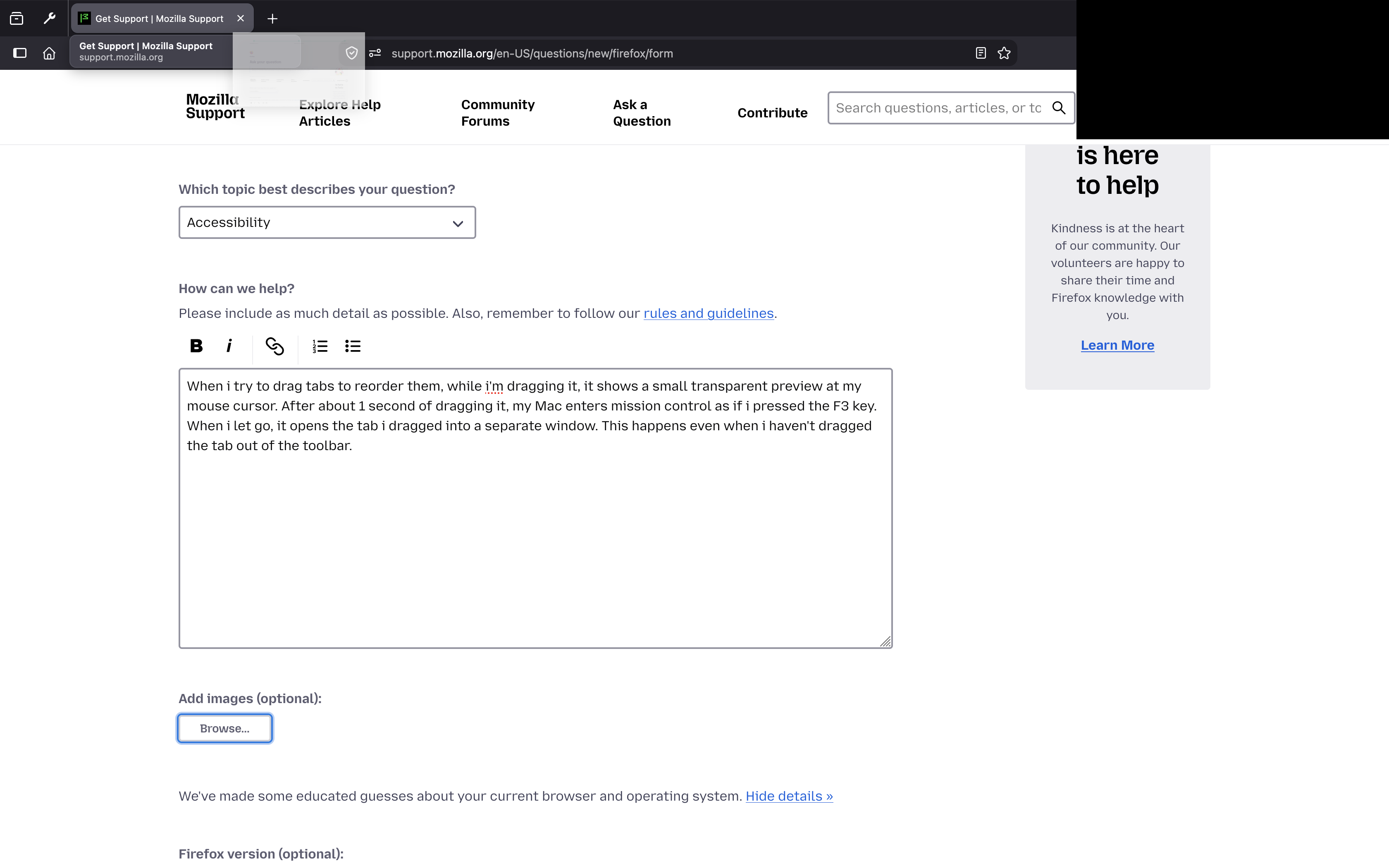
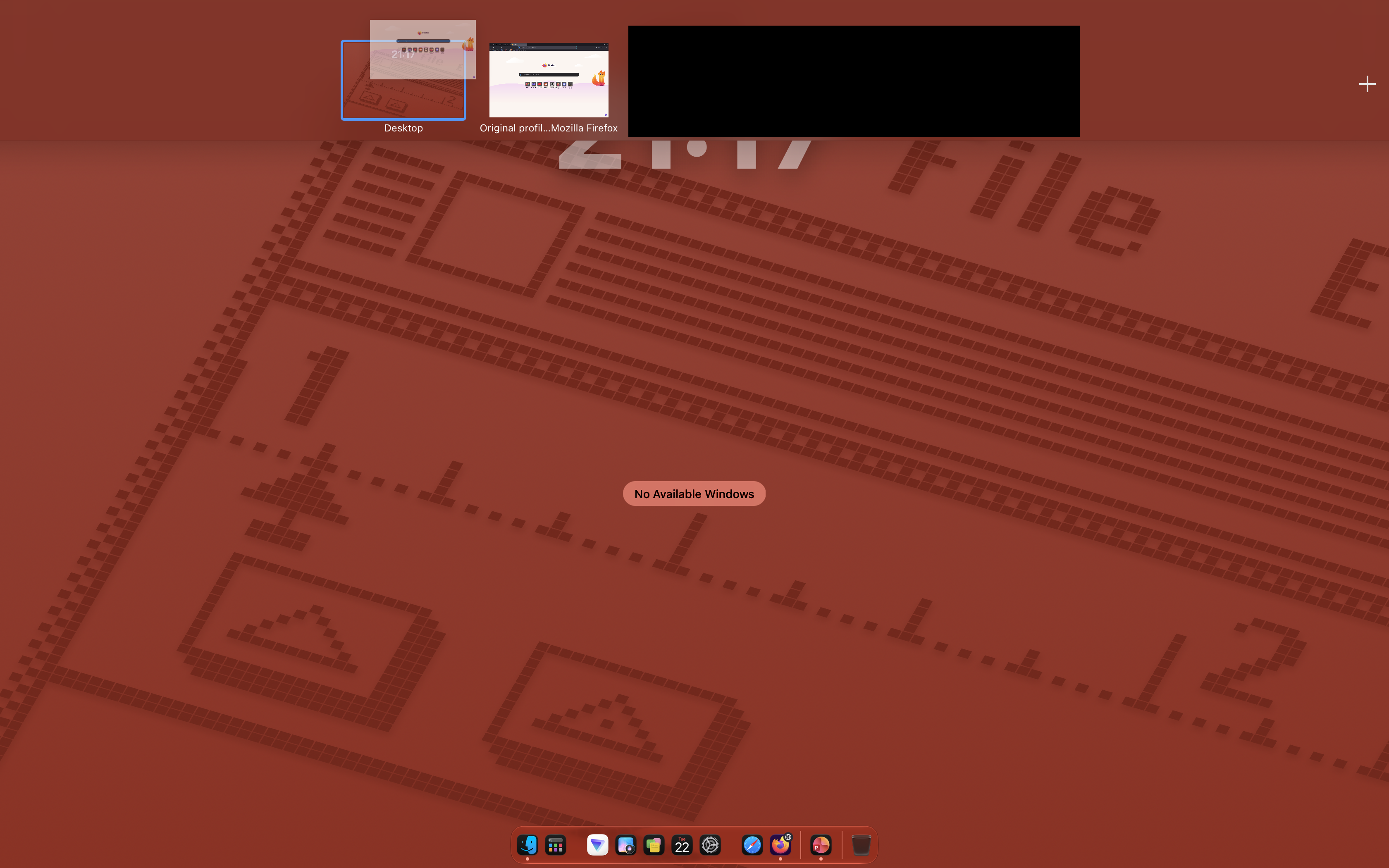
When I try to drag tabs to reorder them, while I'm dragging it, it shows a small transparent preview at my mouse cursor. After about 1 second of dragging it, my Mac enters mission control as if i pressed the F3 key. When i let go, it opens the tab i dragged into a separate window. This happens even when i haven't dragged the tab out of the toolbar.
All Replies (3)

That sounds less like a Firefox problem and more like macOS triggering Mission Control while you drag.
I’d check System Settings → Desktop & Dock → Mission Control and look at your keyboard shortcuts and Hot Corners. Make sure Mission Control isn’t assigned to a hot corner or an accidental mouse/trackpad gesture.
Also try dragging tabs with a different mouse or with the trackpad. If it only happens with one device, you’ve probably got a gesture or button mapping triggering Mission Control.
The fact that Firefox then opens the tab in a new window is just what happens when the tab drag gets interrupted.
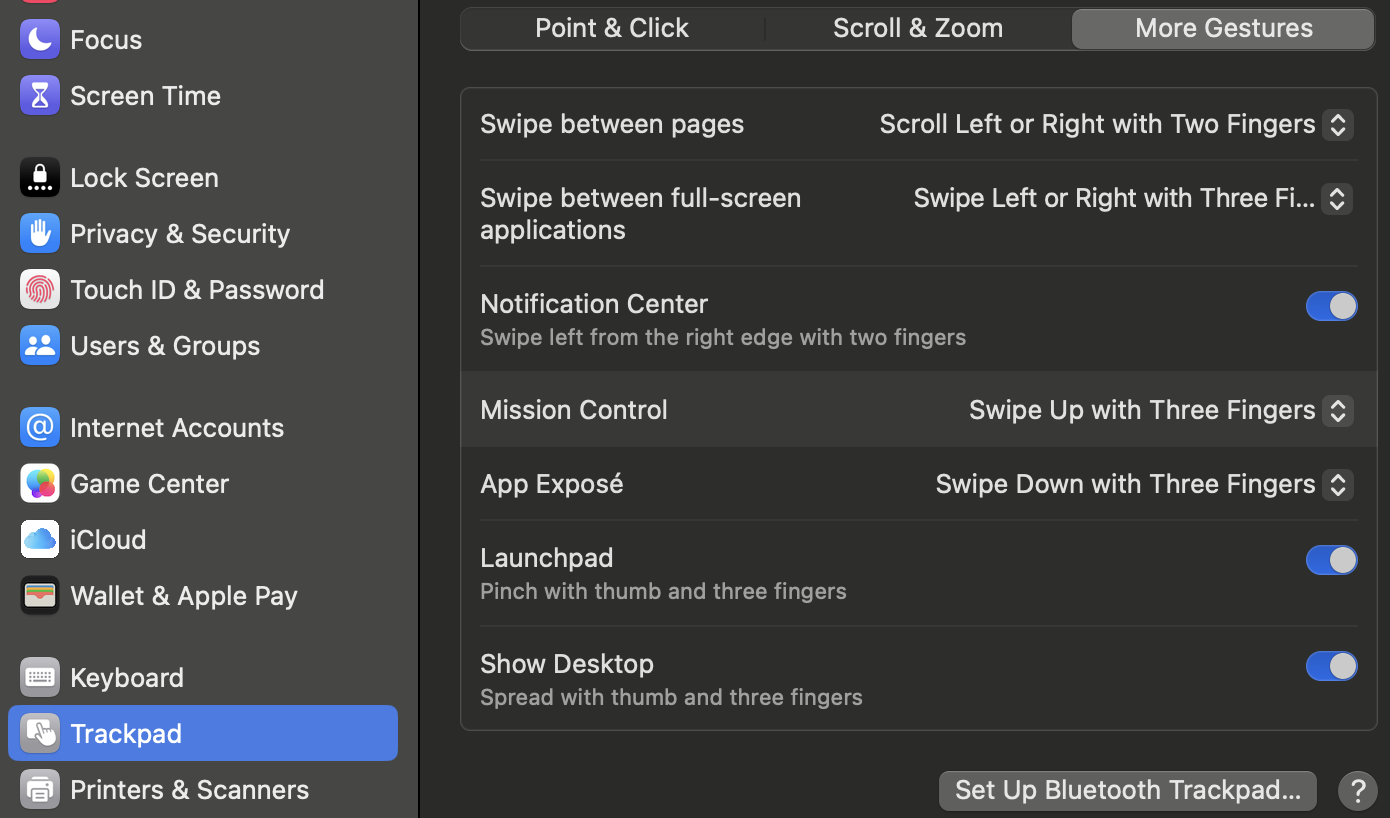
I was trying to reproduce for a bit and then found out that when resting more fingers on the trackpad and moving them slightly while dragging it's activating the 3–finger exposé that you might want to look into disabling in your system settings for comparison:

Hi, correlating as I also have this problem.
This problem seems to be only a recent thing, as it triggers for me only after I did an upgrade to Macos27 (Golden Gate). (The current version I have is Macos 27.0.1 with Firefox 157.0).
After I updated to Macos27, it looks like that if the cursor ever moves above the middle of the height of the tab, mission control immediately opens. (The problem is that this trigger region is way too big, and extremely trigger happy as to what it considers as "hey the user wants to open mission control"). It would be great if this only occurred after holding a tab at the top edge of the screen for like 2.5s.
To clarify on how I keep on triggering it: When I move tabs I usually move them in an arc, with an upwards bend, which of course will always trigger mission control. And after being opened, I have to keep on holding the tab over the window its from, and if I am inaccurate with where my cursor ends up after trying to move the tab back in to the window, mission control will immediately trigger, again.
Note: If moving the tab happens within a short timespan (I think its less than 1 second?), it won't open mission control. (I've also had mission control open after I finished moving a tab.)
Here's also the exact same problem expressed on the Apple forums: Broweser tab dragging suddenly triggers Mission Control after macOS update
The people over there suggested turning off "Desktop & Dock --> Drag windows to top of screen to enter Mission Control".
I tried it. It didn't work. (It may work for other people, I don't know if it will though.)