


when i go to my website on firefox it says "Secure Connection Failed" but it loads fine on safari

when i go to my website on firefox it says "Secure Connection Failed" but it loads fine on safari. i've never seen it do this before. Is this a firefox issue?
full error message: Secure Connection Failed
The page you are trying to view cannot be shown because the authenticity of the received data could not be verified. What can you do about it?
The issue is most likely with the website, and there is nothing you can do to resolve it. You can notify the website’s administrator about the problem.
Error Code: PR_CONNECT_RESET_ERROR
how do i fix this?
All Replies (12)
Hi
This support article should help:
https://support.mozilla.org/en-US/kb/secure-connection-failed-firefox-did-not-connect
but the screenshots from your link show the option to click advanced. i dont have any of those options.
Does the issue still occur if you clear your browsing history?
i pressed "clear recent history", then hit refresh and went to my homepage and im still getting the same error message with no buttons to click
What is the address of the website that you are trying to view?
its my own personal website, i asked someone else who lives an hour away to try it on firefox and it loaded just fine for this person. which tells me its an issue with my firefox, just dont know why this happened. and how to fix it.
rachelcenter দ্বারা পরিমিত
I've tried to clear every single thing from my browser from history to cache to cookies and the issue persists
Are you able to share a full page screenshot of the page with the error message when you try to view that site?
no i cant show a full page. only this. see attached screenshot
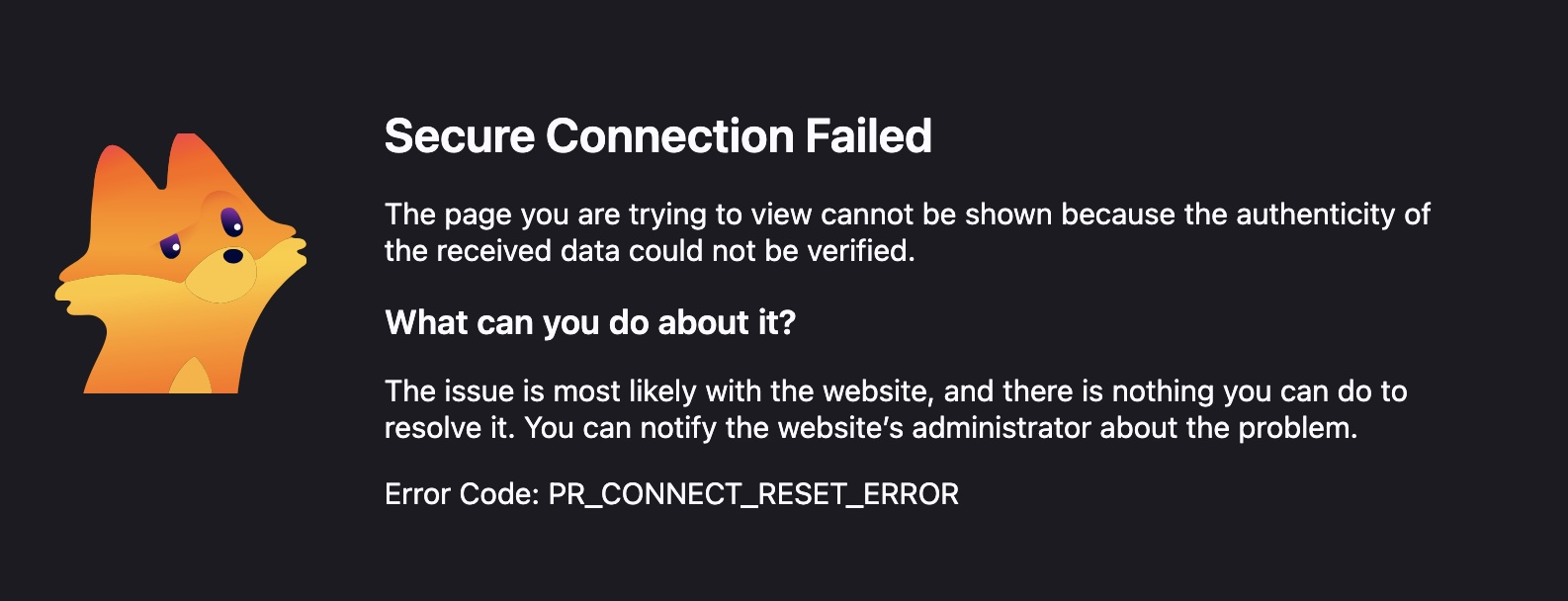
This means the server hung up without responding. It might be something local to you (your internet provider, router/modem, DNS–over–HTTPS setting or provider used) — basically try restarting your networking hardware, and if you can connect via another network like tethering via a hotspot if you have cellular data plan, to see if there's any difference.
when you say restart my network hardware, you mean the modem/router? I didnt restart it yet but i turned the wifi on (on this desktop computer and then chose my phones mobile hotspot as the internet) and then attempted to go to my website and security warning persisted. this has never happened before. how does this happen out of the blue? and why do all the steps sound so complicated when websites should just work when they havent been changed and theyve been working for years. this doesnt make sense
I turned off the modem/router. turned it back on. went to my website and its still giving me this Error Code: PR_CONNECT_RESET_ERROR