


After update from 149.0.2 to 150.0 signin to https://id.bund.de leads to "internal error"

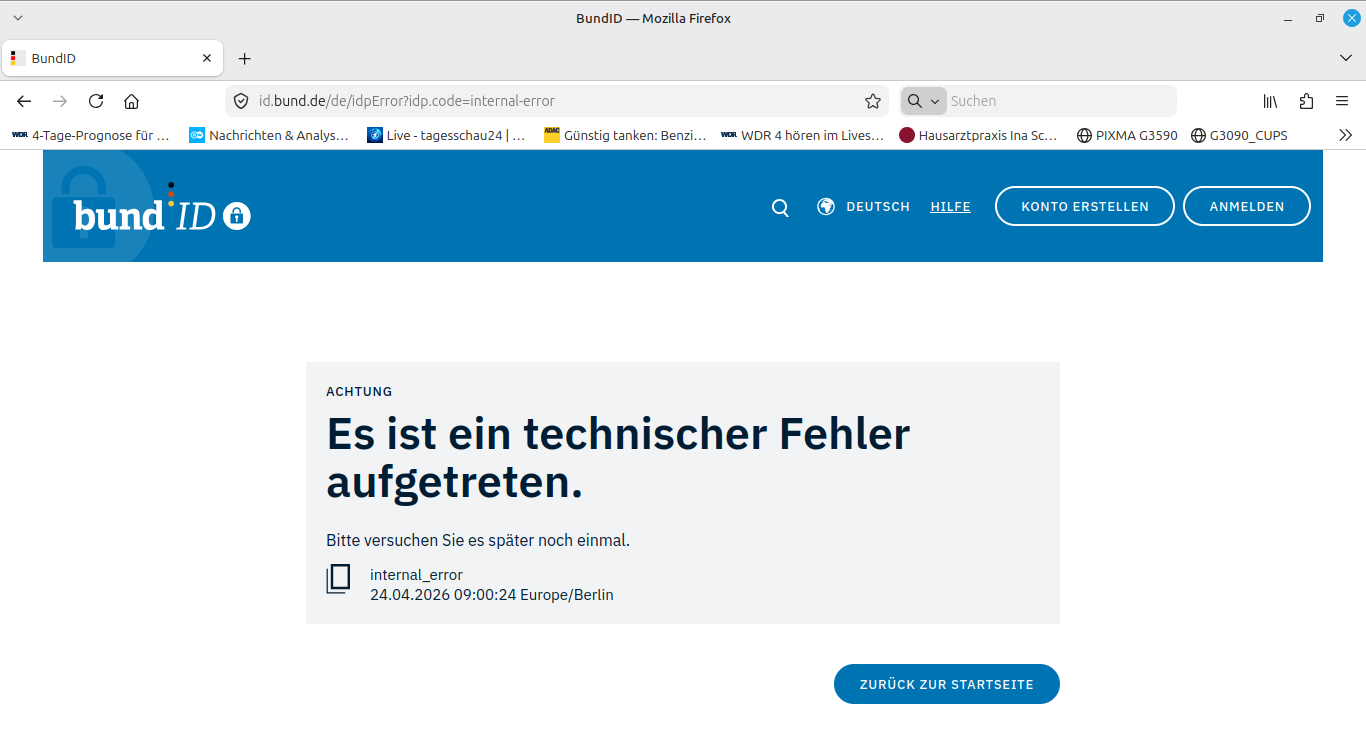
I am using Linux Mint, firefox and "Reiner SCT" hardware to sign in to german government sites using my identity card. All worked fin until firefox update from 149.0.2 to 150.0. Now I always get the error message "internal_error". I know, this message does not help much, but that is all I have. Is there anything I can try to get firefox 150.0 running or shoud I try to deinstall firefox 150.0 an install firefox 149.0.2 again? Thanks very much in advance!
সমাধান চয়ন করুন
Firefox indeed only displays the error, that has been caused by a previous running program. Sorry for issuing this case.
প্রেক্ষাপটে এই উত্তরটি পড়ুন। 👍 0All Replies (5)
I add a screenshot, though it may not help much. Is there anything I can do to help finding the issue?
Hi there, thanks for reporting. I can't reproduce it on my end, so it's most likely an extension causing this. Try Firefox Troubleshoot Mode to see if the problem goes away. Firefox Troubleshoot Mode (previously known as Firefox Safe Mode) is a special diagnostic mode that temporarily turns off hardware acceleration, disables add-ons (extensions and themes) and resets some settings. See the Use Troubleshoot Mode in Firefox article for details.
If Firefox is open, you can restart in Firefox Troubleshoot Mode from the Help menu:
- Click the menu button
 , click Help, select Troubleshoot Mode and click Restart in the "Restart Firefox in Troubleshoot Mode?" dialog that opens.
If Firefox is not running, you can start Firefox in Troubleshoot Mode as follows:
- On Windows: Hold the Shift key when you open the Firefox desktop or Start menu shortcut.
- On Mac: Hold the option key while starting Firefox.
- On Linux: Quit Firefox, go to your Terminal and run firefox -safe-mode
(you may need to specify the Firefox installation path e.g. /usr/lib/firefox)
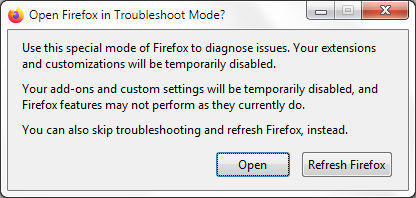
When the Firefox Troubleshoot Mode window appears, select "Open".
If the issue is not present in Firefox Troubleshoot Mode, your problem is probably caused by an extension, theme or hardware acceleration. Please follow the steps in the Troubleshoot extensions, themes and hardware acceleration issues to solve common Firefox problems article to find the cause.
To exit Firefox Troubleshoot Mode, just close Firefox and wait a few seconds before opening Firefox for normal use again. (If you can't exit Firefox Troubleshoot Mode, please see Firefox is stuck in Troubleshoot Mode).
When you figure out what's causing your issues, please let us know. It might help others with the same problem.
Hi, thank you for taking care of my problem. Usually I work on a laptop with Linux Mint 22.3, but I also got a Windows 11 pc. Meanwhile I tried to reproduce the error on the Windows pc, but everything worked fine. On the Linux laptop I can reproduce the error even with "firefox -save-mode". Both firefox on Windows and Linux are version 150.0. I am very unsure, if firefox is causing the error or if firefox only displays the error message, caused by one of the previous running programs. I am still working to catch the error, and I will let you know the result. Regards Hans-Christian
Cool, let me know how it goes, glad to help!
চয়ন করা সমাধান
Firefox indeed only displays the error, that has been caused by a previous running program. Sorry for issuing this case.