


Show remote images automatically

Hi all I'm banging my head against a brick wall trying to get the app to automatically show remote images. A google search says go to Account settings > Reading mail but this isn't an option in the android app, there is only General Settings and no Reading mail. How can i get my emails to display properly automatically ?
Thanks all, Nick

Избрано решение
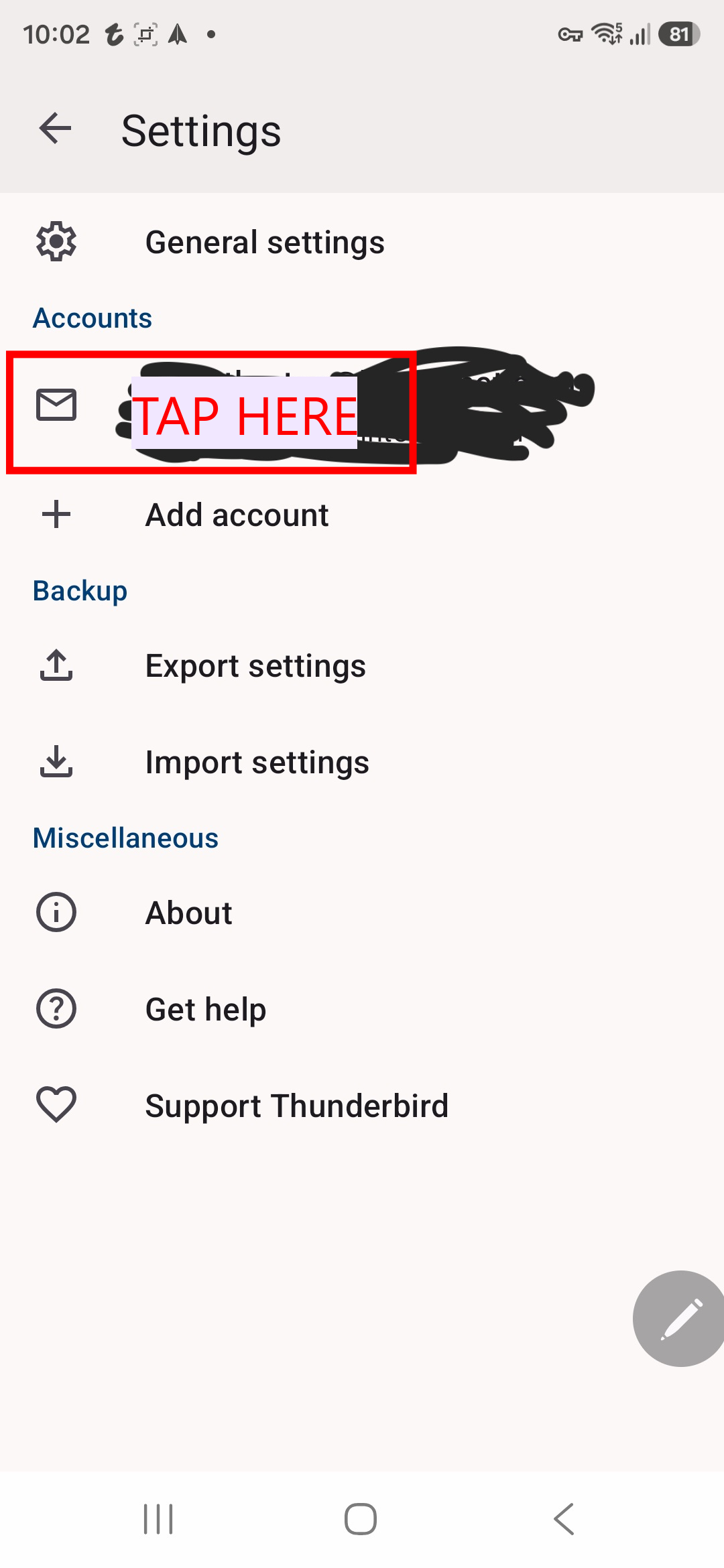
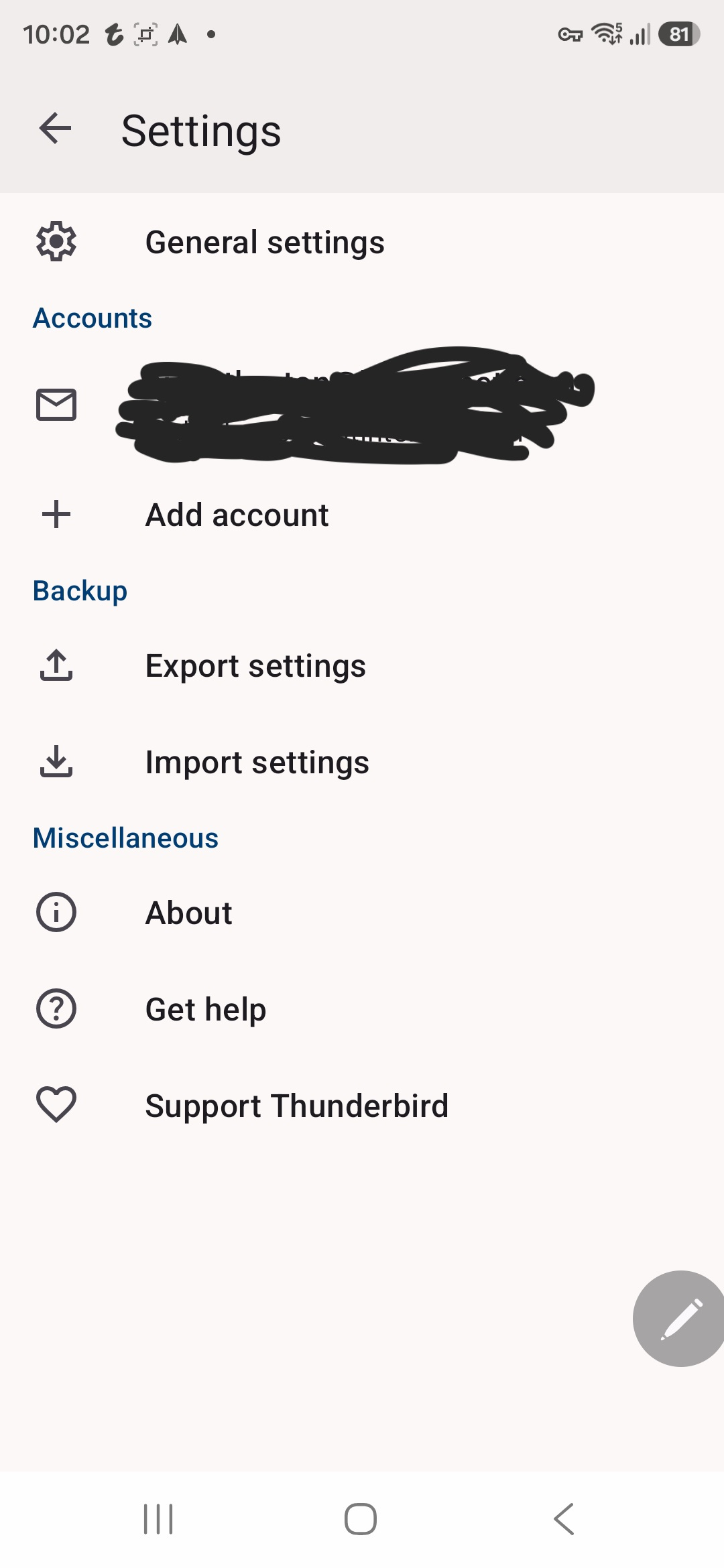
You need to tap the account name to see the account settings, NOT general settings. See screen shot.
Всички отговори (3)
Hi Nick
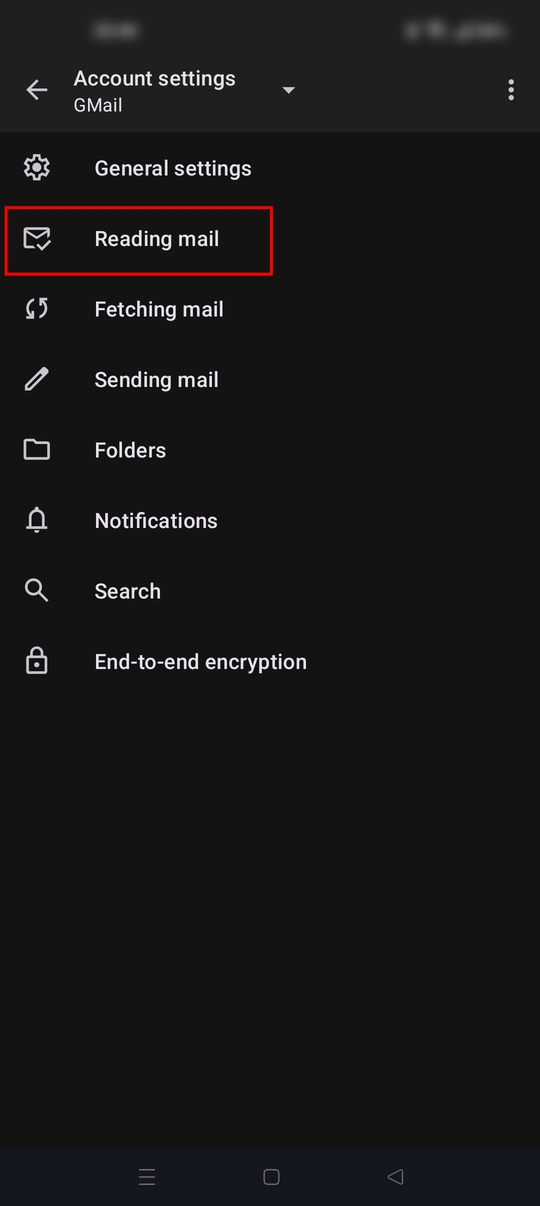
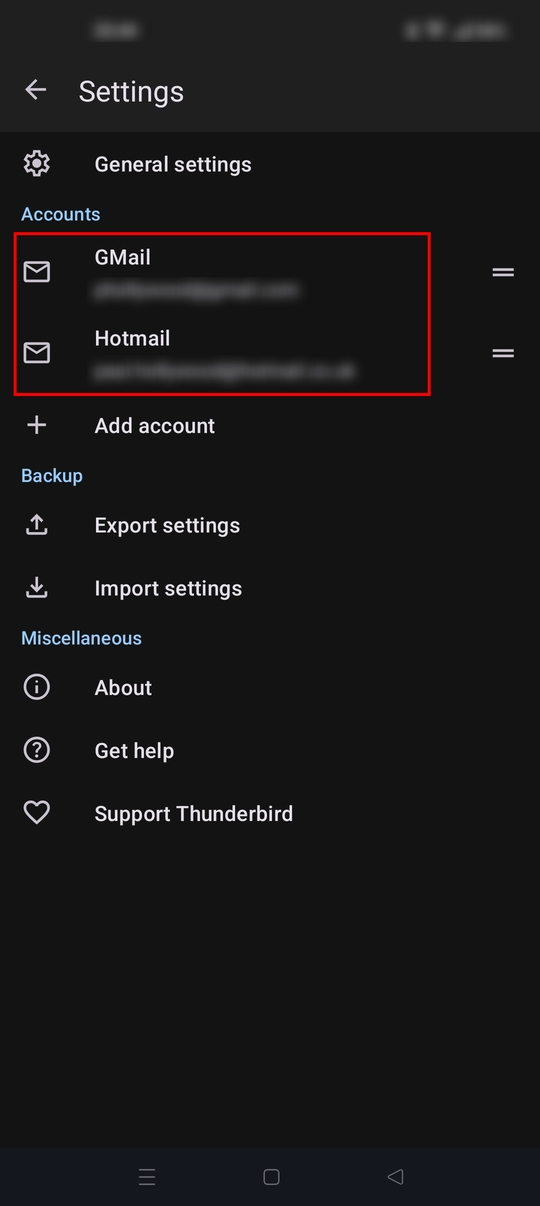
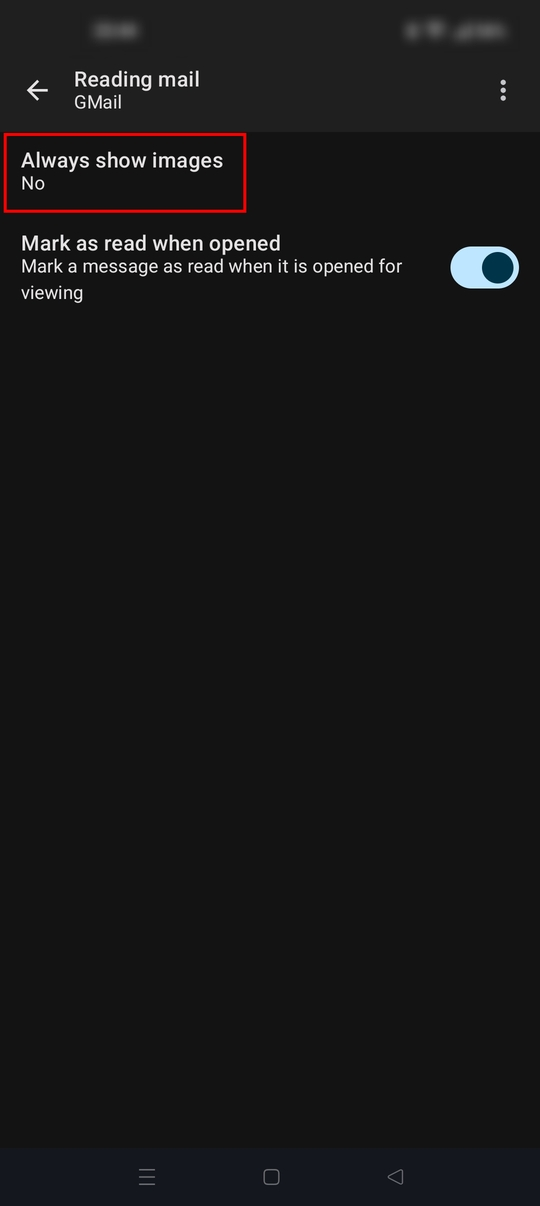
The reading mail page is the correct location to find the always show image option. Settings > account name > reading mail.
See the screen shots attached.
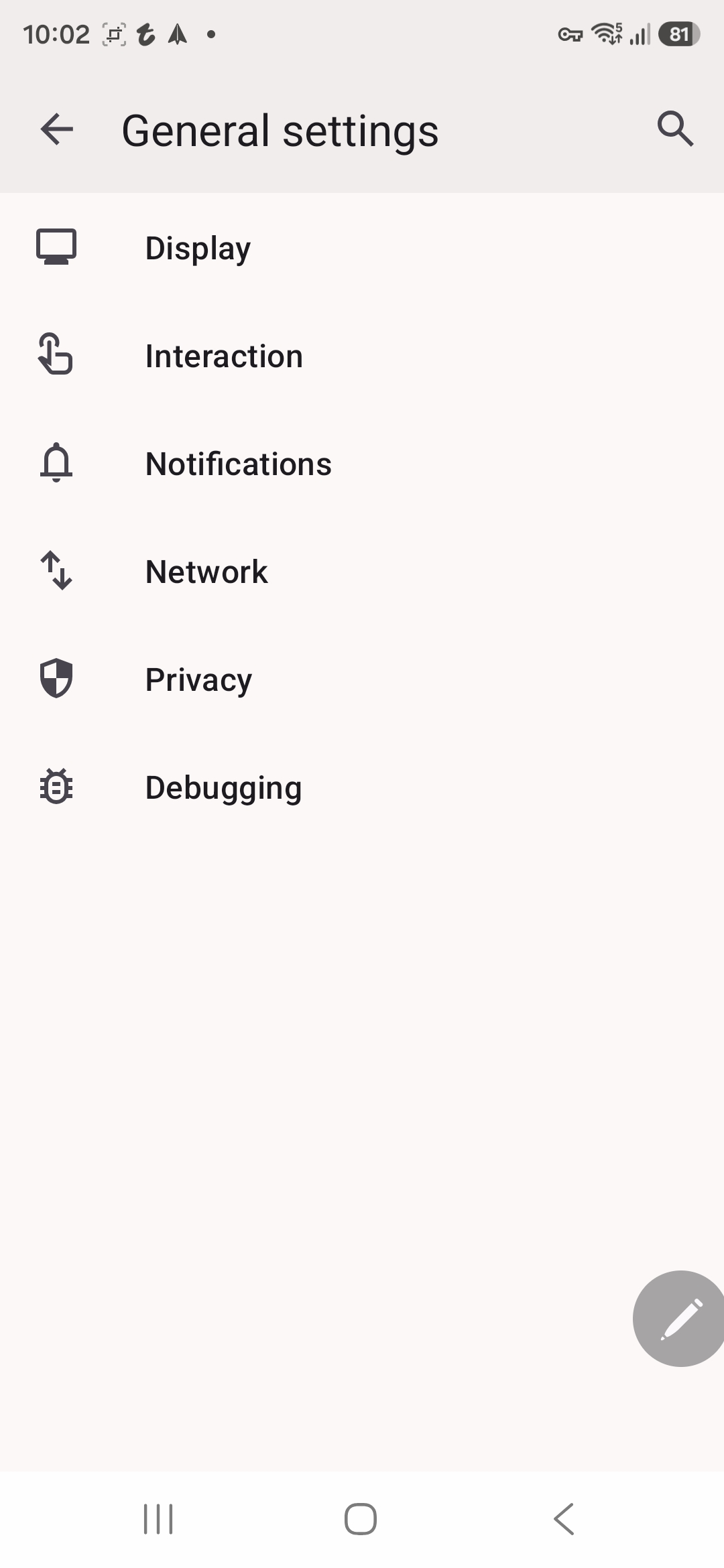
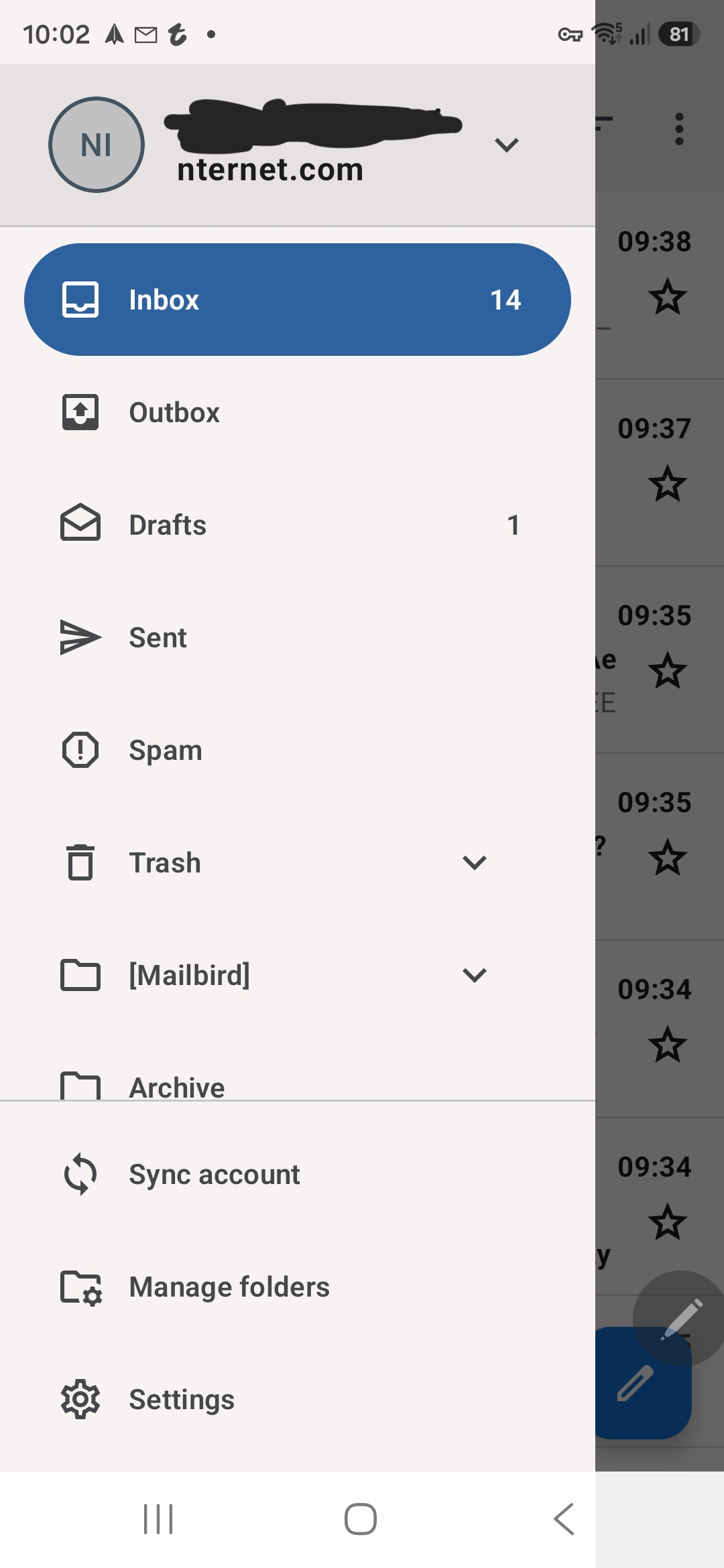
Hi I don't have the same options in my app. I go into the email account, select settings at the bottom then general settings in the next window but there's no option to show images. Photos attached
Избрано решение
You need to tap the account name to see the account settings, NOT general settings. See screen shot.