


VPN-button not in menu bar

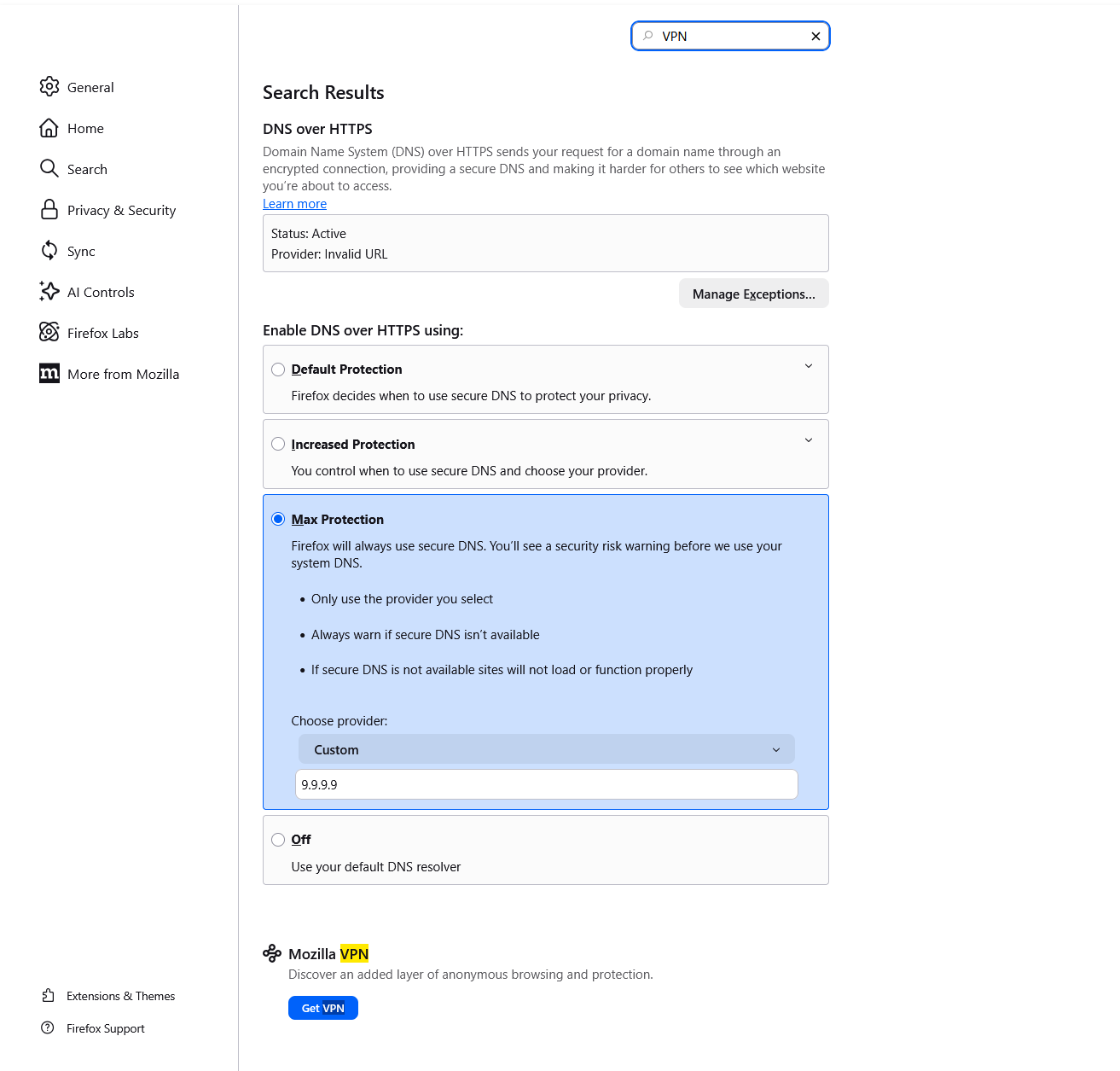
According to the release-notes, Firefox 150 should include a VPN service that can be activated by clicking on an icon in the menubar. However, on both of my machines running Firefox 150.0 (Windows 11 in a VM (Winboat) and Ubuntu), I can't see the icon nor in Settings there is any option named VPN.

Избрано решение
I had a similar issue
Try going to a new tab and type about:config then type browser.ipprotection.enabled into the preference name then toggle it using the arrows or double clicking. This worked for me, hope it helps
I got this from here
dandaman2613 said
I found this by searching with google. Using a new tab on your browser type in about:config a search bar comes up, type in browser.ipprotection.enabled if it says false then you should be able to push the button all the way on the right to set it to true.Прочетете този отговор в контекста 👍 1
Всички отговори (1)

Избрано решение
I had a similar issue
Try going to a new tab and type about:config then type browser.ipprotection.enabled into the preference name then toggle it using the arrows or double clicking. This worked for me, hope it helps
I got this from here
dandaman2613 said
I found this by searching with google. Using a new tab on your browser type in about:config a search bar comes up, type in browser.ipprotection.enabled if it says false then you should be able to push the button all the way on the right to set it to true.