


downloaded emails automatically deleted before reading them

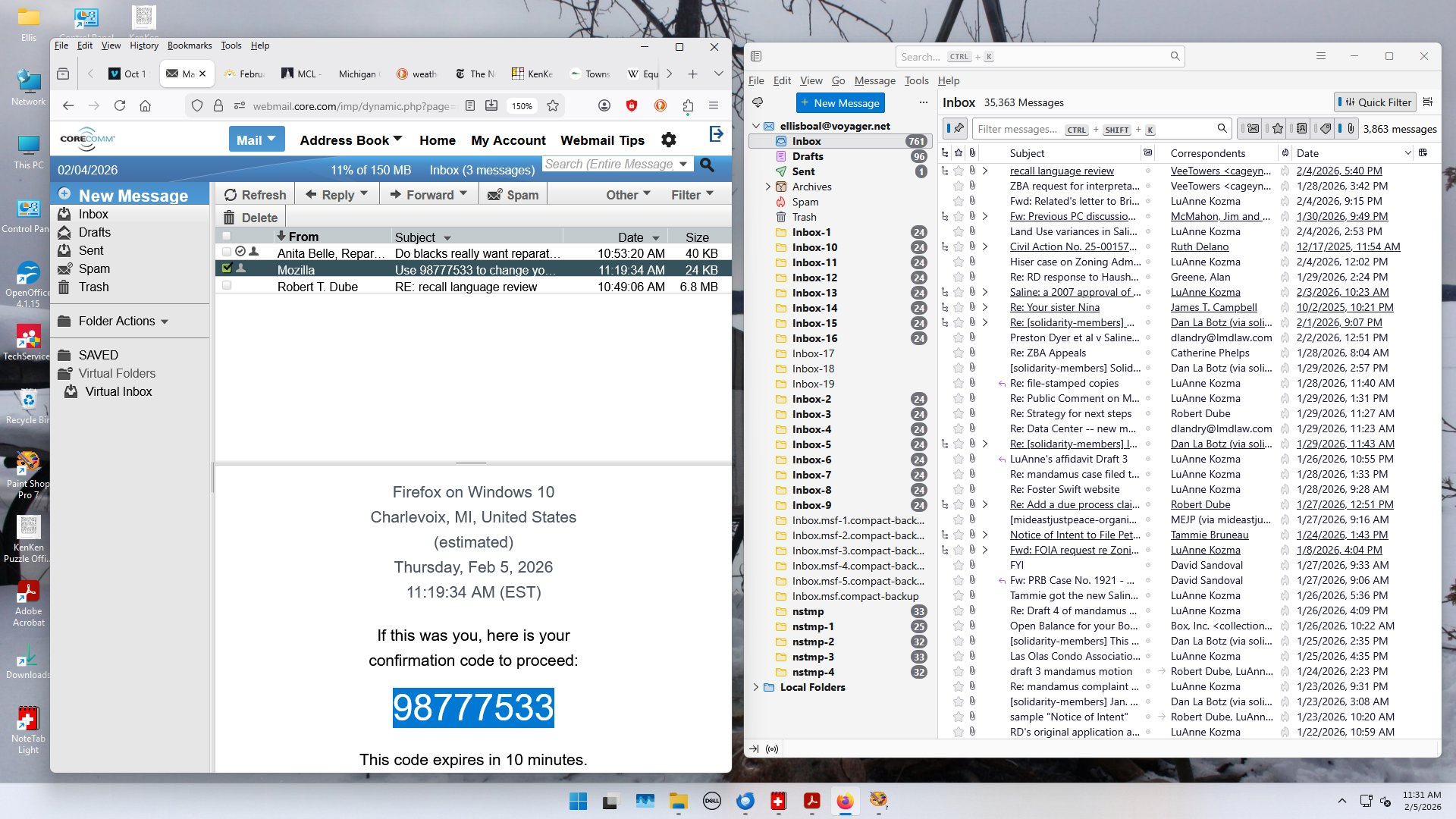
Suppose I see 10 incoming emails on my server (core.com). In thunderbird, when I click to download them, I see a message saying something like "downlaoding 10 emails". After that only 2 or 3 of them have been downloaded, the rest deleted. Help! This started happening a couple of weeks ago. I have tried downloading and re-installing Thunderbird, to no avail. Should I change my account settings?
Всички отговори (1)
No you need to disable whatever software is making Thunderbird non functional. Given the device is a Dell and they traditionally provide McAfee with their product preinstalled my guess is it will be that long term mail dysfunction causer that is the root of your issue All those folders you see in Thunderbird are caused by file contention and that is usually the antivirus locking up files when Thunderbird is trying to use them. You can start by deleting all of them. All this inbox folder all the nstmp folders and all of the compact backup folders.