New Laptop Sync Issues
- Old laptop can no longer access the internet; corrupt Windows 10. Bought a new HP laptop. Have Sync turned on on both laptops but am not getting any favorites, passwords that I desperately need. What are my options given the old laptop can't connect.
Избрано решение
If it's a no go for you, then mark this issue as resolved and have a nice day.
Прочетете този отговор в контекста 👍 0Всички отговори (8)
You are signed into the same Mozilla account on both computers? Are these options checked on both computers? see screenshot What's going on with the old laptop? If it cannot connect via wifi, how about plugging it in.
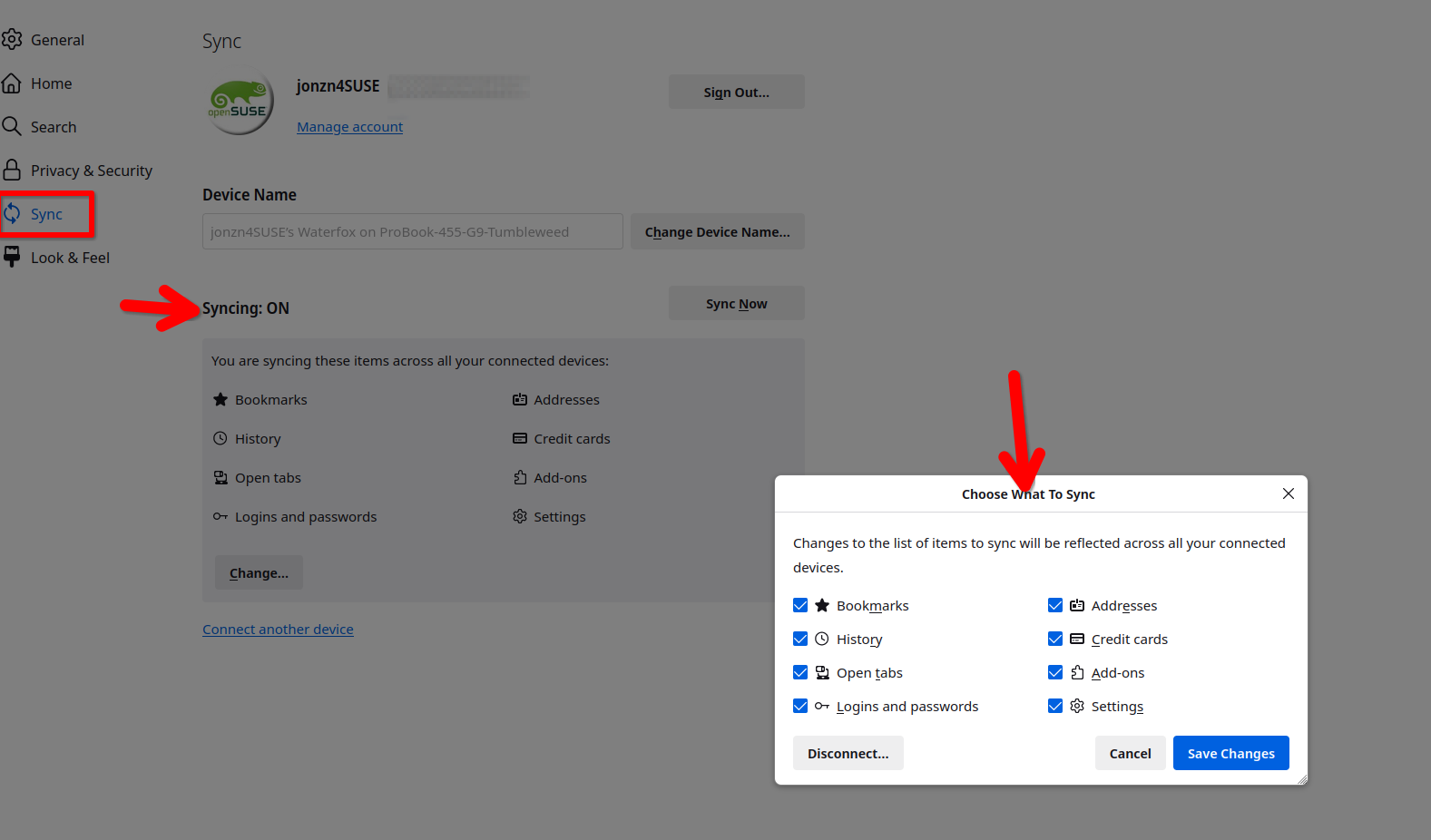
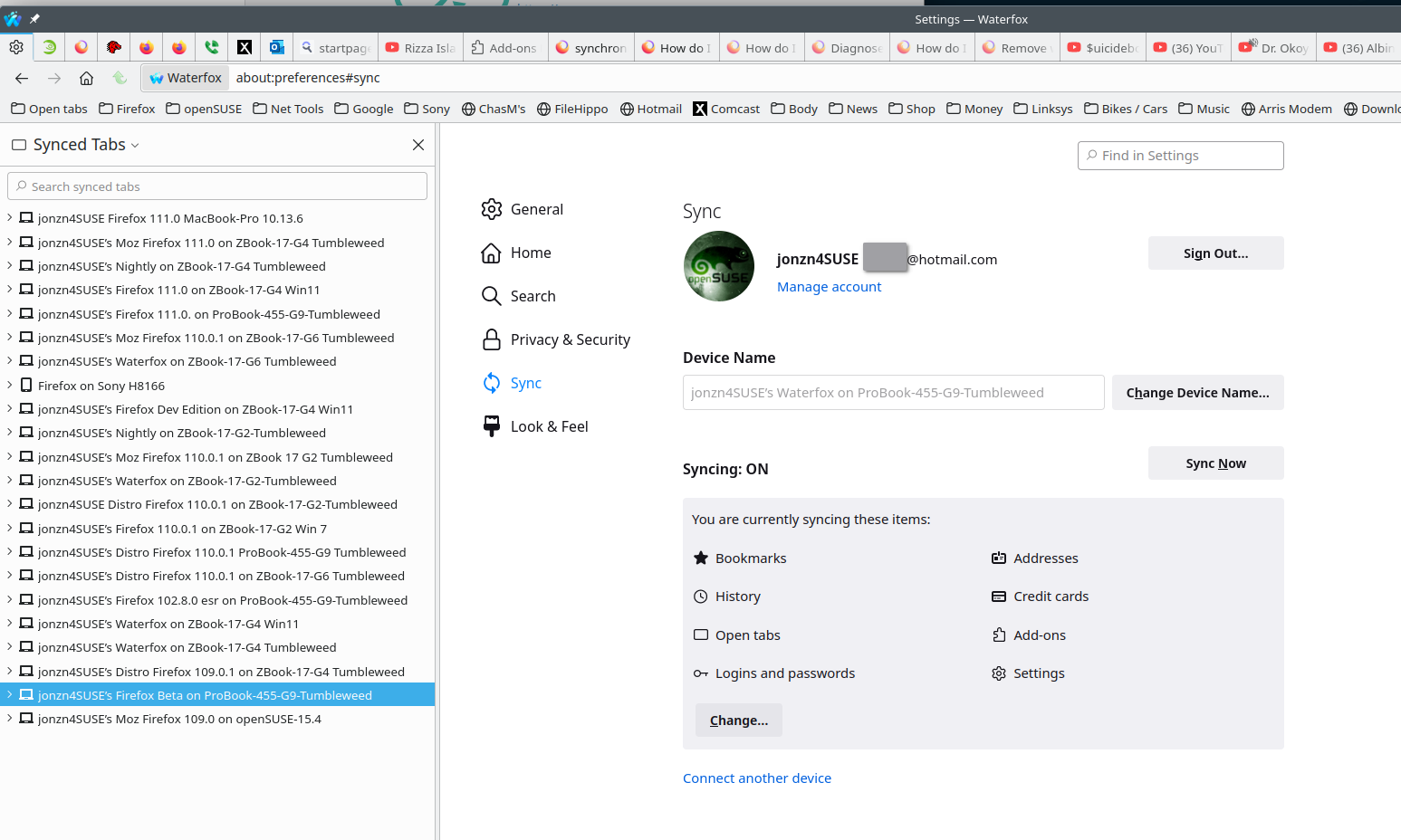
Only one mozilla profile - why would you ever need more than one? Same sync items on both. Nobody knows what happened to old HP laptop (4 years old) - won't connect via ethernet cable either. Tried full computer reset to reinstall win10 (was never able to get win11 to install) and the reset failed as well. And since I can't connect to any sites (dns server not responding) (connected to internet) my only option is to go to some store and have them reinstall windows. I gave up and bought a new laptop. And what a royal pain this is. It probably wouldn't be so bad except im a full-time caregiver to my mom who has end stage dementia. I'm living at her house and don't even have any flash drives with me. What a nightmare all the way around. Shame on me for not having all my passwords and hyperlinks saved externally.
I would recommend running to your nearest store and getting an external case for your old drive to access the profile from it. Take the drive with you to make sure you get the right case.
If the old drive and new drive are both m.2s, you can also try putting the old drive in the new computer and see if it boots. You can also try boot to the old drive if you have it in a external case without having to open up the new computer. Just ideas flowing... ;-))
Променено на от jonzn4SUSE
outside of my comfort zone, but thanks for the ideas. Unfortunately I can't leave the house unless I pay someone $70/hr to sit with mom. I'm just going through and resetting all my passwords and writing it all down. Lesson learned.
It's not as hard as you think. The easy thing to do is to get an external drive to access the old data. Just order from Amazon. Let me see the old drive by posting a pic of it. Also tell me the make and model of the old computer.
Променено на от jonzn4SUSE
Избрано решение
If it's a no go for you, then mark this issue as resolved and have a nice day.