


Emojis do not show on Firefox 146 on macOS

Emojis do not show on Firefox 146 on macOS. I downgraded to 145.0.2 and they do show, so it seems related to Firefox 146.
I have macOS 26.2 running in both test cases.
Emoji in question: 👨🏻💻

Избрано решение
It's being analyzed under bug 2005440. You can find same workarounds there.
Прочетете този отговор в контекста 👍 0Всички отговори (8)
The emoji isn't rendering in this case either (FF 146 on macOS) but does in Safari.
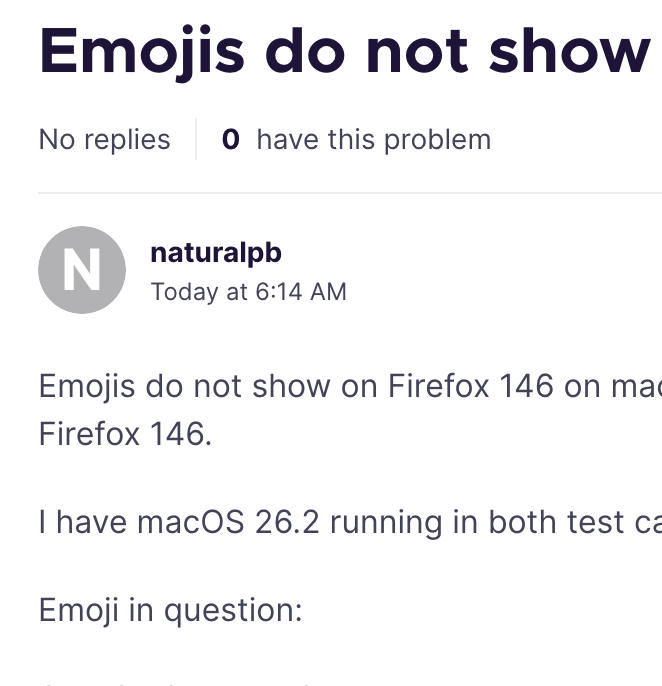
FF 146 on Windows 11 appears to render the emojis as expected, so the issue could be limited to macOS.
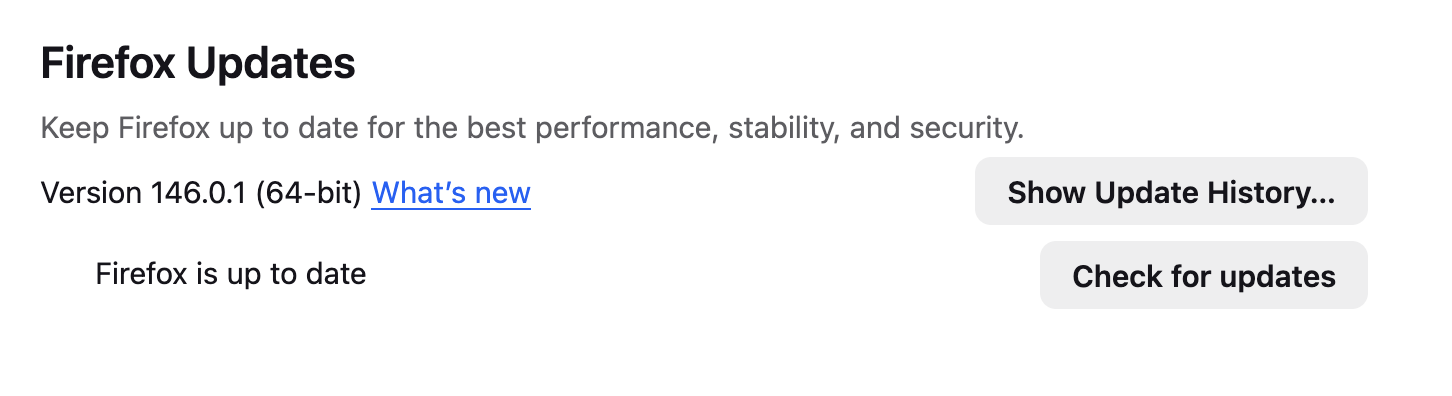
Issue is still present on FF 146.0.1 on macOS. A good site for testing is https://getemoji.com/ . It just shows a bunch of empty boxes.
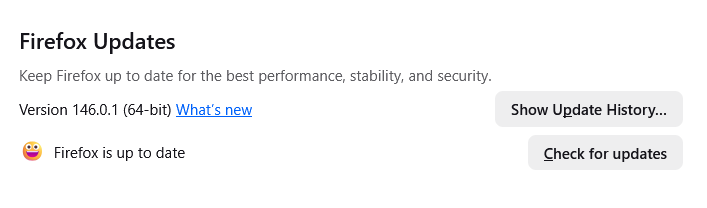
Even the Firefox settings pages (about:preferences) does not render the emoji after checking for updates. Included screenshots for FF 146.X on macOS (issue) and FF 146.X on Windows 11 (working)
Променено на от naturalpb
TyDraniu said
It's being analyzed under bug 2005440. You can find same workarounds there.
I do use Lockdown Mode, so this must be it. Glad to see that it's a known issue that will be fixed at some point soon. Thanks for linking!
It doesn't look like this issue is being prioritized. Here's the workaround I grabbed from the linked bug, since it's much better than fully disabling Lockdown Mode.
- Open about:config
- Search for security.sandbox.gpu.level
- Set the value to 0
- Restart Firefox
This appears to be fixed in Firefox 150, released 4/21. Thanks team!