


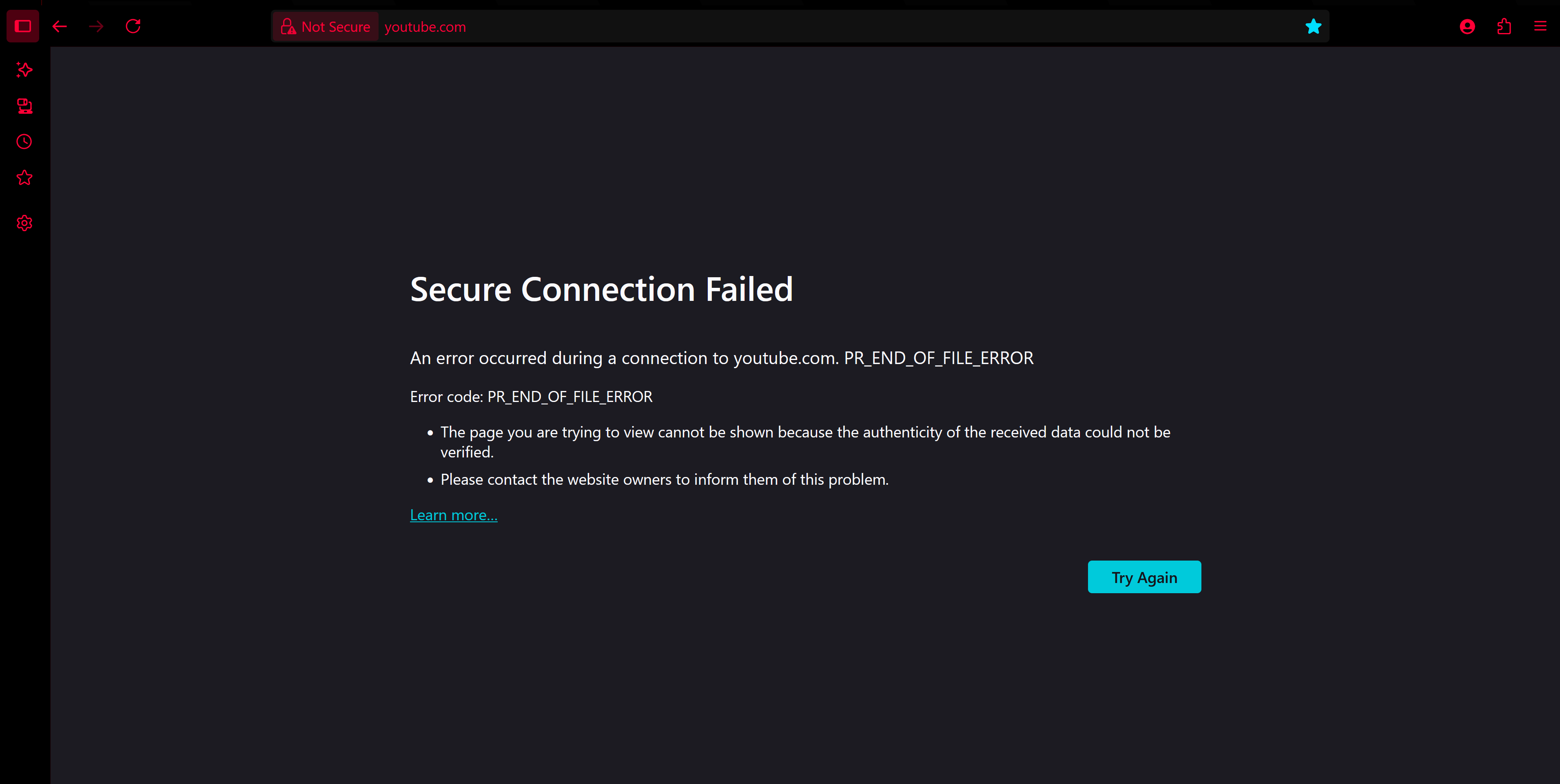
I cannot go into any sites at all.
I literally cannot access any website at all. It was working just fine and dandy and suddenly, boom. It just stops working. I dunno if this is something that has been a problem for anyone else, but I do not want to switch back to chrome as it eats up my memory like a starving cow.
Any help would be wonderful.
I literally cannot access any website at all. It was working just fine and dandy and suddenly, boom. It just stops working. I dunno if this is something that has been a problem for anyone else, but I do not want to switch back to chrome as it eats up my memory like a starving cow.
Any help would be wonderful.
Всички отговори (1)

Try these one at a time, testing after each:
Disable VPN if you're using one
Change proxy settings: FF menu > Settings > search for proxy > click Settings button > try the other settings
Change DNS settings: FF menu > Settings > search for dns > try the other 'Enable DNS over HTTPS using' settings including another provider
Just above that at 'DNS over HTTPS', disable it